that was the (rough and dirty) test example. you’ll need to download the latest version of SameBoy if you want to hear the release implementation.
5 Likes
https://www.libretro.com/index.php/introducing-the-retroarch-open-hardware-project/

looks like libretro is getting into open-source rom dumping hardware. cool
4 Likes
this seems like the logical point of progression from putting in support for running games off of actual CDs (a thing that’s very good and cool were it not for the case industry by and large dumping the idea that people want optical drives)
here’s hoping they move towards a modular or multi-slot design, at least for smaller sized carts
2 Likes
4 Likes
:0 ???
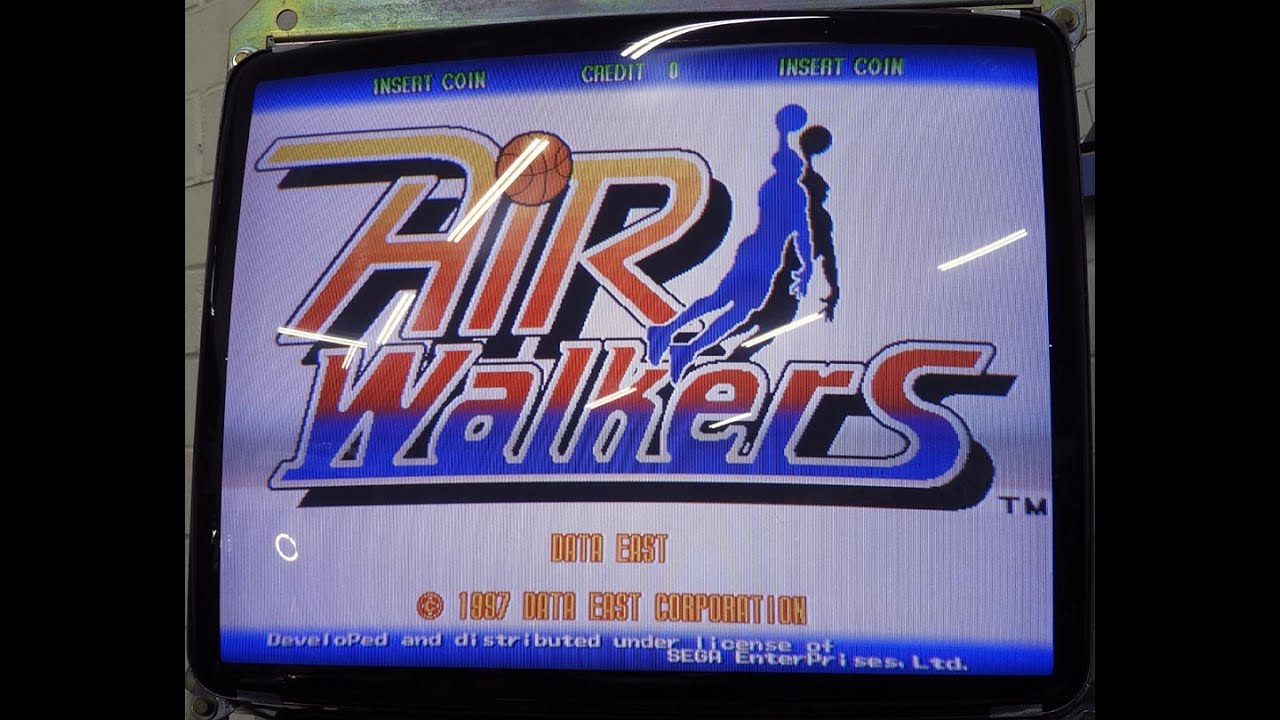
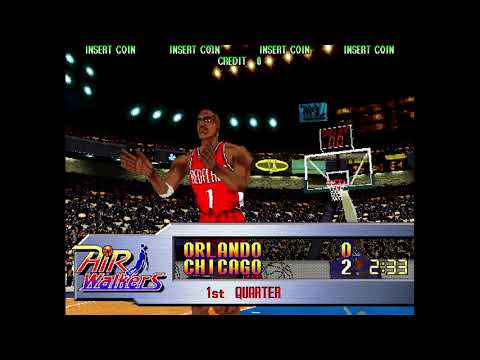
I missed it, but apparently Data East made a basketball game for the Model 2 that may or may not have seen commercial release in ‘97. Air Walkers remained un-dumped up until early 2020 when Guru got a hold of it and it has been in MAME since-ish.
9 Likes
I would cheer for the San Antonio Skeletons
3 Likes
Dead Pop


what kind of settings do I want to change in crt royale to make it more pc monitor like? the black lines are too harsh, the small text isn’t very readable in gk2. I tried turning off interlacing all together but maybe that’s too smooth looking? damn it I can’t remember what games looked like on crt monitors anymore.
1 Like


Never been able to wrap my head around the dithering in PS1 games even after reading this. I’m guessing those codes achieve the same results as setting the colour depth to 32-bit in an emulator would have only this works on native hardware as well?
i’m definitely not going to be able to explain it better than chris covell, but…
- psx treats everything as a texture, it’s meant for polygonal graphics
- some software flags in some cases are (perhaps carelessly) set to dither 2D sprites and other assets that oughtn’t be dithered
- here are some ways to counteract that, with caveats that doing this in a 3D game might undo the intent of this technique in the first place
i don’t know what 32-bit color does in emulators so i can’t help with that one
1 Like
I remember people saying this back in like 2003 and it’s still not quite true – the PS1’s graphics hardware is mostly just a framebuffer and a glorified FPU, it’s more that a lot of the default instructions that you’d get with the devkits assume that you want colour depth transformed in a way that is pleasing and distinctive but maybe unintentional for any 2D assets
1 Like
damn it felix read the chris covell article
1 Like
time is a flat circle
2 Likes
turning on vsync made the shader with interlacing look better except then the screen flickers too much. turning on gsync made it flicker slightly less. (I think I turned these things off to begin with because of static-y sound problems in other emulators) also all this interlacing shit only seems to work on 640x480 games. 320x200 games have the black lines no matter what, the interlacing options don’t change anything. unless I change the dosbox config scaler for that game to normal2x. but then the game won’t scale up completely, which doesn’t sense to me why a doubled 320x200 game with aspect ratio correction won’t fit my resolution if a 640x480 one will. boy I sure wish I wasn’t a big dumbass and knew what the hell I was doing
2 Likes


1 Like
2 Likes