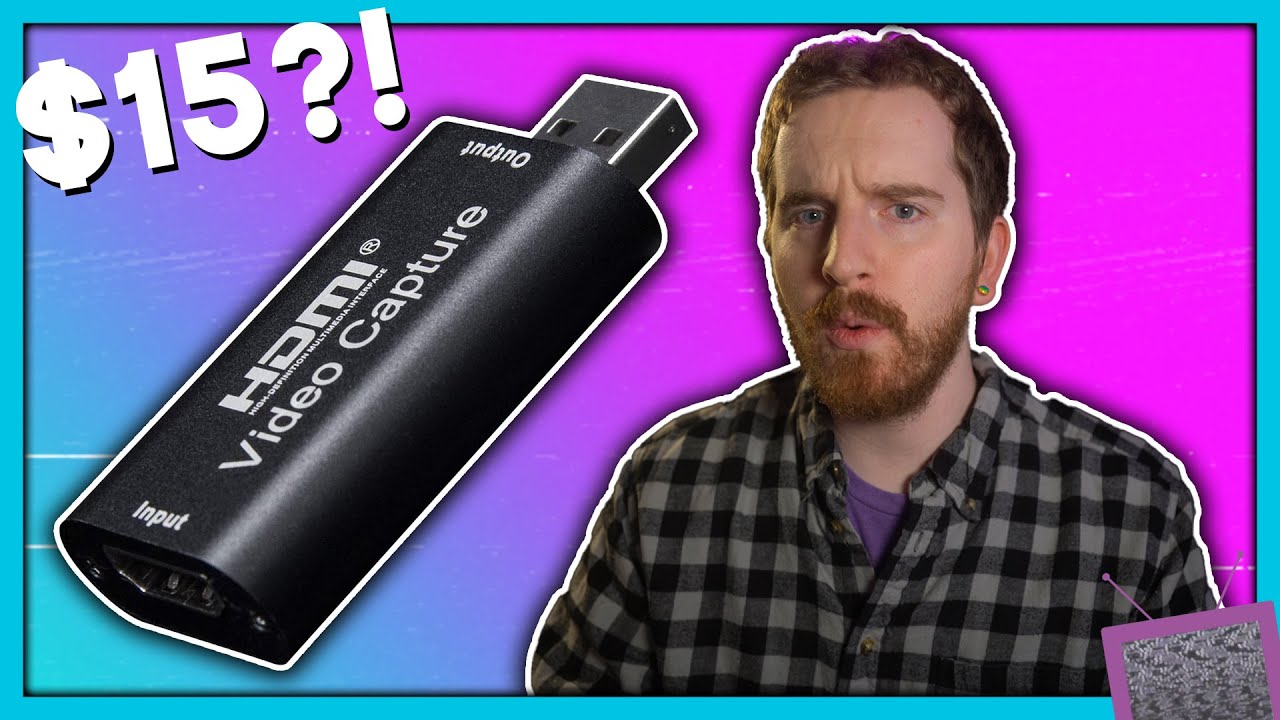
sane option: 100-130 bucks for an Elgato or AverMedia 1080p60 card or USB3 dongle
"girl, what is you doin’ " option: those Camlink clones floating around on ebay and Amazon for 15-50 bucks that support 1080p60 input and capture 720p60 (iirc, might only be 30)
as always my advice is just “see if you can get one of the last gen products from the good brands aftermarket” which basically means check eBay or craigslist for a 1080p elgato (or blackmagic or camlink)
oh yeah also get something that will ignore hdcp if at all possible
OBS is seriously great as far as driver support and hardware accelerated muxing though, I hadn’t touched it until this year bc it never occurred to me to stream myself and it’s just a great app. fun to use and powerful in the right ways
it’s kind of a bad idea to get a legit Camlink right now because everyone is still trying to get the real deal Camlinks because we’re all working from home in our boring hellscape
which is why now there’s a poppin’ marketplace of questionable clones
ps4 can stream to twitch natively, and pc doesn’t need a capture card, so you could be streaming already without this. i can also give you a caveat that i haven’t used this capture card myself, but eposvox is pretty much the authority on this stuff and his review is highly positive
this doesn’t go into the whole splitting thing, which you can accomplish with a cheap hdmi splitter, though you may already have a receiver or something that can do this, depending.
hdcp should not be a problem unless you specifically want to stream ps3 (and maybe pstv?) - you can’t turn it off on ps3 so you need to strip it and only specific devices will do this. on ps4, you can turn it off in the settings if i’m not mistaken.
yeah I already have an hdmi switcher box. this is honestly ideal bc I just want to stream switch/PS4 games occasionally to facilitate hanging out online with one person while we chat on the phone or whatever. thanks!
to clarify, yes, you have to specifically turn off HDCP in the system settings of the PS4. withe Switch and Xbone, they don’t actually activate HDCP unless the app running tells the system to
also I’ve found that some streaming apps on the Xbone don’t turn on HDCP at all, which is weird but also I can just hook my Xbone up to my capture card and stream Supermarket Sweep off of Netflix to Twitch if I wanted to, so that’s cool
The other reasonable option seems to be get a MacBook Pro and boot to windows. Because Laptops seem to average $1500 here oh god!
Brands i can find here: Vaio, Lenovo, ASUS, Fujitsu, HP
Lady Rude wants this for writing documents and spreadsheets, ripping CDs and sitting on a shelf for 340 days of the year. She wants to use Windows. It is replacing an 11 year old Vaio.
Japanese laptop scene is wild. I remember seeing some nice-condition refurbished/used at Sofmaps when I was there? I nearly bought one for like 30,000 yen when I was there in 15.
Do laptops even come with optical drives as an option anymore? Or is it all external usb ones now?
Coincidentally I finally retired an ide cdrw that I had floated from spare machine to spare machine since 2001. It’s probably been a decade since it had a disk in it.
My internal DVD apparently drive died a few years back* and I’ve been using a small Dell laptop that doesn’t have an optical drive, so I just bought an external DVD/RW
When I was building my new machine, I tried to talk myself into buying a DVD/RW internal drive, but honestly as infrequently as I use my external, it just didn’t make sense to spend even $20 on one. Maybe I’ll get myself a Bluray drive one of these days. Might go external on that too tho.
*I also discovered when I was building my new machine that I think the data cable just somehow got disconnected in my old desktop. Whoops.