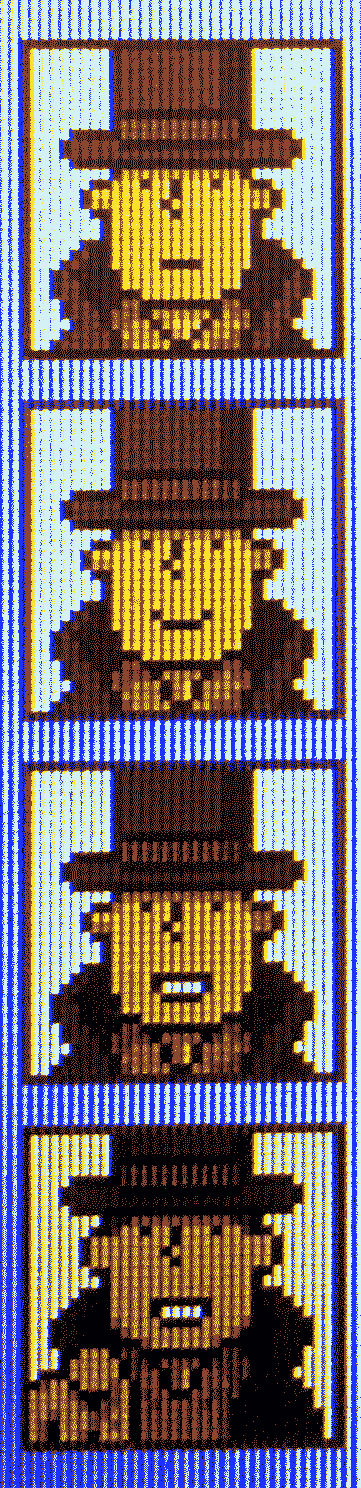
hack fanart
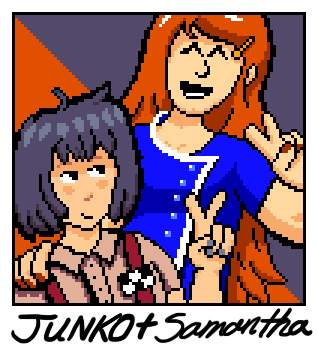
hack fanart
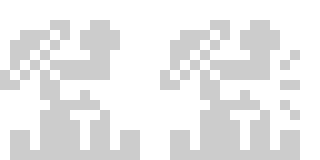
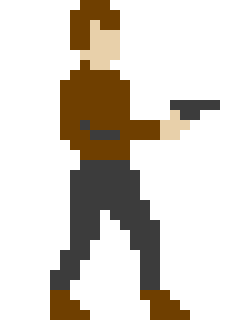
i wanted to do something bigger than 16x16 for once, and i thought i would also rip off rolling thunder because not enough people rip off rolling thunder.
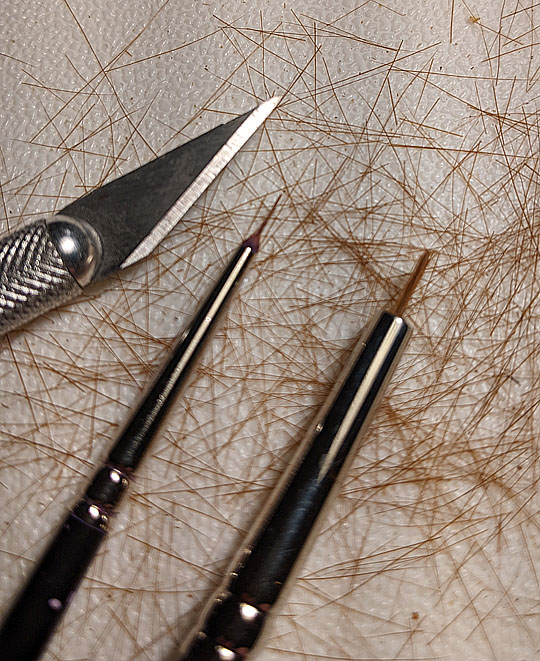
First try at cutting down an old Raphael 8408 size 4 (on right) to approximate my super-worn-down 8408 size 0 (on left), which just lost what was probably one bristle too many, painting wet-on-wet in that white ink goo of the repainted face above. But I really got to like making jerky hard lines with the tough precise little nubs of hairs it had left. So hopefully I’ll be able to recycle the piles of old brushes I have laying around into fresh new nubs.
aww i miss having an exacto. such a satisfying slice
I don’t use mine much, cut right through those sable hairs though!
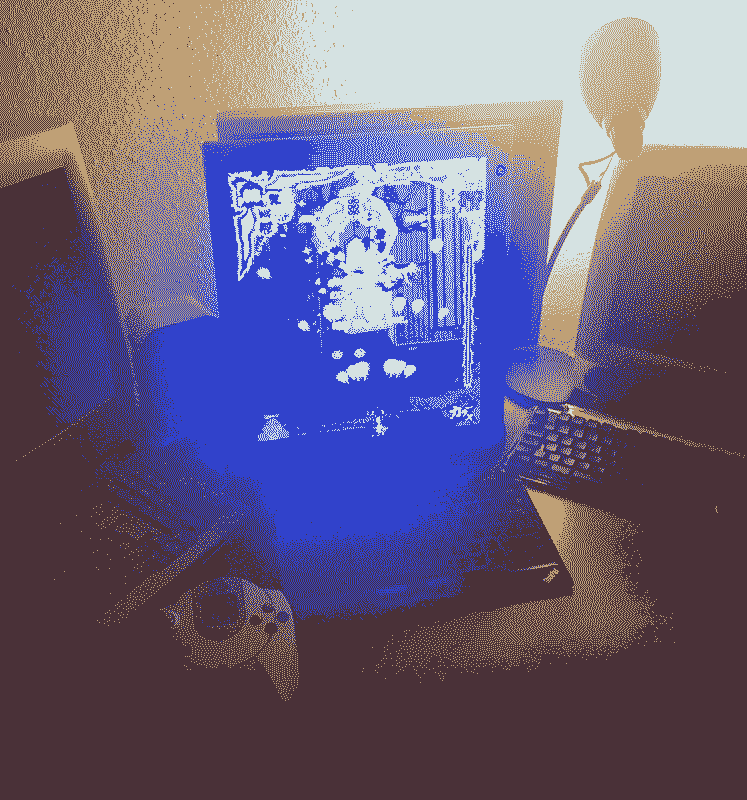
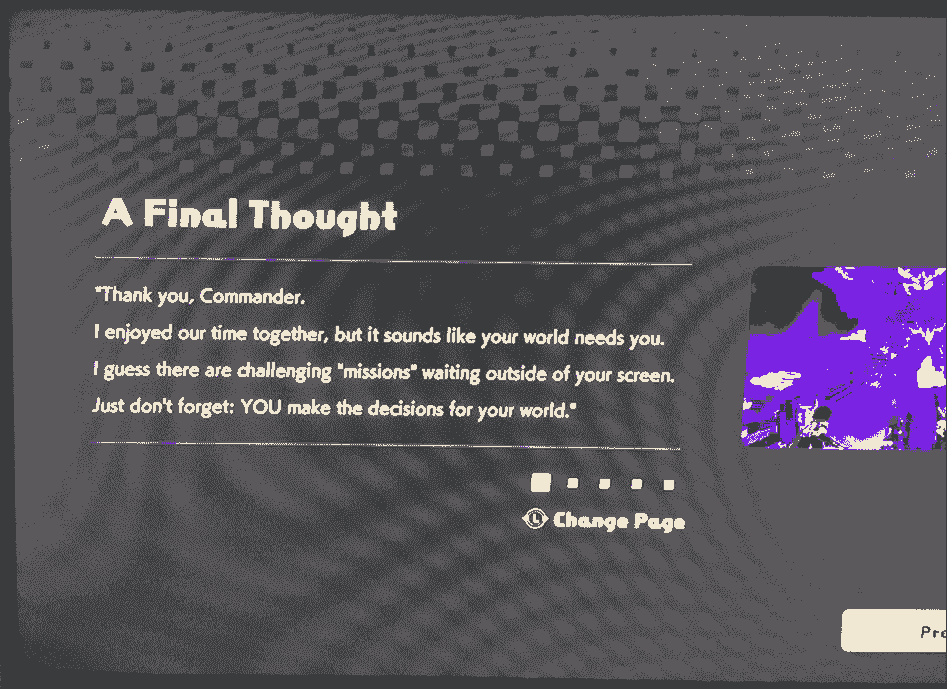
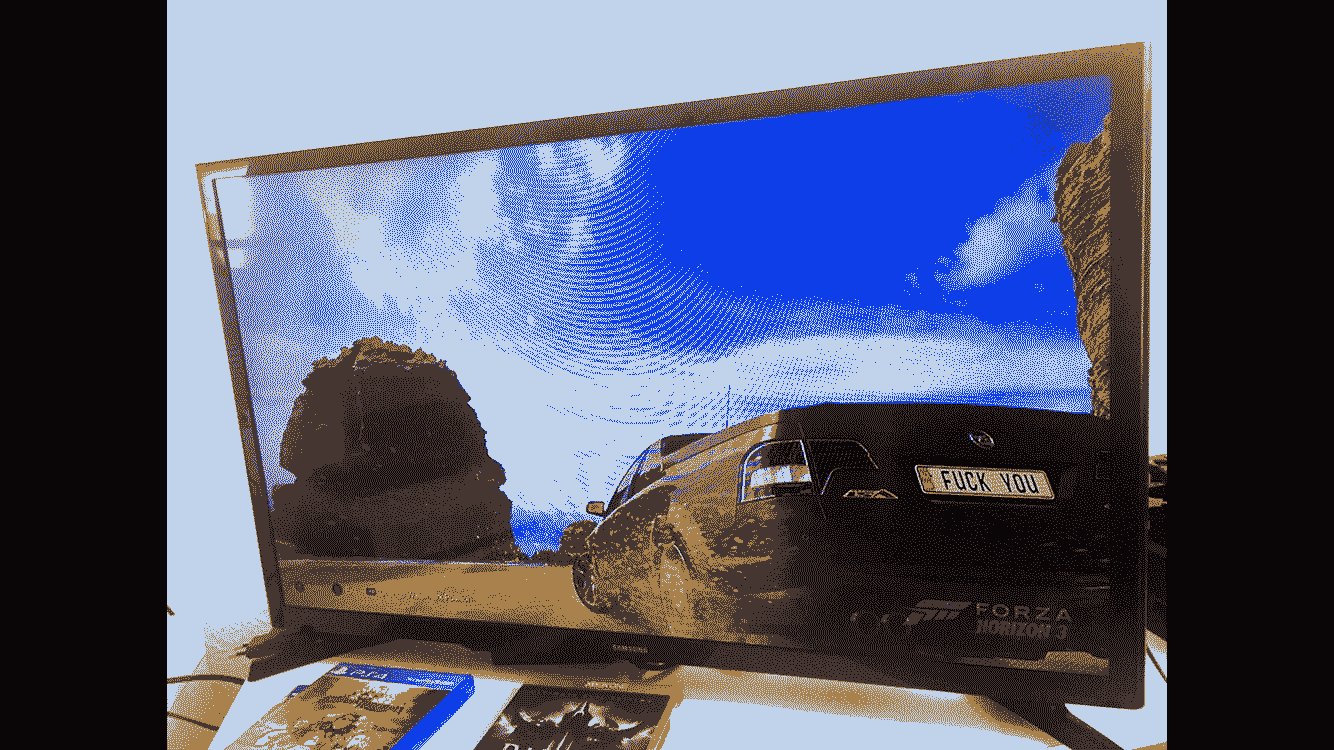
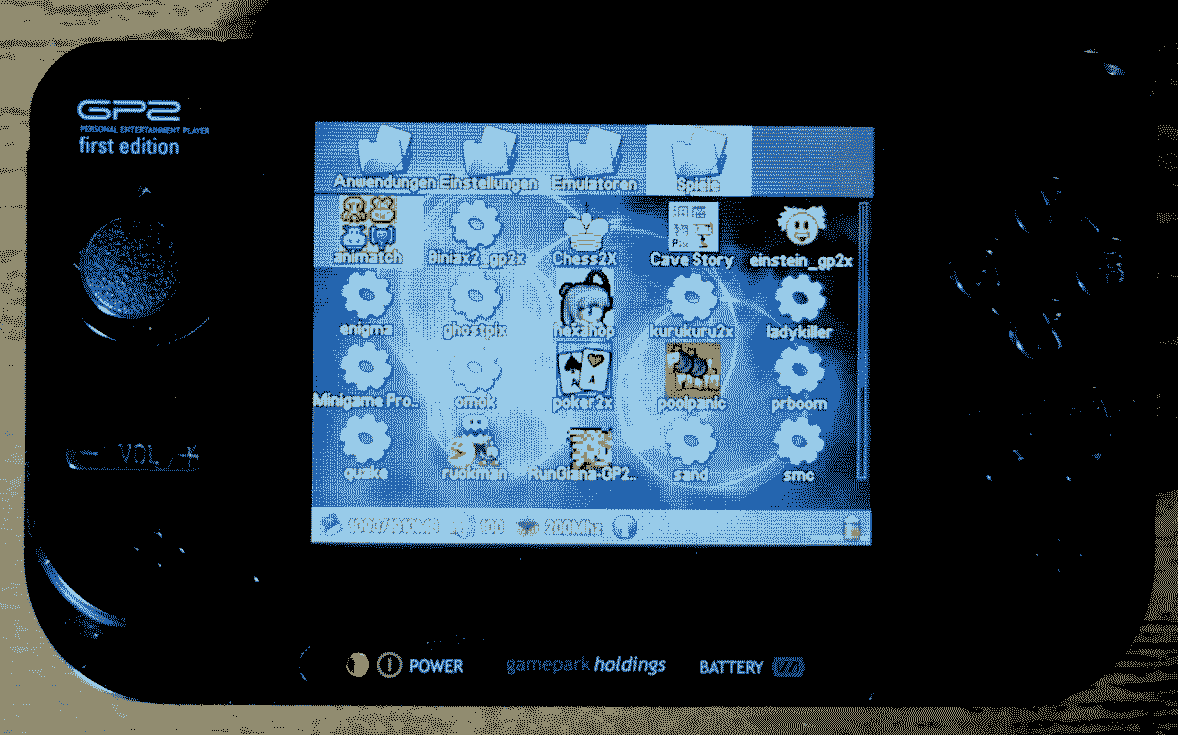
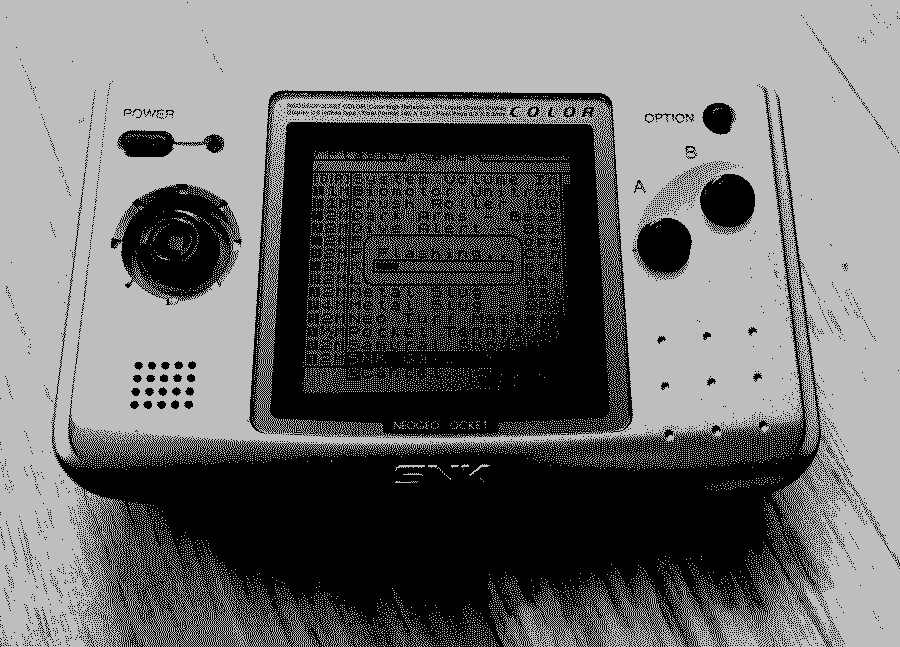
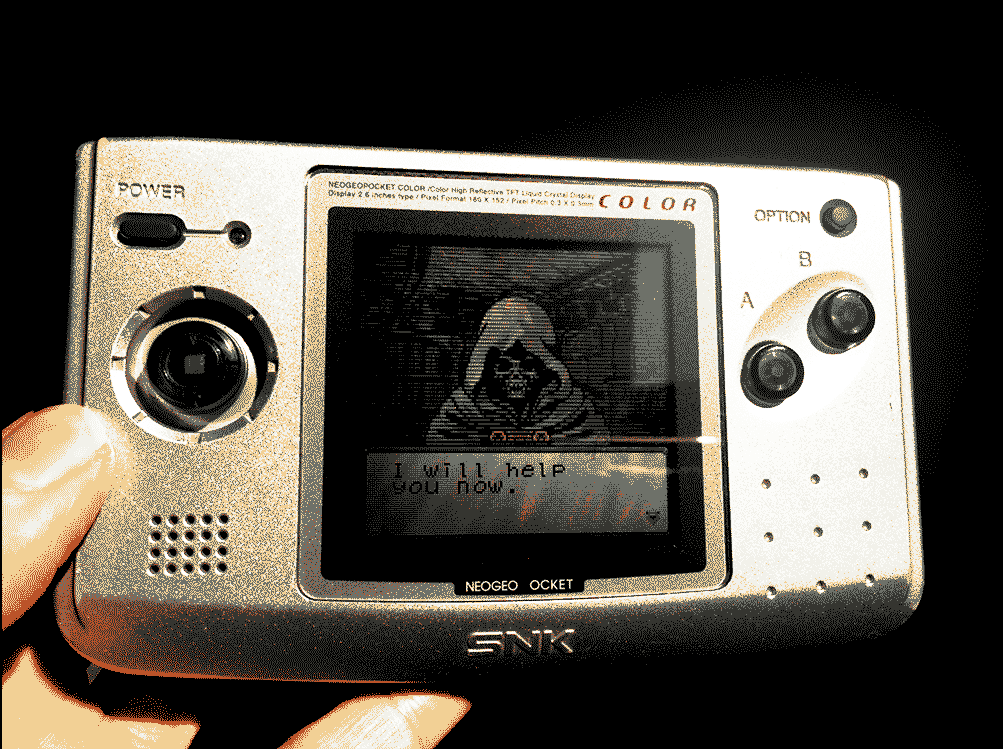
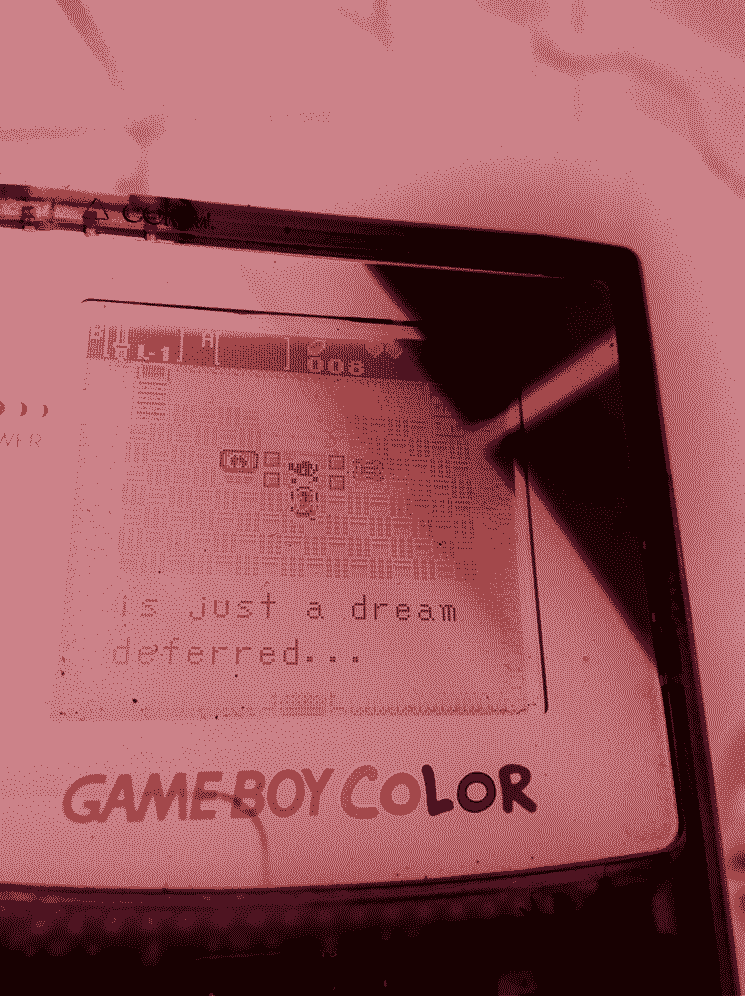
just some mostly game related photos i tried to make look cooler by reducing color depth
(have i posted these before? i can’t remember…)
(many of these look better if you click on them)
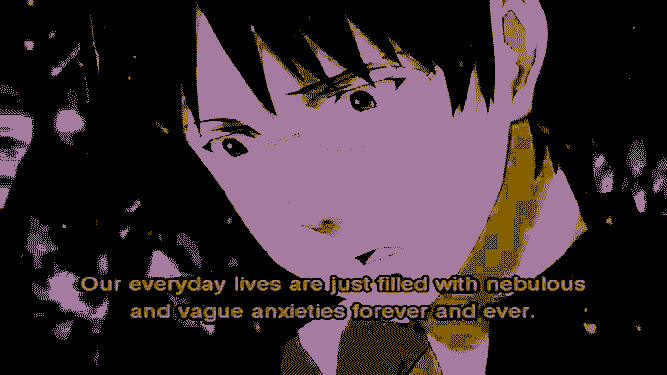
sometimes i wonder if a bug’s life
yeah!!!
what is your process? ive wanted to do stuff like this
nothing special, i just use the options in irfanview
edit: just realized they look a lot better on my monitor than on my phone … maybe i should’ve reduced more hmm…
aseprite also allows you to crunch down to an indexed color palette using algorithmic dithering under more options in the color mode settings
Back on my shit again
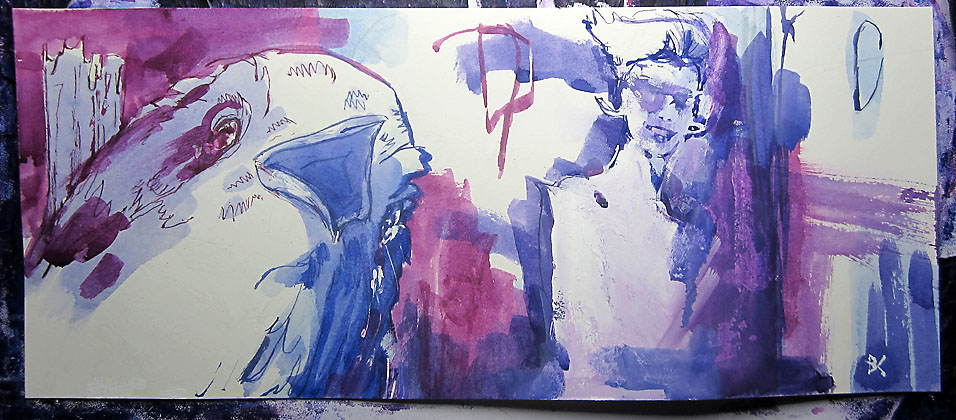
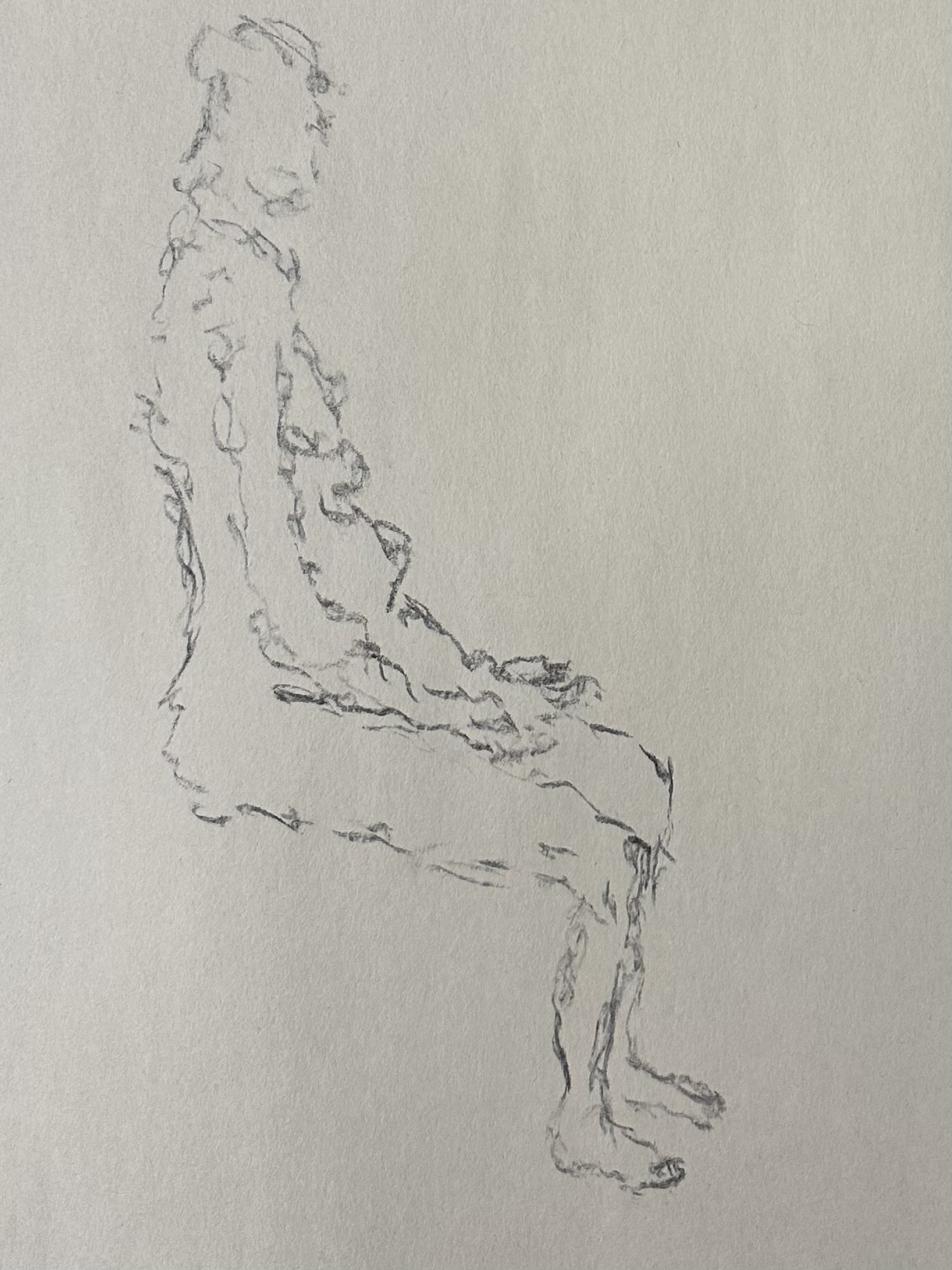
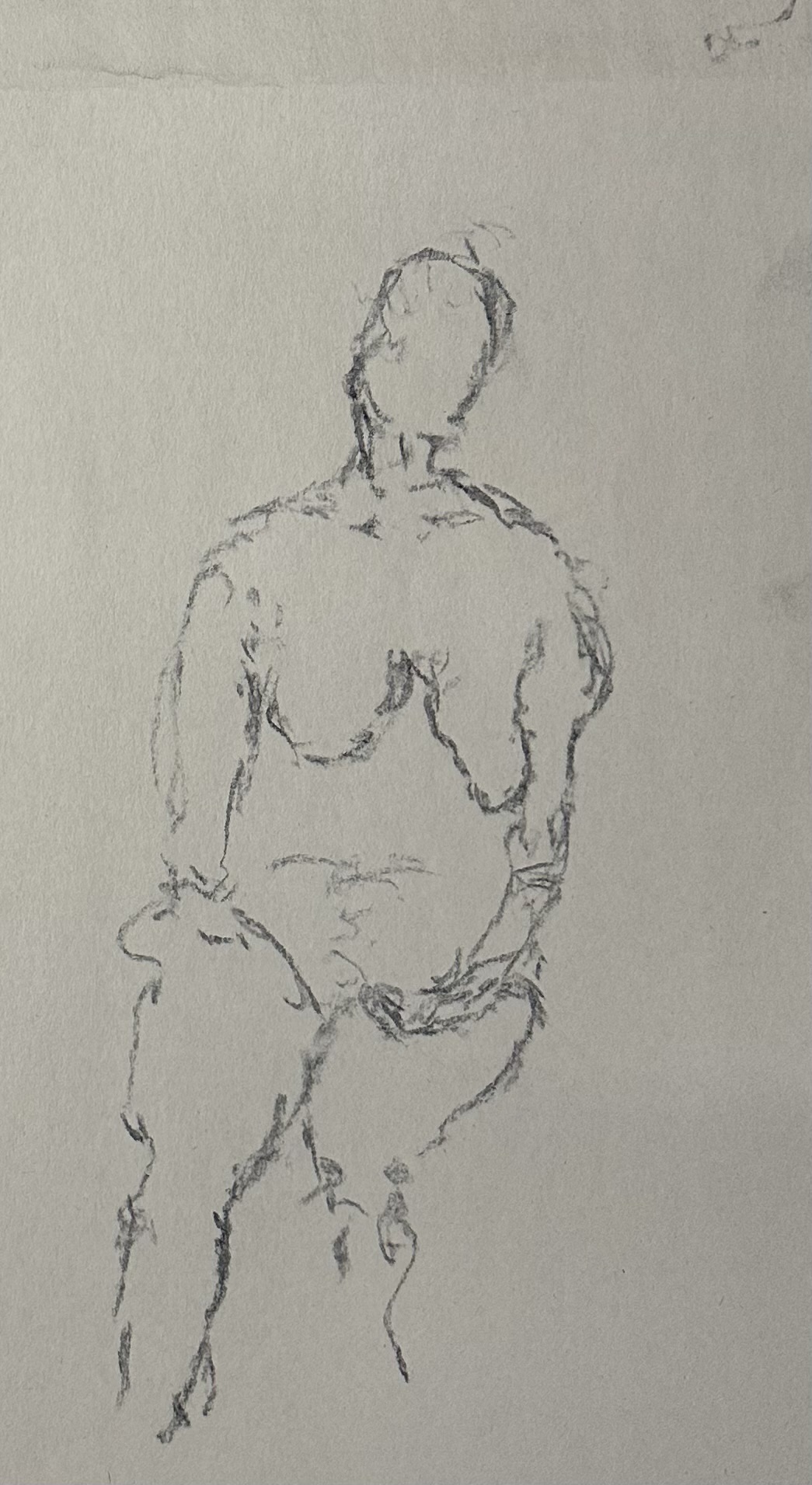
Sometimes I look at these the next day and am just astonished at how beautiful they are. I’ve been thinking about how it seems that at the end of the night I go home in this fugue state where I’ve only experienced these drawings and then it’s not until the next day that I actually see what they look like. Unifying my marks and my experience of making them from observation feels sort of like watching a photo develop, but from the inside. It’s real satisfying!!
Color reduction is super rad. ^ _^
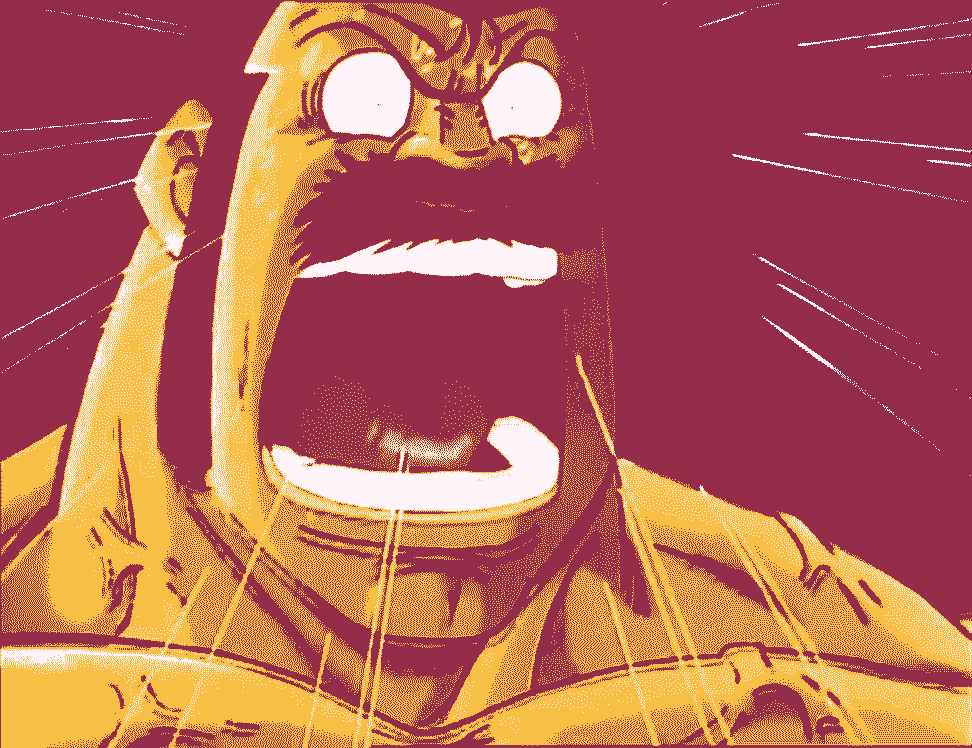
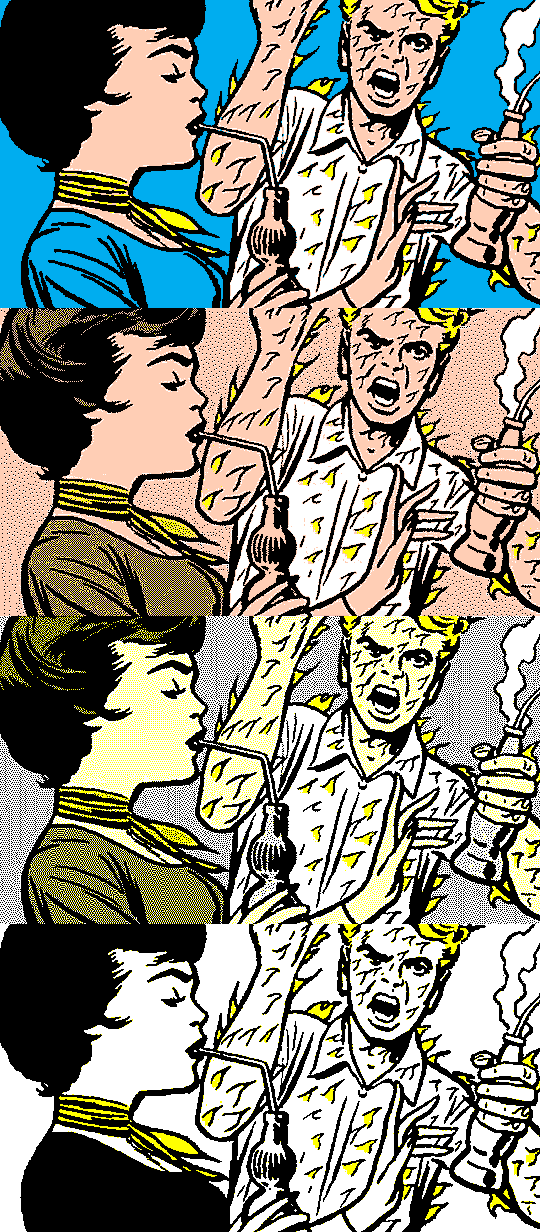
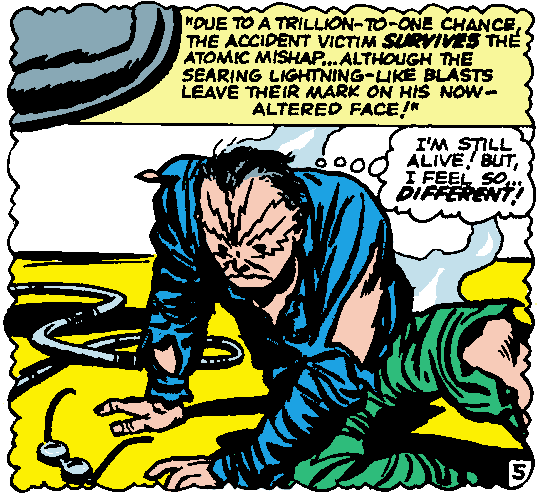
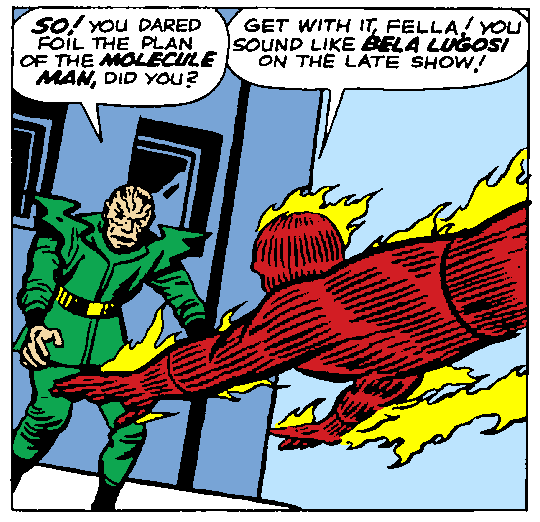
I’ve been spending way too much time on it lately, mostly because I’ve been trying to post wacky old Marvel comic panels but I screenshot them from the Marvel Unlimited app years ago and I don’t know if it’s any better now but at least at the time the image resolution they were giving you must have been pretty bad because the 1600p screenshots I got off my old tablet came out rather blurry. Applying enough Sharpen filter on single smaller panels gets real gross looking, so the best solution I’ve found is moderate Sharpening, then pixelizing them via color reduction:
This also gets back to my pre-bubble-burst web design days of trying to optimize for download size. ^ _^
Lately I’ve got way too hardcore and am going full pixel cleanup by using Threshold to get pure aliased black lines, and filling/painting a pure sample of each original color back into it:
Currently using my more modern version of Photoshop, CS2 (; D), as its Indexed Color conversion is better–and lets you preview results on the fly–than my trusty workhorse pre-CS PS4’s converter. I have way too much fun with this. = D
Oh jeepers, this forum has better PNG optimization than any of the optimizers I googled up. = o Neat! EDIT: Oh wait I found one that slightly edges it: PNG image compressor for the smallest file size at best quality
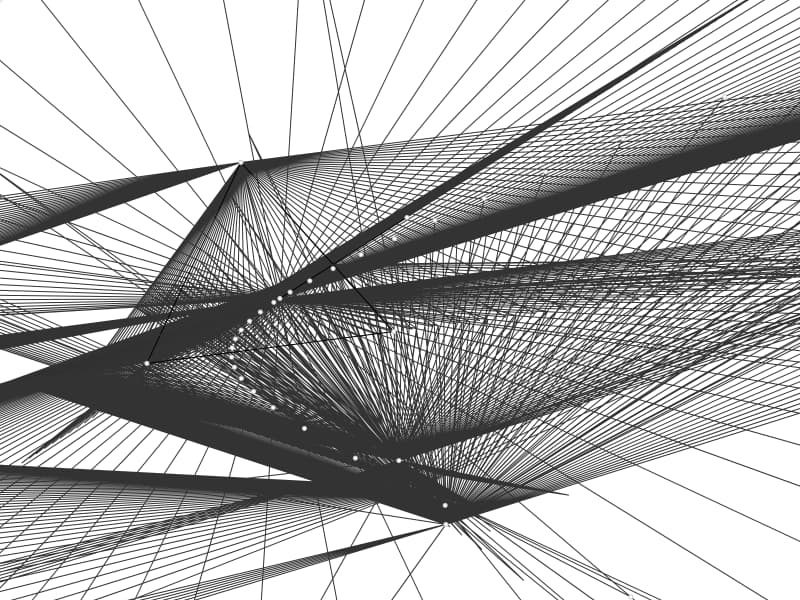
between playing msx games and taito arcade games from 1979, i’ve been in a mood to do my own take on 1-bit, 2-color stuff. drew some stuff up and made a single screen prototype game out of it.
love this

it’s halloween boo i spooked you
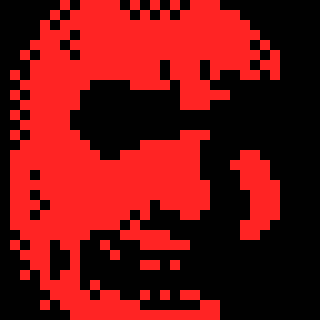
uncooked spaghetti code at that
here’s a guy
now he has a boo boo