so that’s why my square button has a shallow crater melted into it
7 Likes
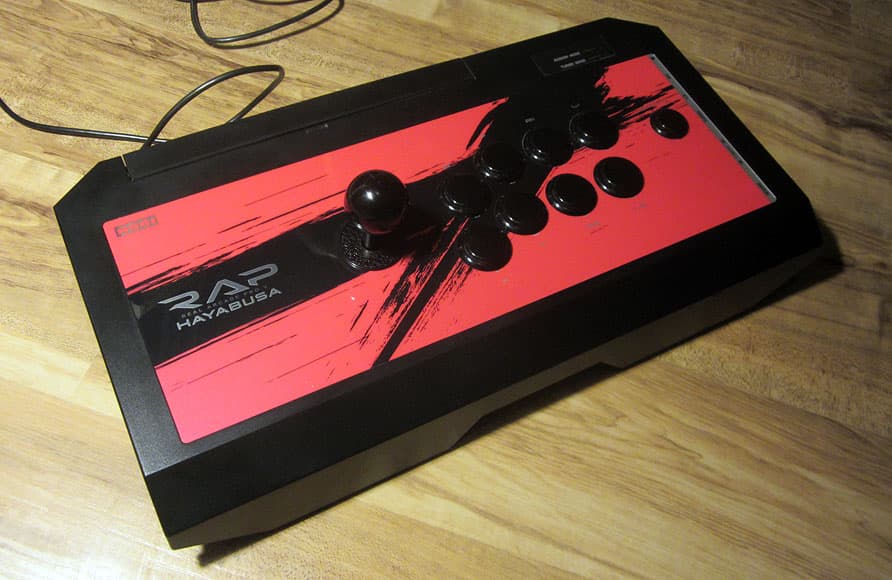
I just use this for just about everything, it’s a Hori Real Arcade Pro. V Hayabusa 2017 edition PS3/PS4 stick–the Japanese-only later release that fixed the extra input delay their 4 Kai and early V sticks had had–modified with Sanwa lever and buttons, and paired with Brook Super Converters for PS1/2, DC, NG, and PCE:
Keyboard-wise, recently after realizing the centrally-located touchpad on the laptops I’ve been using in recent years was exacerbating pain in my ritually drawing-board-abused shoulder (DON’T hold your paper up on the drawing board by hand for years like I did like an idiot), I tried a number of keyboards off of Amazon, including two others by Arteck, but this was the one that had whatever combination of properties was necessary to fix my body:
The keys are slightly mooshy and CTRL in particular is hard to work, but at least it doesn’t cause joint pain (I still do that on my own by being lazy and doing my habitual lean on my right arm/shoulder when I’m not being alert, ah life).
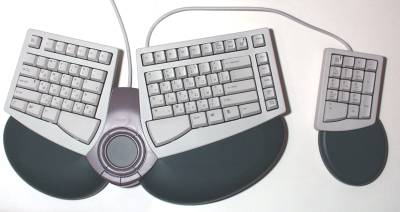
I wish I could remember the brand of the full-size PS/2 ergonomic keyboards I used for oh gosh probably about 20 years before moving to laptops, so I could find a product shot, because their huge high curving wrist-rests with central round touchpads made them look like big green butts. Their cheap circuit membranes and touchpad buttons tended to break and they were hard to find even back then so I had to stockpile 'em. ; )
5 Likes
Word of warning - the 8Bitdo Pro 2 wired controllers that say they’re for Switch and PC I guess, sorta, work on PC, but not very well!
I mean, they work great on Switch (as long as you don’t need NFC or motion control), but I’ve had absolute shit luck with them on Steam and some emulators. I think you gotta hold B as you plug it in to even go into whatever input mode works on PC (gotta do the same on the Mister). Not great!
That said, their Xbox/PC pad (the older SNES styled one, can’t speak for the new Xbox-y one) is pretty goddamn fantastic. It’s…one of those controllers, but now the rumble works on my Mister so I can walk into the water in Metal Gear Solid and go “yeah that’s how I recall that rumble going.”
1 Like
you have to hold X while powering it on for Xinput, B for dinput, then plug it in
6 Likes
Doesn’t the Pro 2 just have a toggle on it for Switch/iOS/DirectInput/XInput? I recall “SADX” embossed into the shell
1 Like
The wired ones don’t, but yeah, there’s a little toggle on the wireless ones.
I…probably should have held onto the manual for this thing. Ah well.
yeah, 8bitdo pads actually do a great job of mapping input for different platforms, but I think that’s mostly tied to key combinations for connecting wirelessly, so I’m not surprised that plugging them in produces weird behavior
1 Like
oh i was thinking of the not-2
looks like this one does not have a discrete feature to explicitly put it in the mode of your choice between Switch and XInput (only DInput/Android mode) which is indeed bad news
it is likely looking for either the Switch handshake or some response from the XInput driver to decide which mode to boot
i would trust 8BitDo to get that right before their competitors given they do actually test on multiple platforms, but every controller device i’ve seen that picks an automatic boot mode like this fails in one circumstance or another
an ever-increasing variety of software parrots the Switch controller handshake (including Chromium) which might be leaving it in a bad mode for PC
if the app/games you want to use it with work with DInput, may turn out that Android mode works best :-/
options to try would be plugging it in both with/without Steam, and with/without reWASD installed (comes with a driver, free version’s fine and doesn’t require the app be open)
5 Likes
From what I’ve seen on my JP Twitter TL, seems like this GBA handheld is not good for its price and has awful awful sound
1 Like
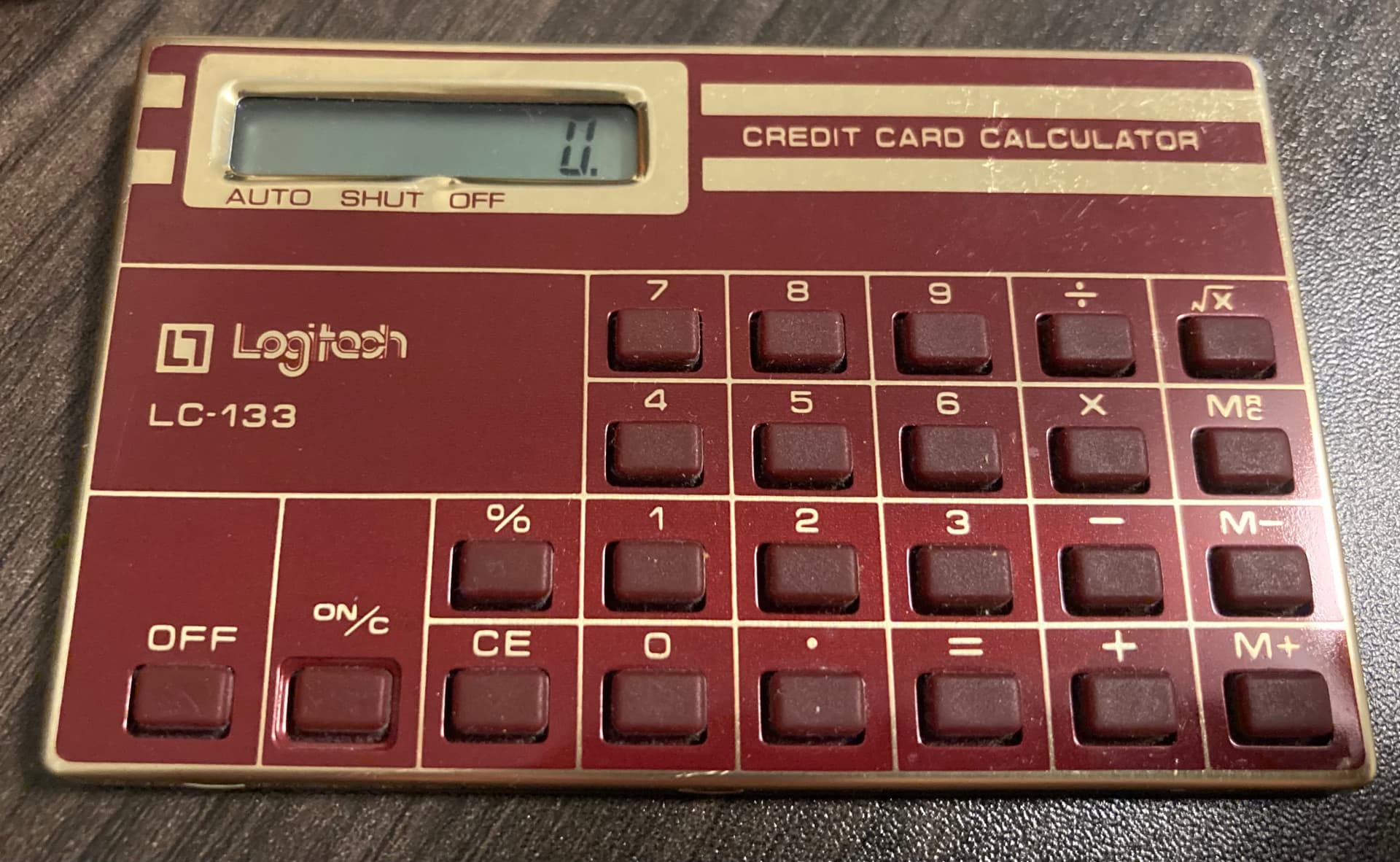
God I had no idea what a difference mechanical switches made in a keyboard. Got a Corsair 60% keyboard that feels night and day different over the no-name mechanical keyboard I got off of Amazon.
That said, I have no idea what kinda switches are in this one I got? Cherry MX Speed?
Apparently my old one has Gateron brown switches, and it felt mushy to use. Gonna do my homework and see if I can find out which kinda switch has that clicky clunk I like, swap the switches out on it and use it on my Mister down the road.
4 Likes
Ah I found it in the background of this video I recorded at the time–that big round green thing. The flimsy mouse button covers below the round central touch pad had busted off by that time, so I was pressing the remaining plastic interior lever on the left button, and I wedged a little wedge-shaped pick of credit card plastic in to be able to press the switch for the right one. ; )
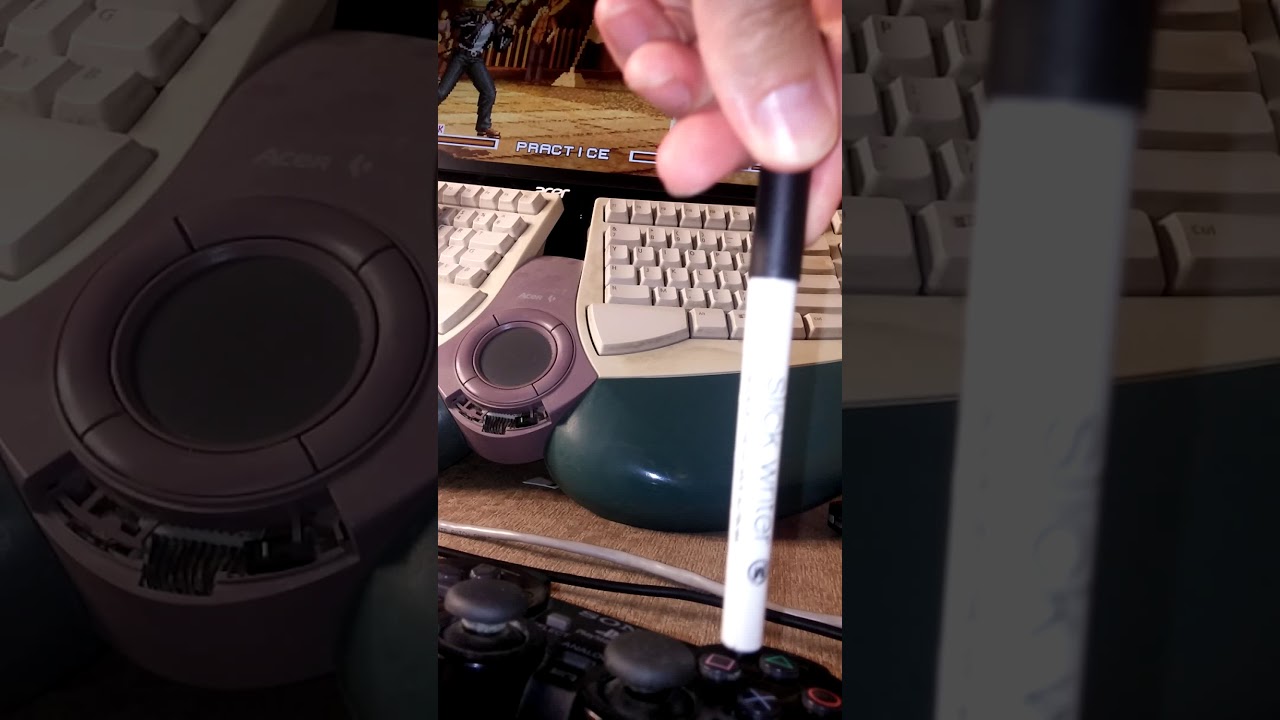
I think F6 had died from water being spilled on it, too. : P
EDIT: Ah right, it’s the 1999 Acer Future Keyboard
http://www.dansdata.com/fkeyboard.htm
5 Likes
happy dan of dans data’s day did eventually arrive
5 Likes
if only unglazed and brown
7 Likes
honestly awed by these and kind of in need of an opportunity to tell myself I didn’t spend $150 on something when I could have so thank you
1 Like
I tell ya what this is the closest I’ve ever come to wanting to build a keyboard
1 Like
19 Likes
Take them inside! If you’re cold, they’re cold
18 Likes
Pop a key off and grab a pic and we can probably figure it out, if the listing for the KB didn’t say.