it's more fun to emulate

if you’re running native/Linux: probably, yeah

if you want to stay on Windows: okay it’s a little more complicated because you’re going to have run it in a virtual machine and there’s going to be some performance penalty or some setup required to let the VM access hardware resources directly

I imagine someone who’s bored is going to take Qemu and hack together a package that Just Works (see: Xemu, most Android emulators on Windows) eventually and the hardware requirements should solidify after that’s done

or you could dual boot

3 Likes

I can get this done in less than 5 minutes, I feel like. Of course I have had the yearly practice of making bespoke retroarch setups for kusoge, where setting up the custom playlists was the most time consuming step

4 Likes


Brought to my attention by Reddit user Obvious-Flamingo-169’s post on r/Emulation

https://www.reddit.com/r/emulation/comments/1if0807/is_family_computer_emulator_v035_that_possibly/

15 Likes

LRPS2 (retroarch PS2 emulator, forked from PCSX2 at some point) has a relatively new renderer (paraLLEl-GS, echoing the naming of their ParaLLEl RDP renderer for N64) - which has made great progress lately

https://www.libretro.com/index.php/lrps2-the-new-playstation2-core-with-a-brand-new-lle-renderer/

The goal and aim of this renderer is to be as accurate as the software renderer, but with additional graphical enhancements. SSAA is by far the biggest standout feature of this renderer. When set to 16x SSAA and high-res scan out enabled, it can eliminate all the shimmering and jaggies on 3D geometry and textures.

With high-res scan out enabled, it is possible to double the resolution. Combine this with SSAA and the final output image quality can often exceed gsDX rendering at much higher internal resolutions. And unlike gsDX, almost no hacks have to be enabled/disabled on a game-specific basis for the game.

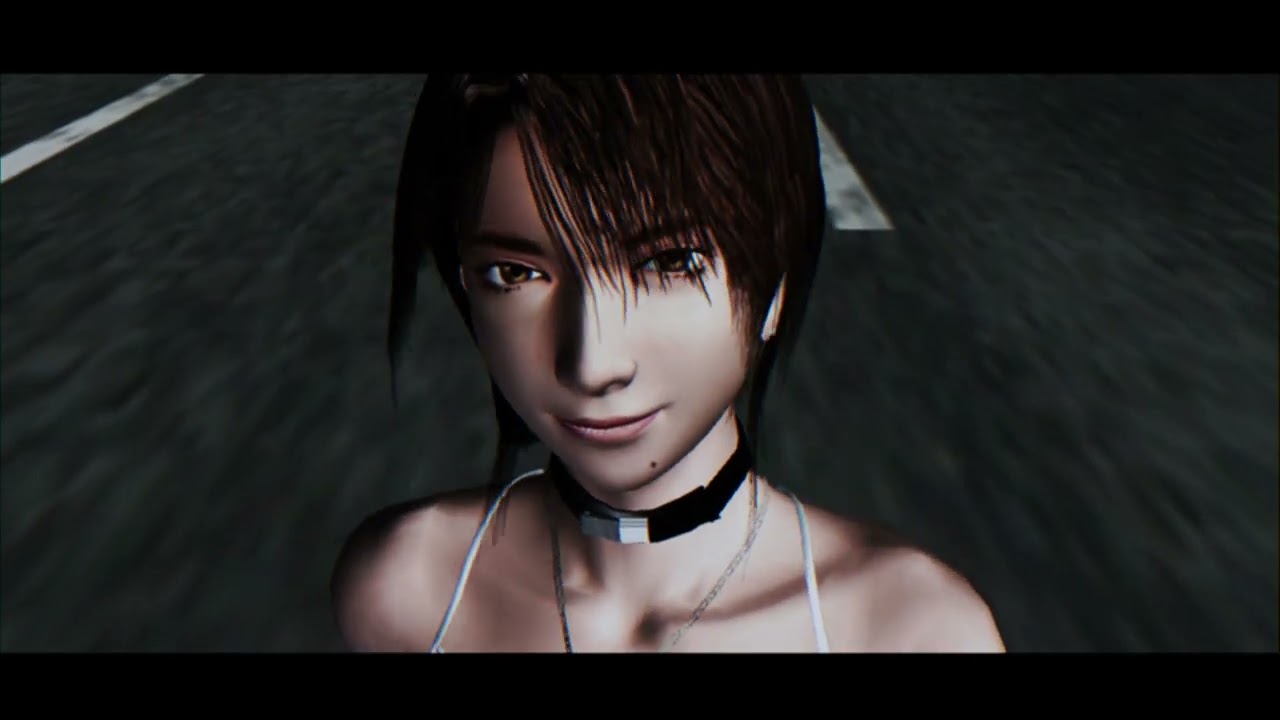
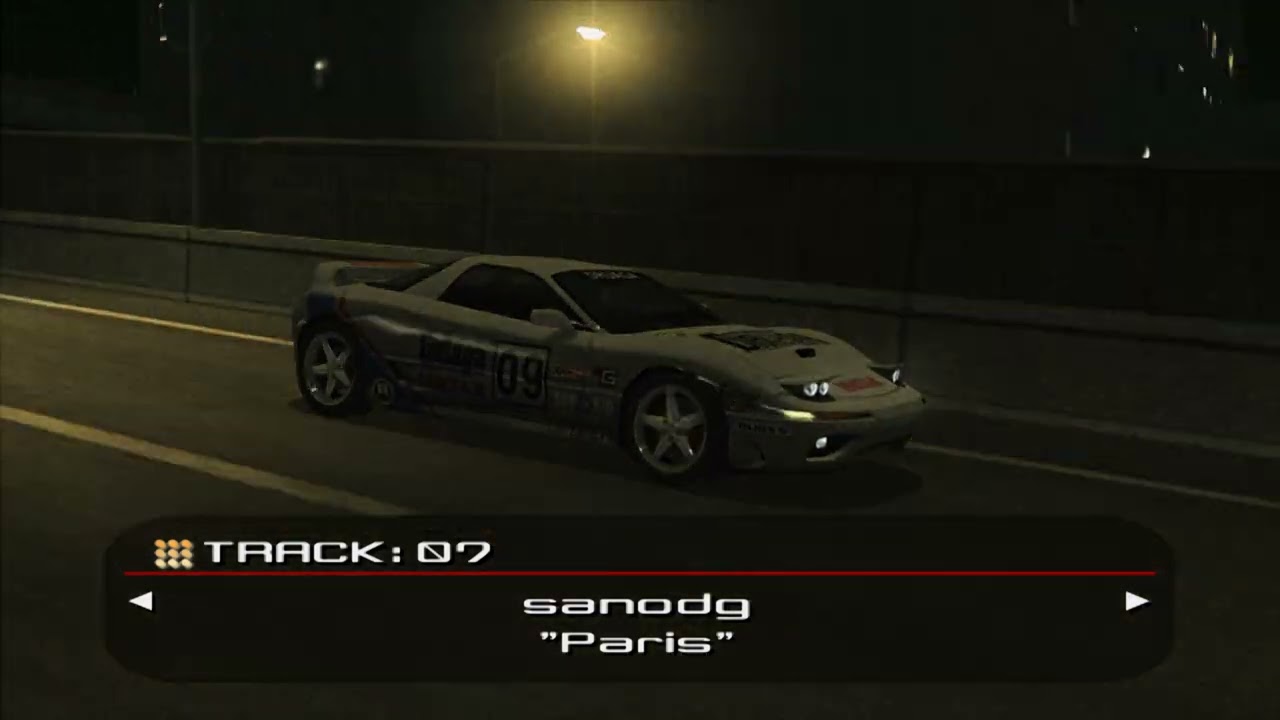
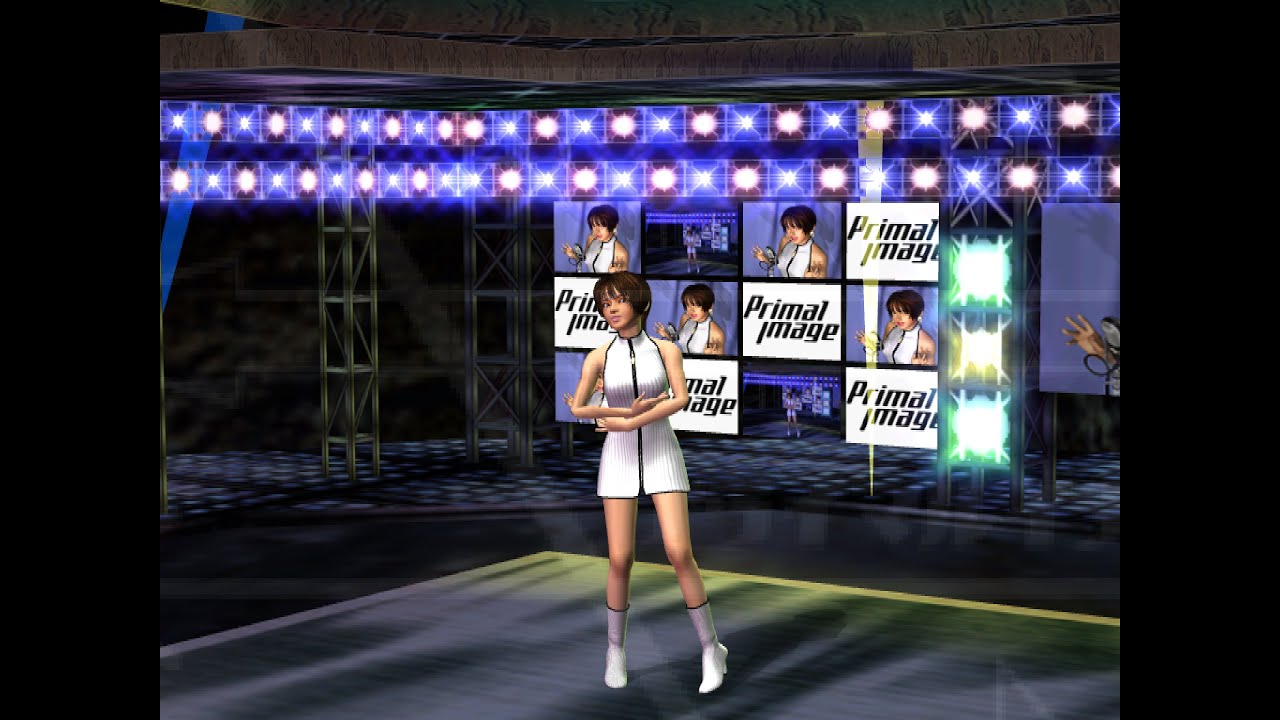
this game (Ridge Racer V) has graphical issues with gsDX (static-y noise on cars), but looks flawless on the new ParaLLEl-GS renderer used by LRPS2:

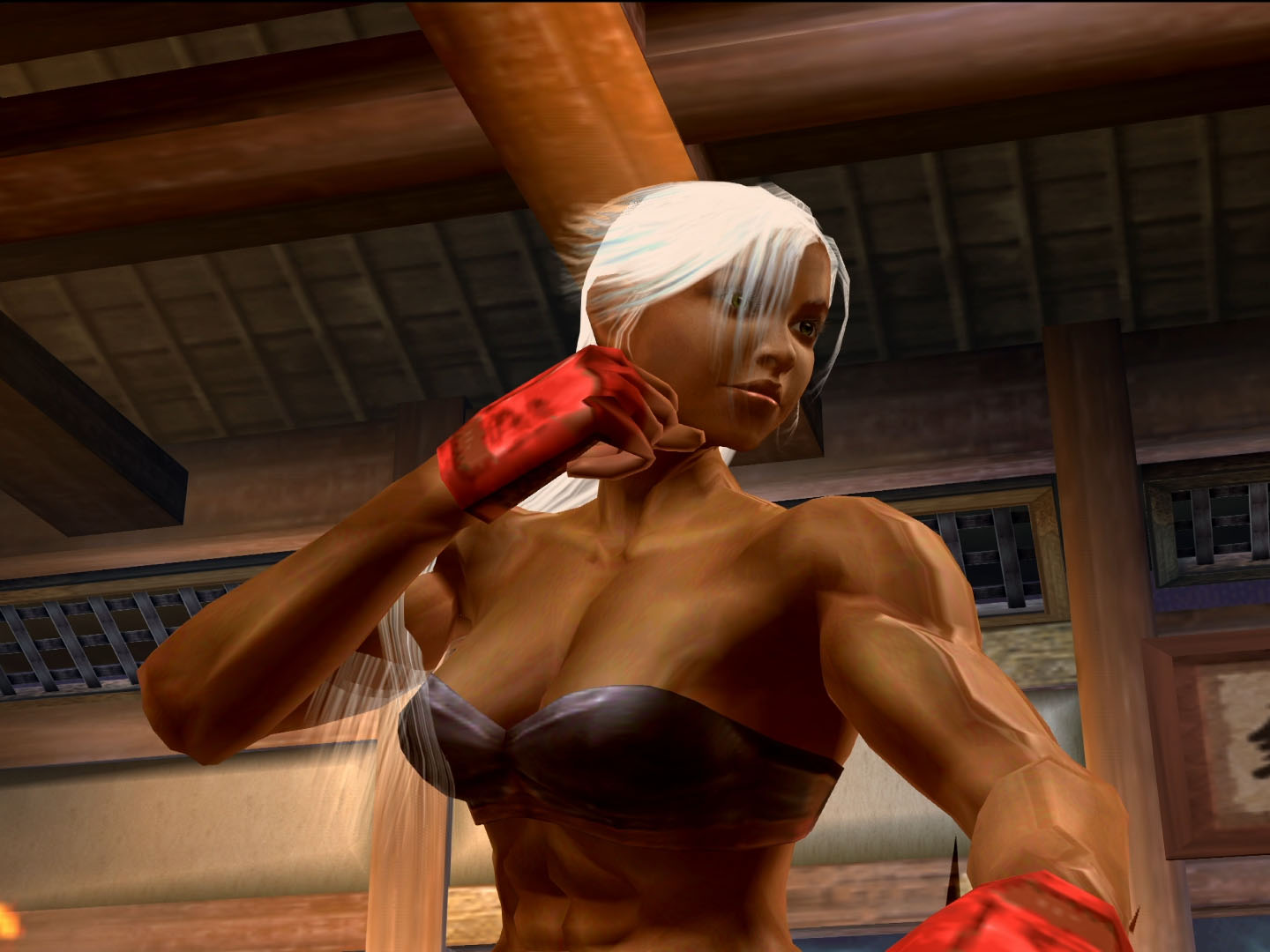
more example videos:

some of the games it seems to run well are now able to render at a higher resolution (edit: to a degree - 2x native res is the limit with paraLLEl-GS, but i don’t personally think PS2 games generally benefit from much larger internal resolution multipliers) without issues - previously they only worked properly using PCSX2’s software renderer at native res

i wouldn’t switch to LRPS2 wholesale yet as it has some issues that need to be ironed out (savestates sometimes crash the core, internal screenshots don’t work, some of the games’ performance is a bit worse than PCSX2*), but wow. PS2 has been cooking lately!

* some games run much better, though!!

11 Likes

oh cool an excuse to start wizardry: tales of the forsaken land again

2 Likes

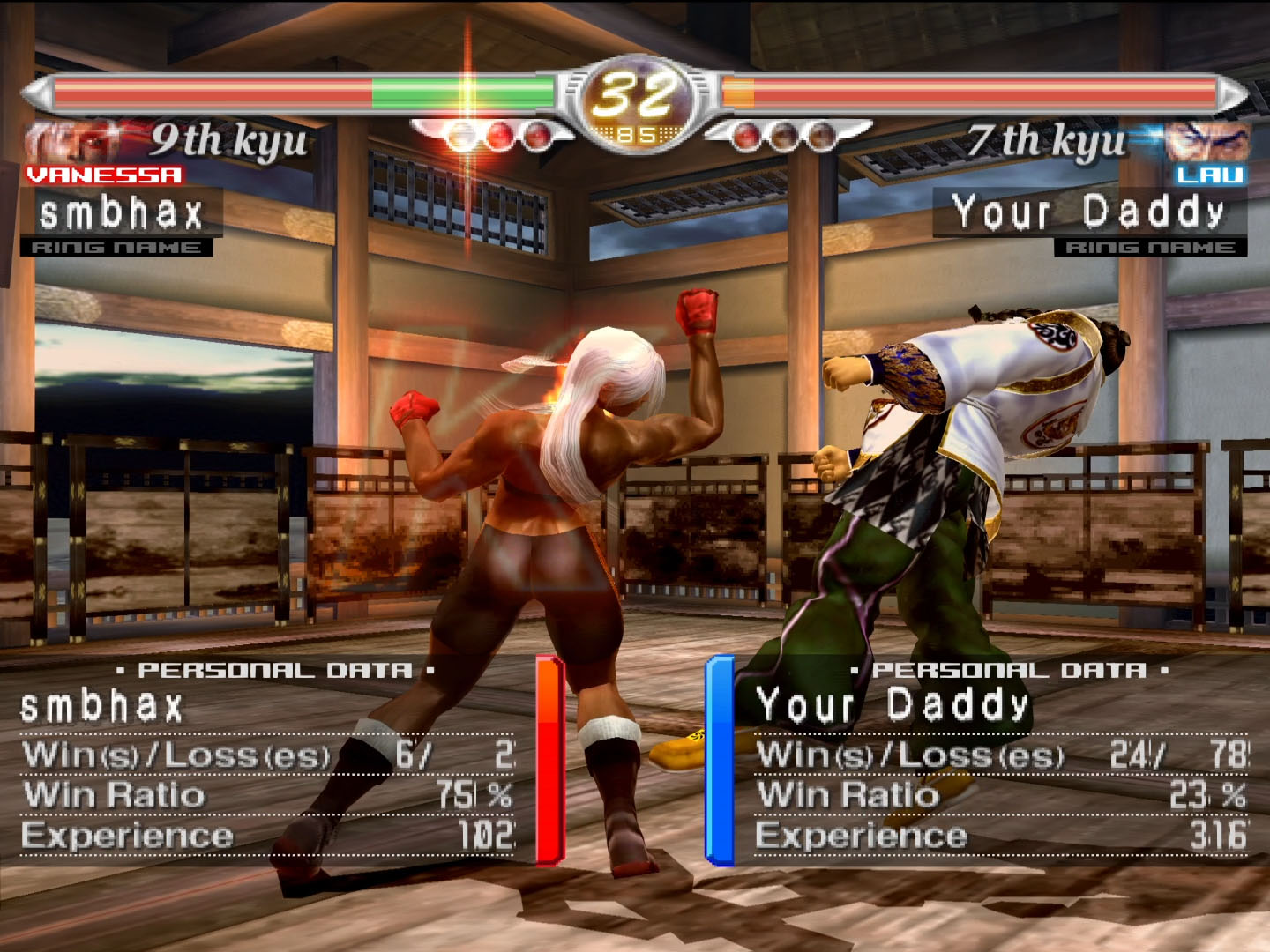
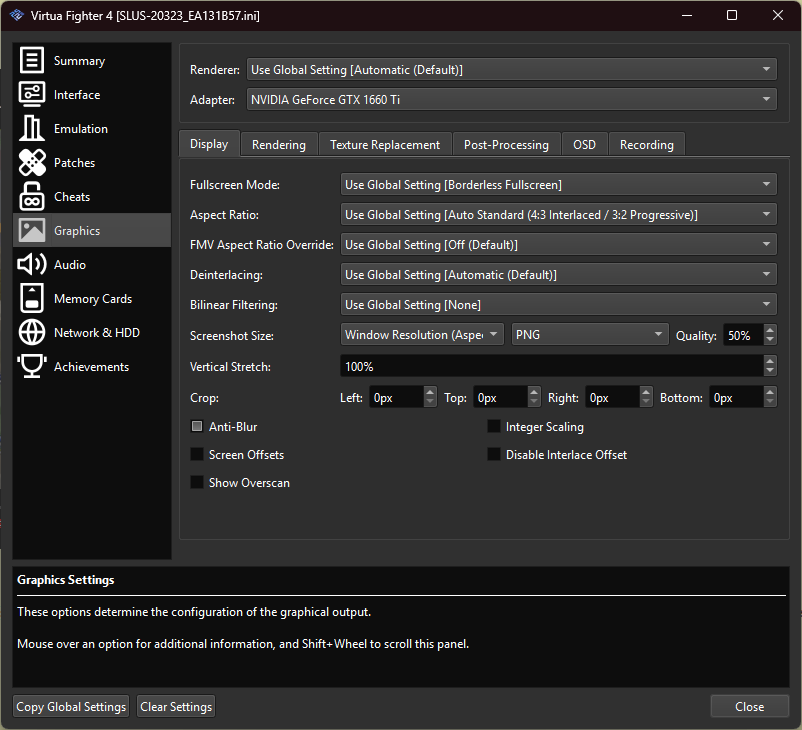
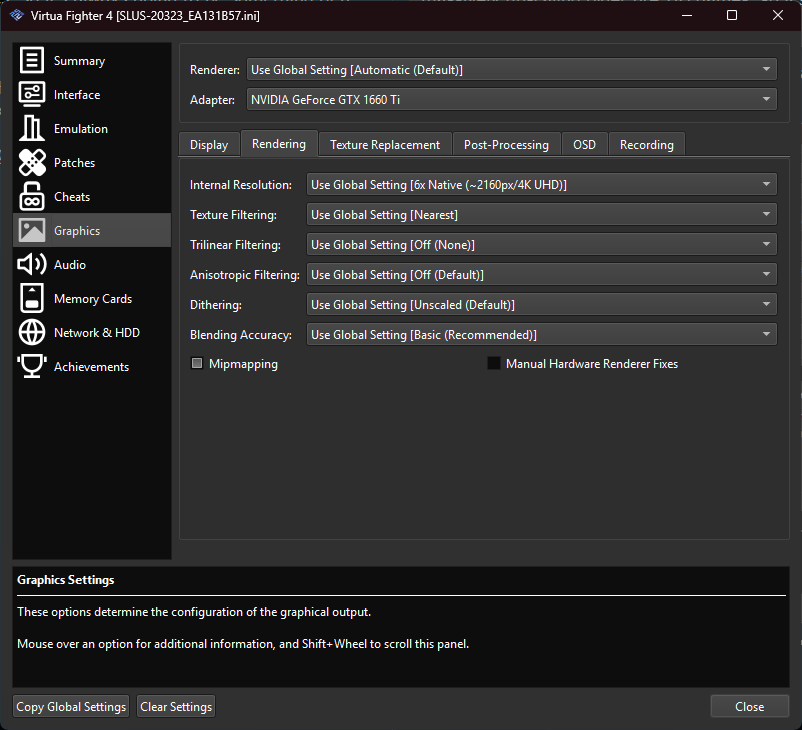
Running PS2 games at 1080p resolution, 6x (4K) internal resolution in PCSX2, I have a different experience.

4 Likes

edit: i now realize that is a full screen and not a crop!

could you post a screen that includes the UI elements?

what i like about software rendering (and what i see in paraLLEl-GS) is how the static/2D elements mesh with the rest of the presentation. i am not usually big into massively upscaling older pre-HD games, so it’s always going to be something of a preference

2 Likes

Hm I think that was a full screen. There are frames in the VF4 match win sequence where there is no UI visible, pretty sure that’s what that was.

1 Like

Oh here’s one with lots of UI though.

3 Likes

not to overly belabor, but that screenshot is a good demonstration of the tradeoffs of gsDX when bumping internal resolution

you are definitely getting more detail out of the polygonal elements, at the cost of both losing coherency with any 2D elements as well as some additional visual aberrations (e.g. the vertical line to the right of the number 5 in your win/loss ratio). similar issues arise in older hardware renderers for N64

2 Likes

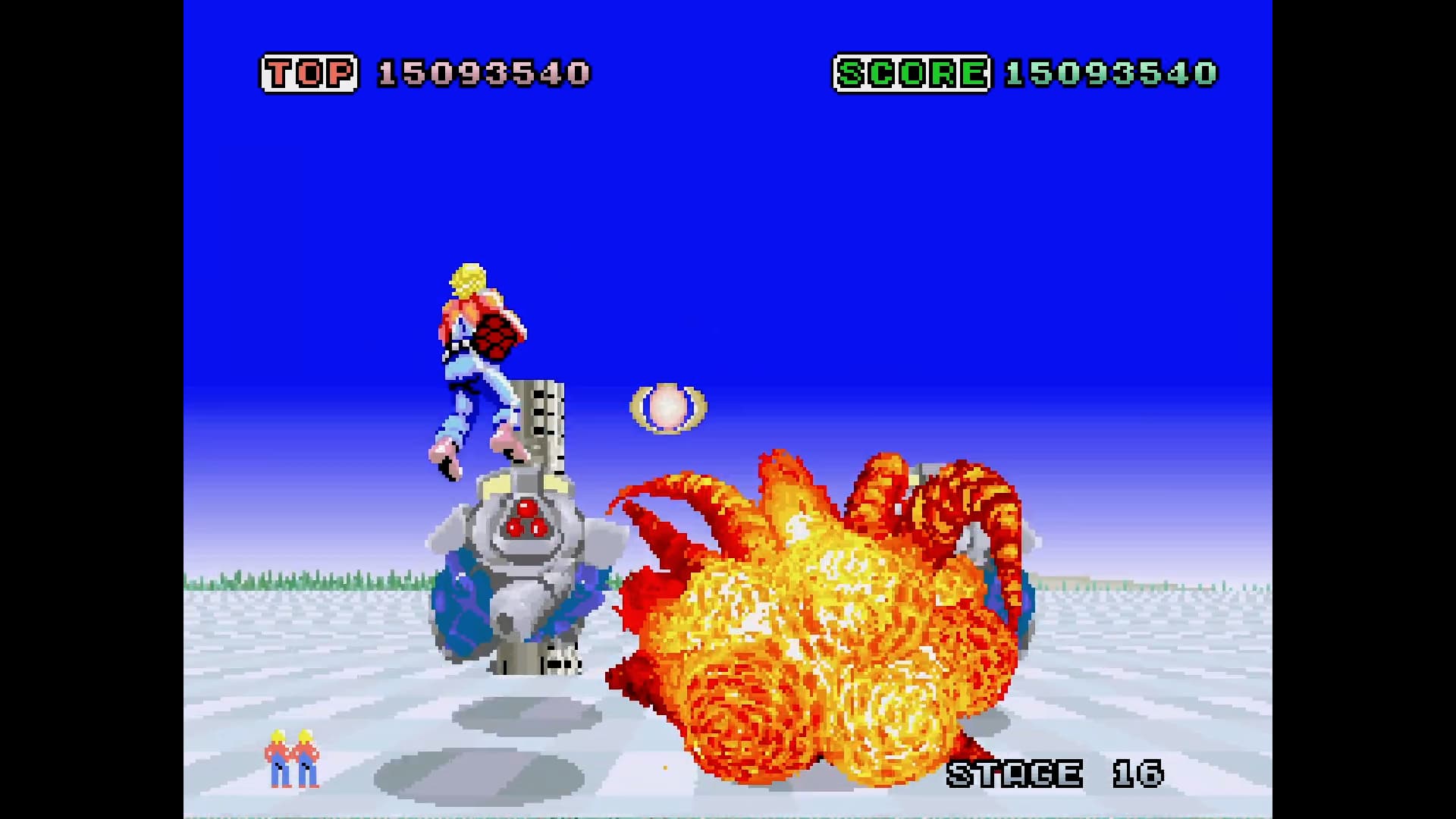
Yeah for most PS2 games I let it go without AA, and I keep texture filtering settings off, so everything is nice and equally pixelated.

Here’s that for Sega Ages 2500 Series Vol.20: Space Harrier II for instance

(From YouTube so it’s slightly compressedified)

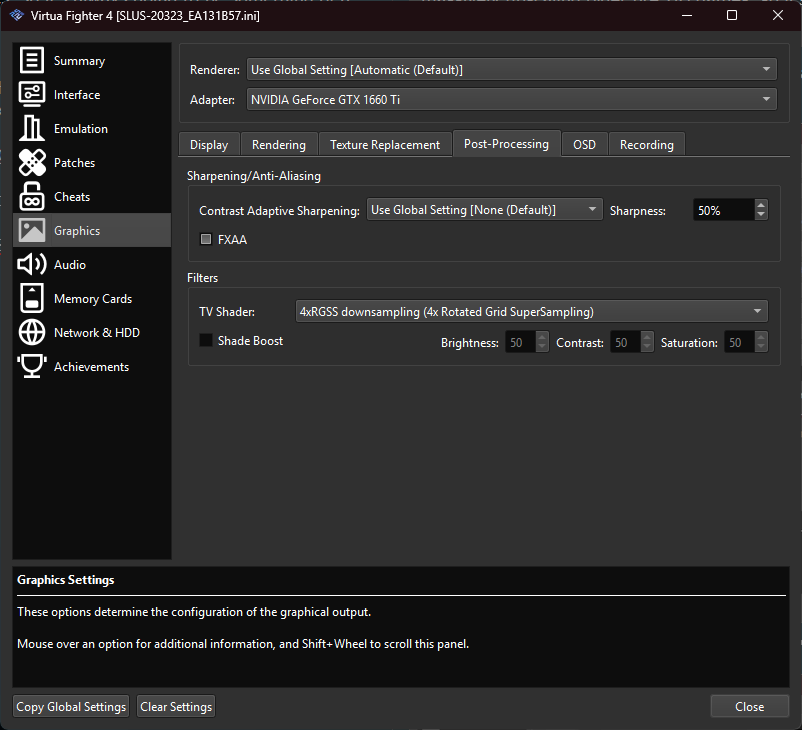
But for VF4 I found I liked a bit of RGSS on it

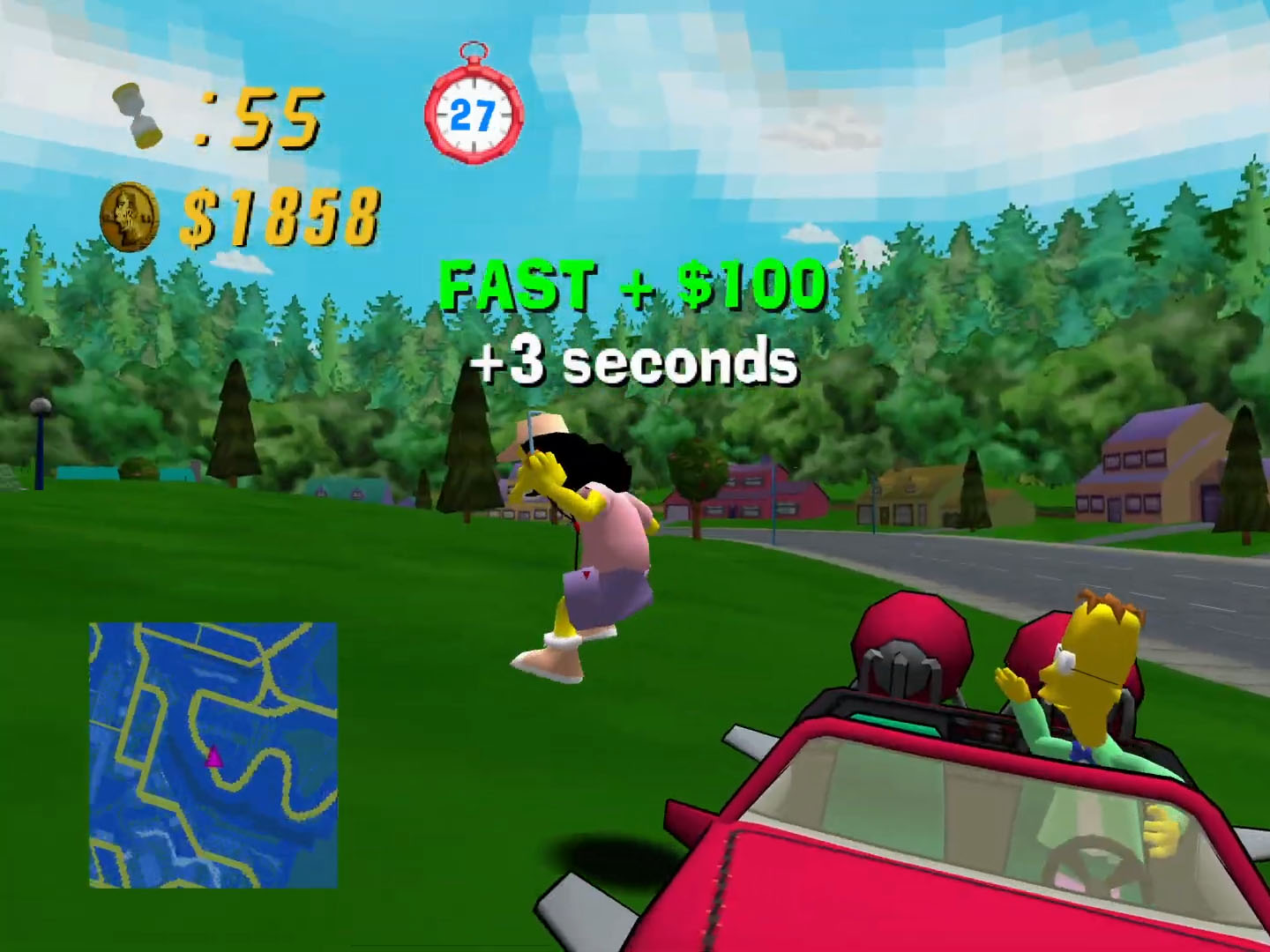
Also used that for Simpsons Road Rage (YouTubed then jpegged ; D)

Since that’s going over the whole image, I think, it keeps it pretty unified between the 3D and the 2D UI, and it doesn’t blur the UI much.

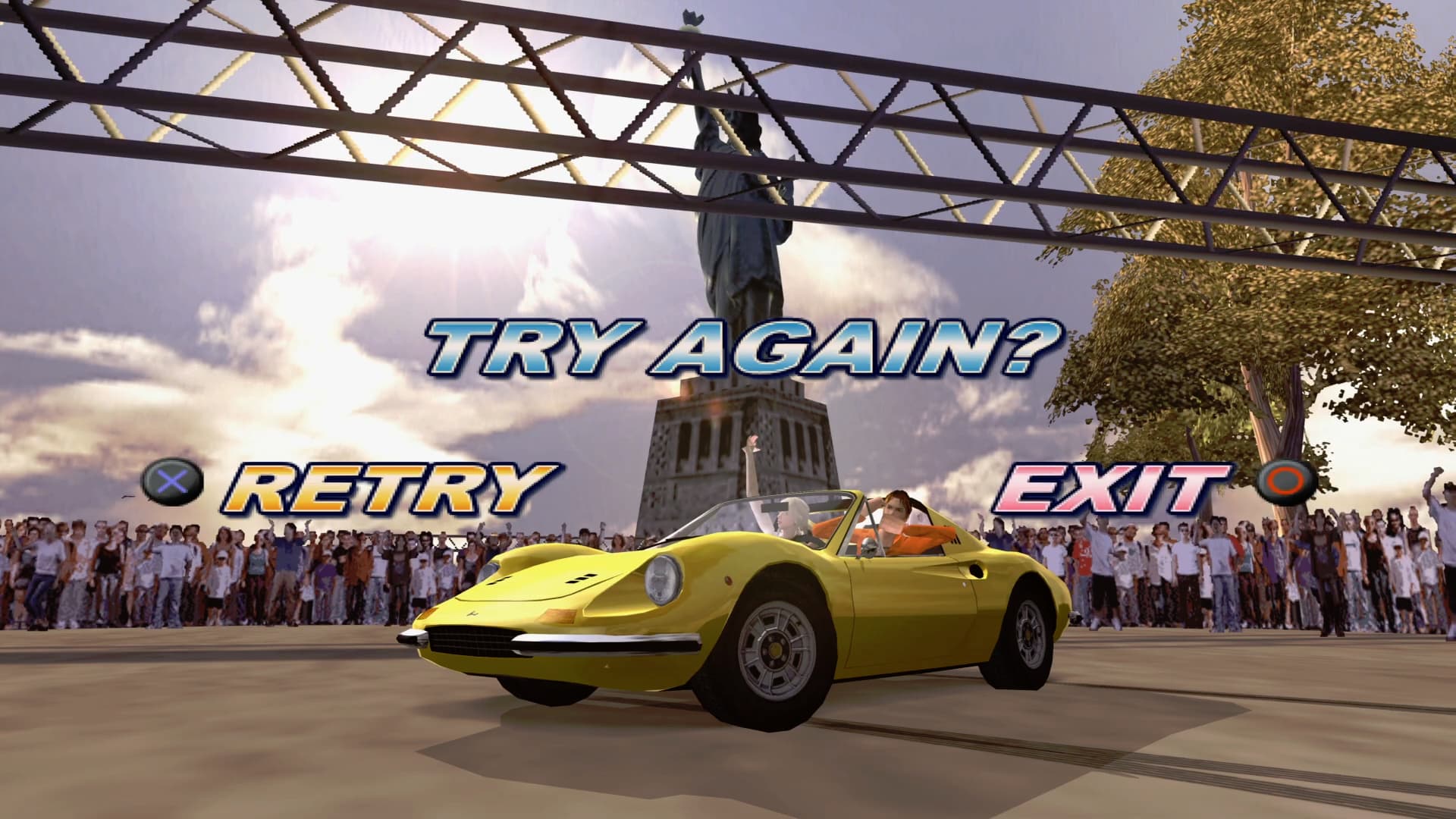
With OutRun 2006 Coast 2 Coast I enabled bilinear and trilinear filtering, set it to 16:9 (since the game actually supports that), and also the 4xRGSS post-processing:

(YouTubed)

5 Likes

gone fully off the deep end downloading disk images of floppy disks off internet archive and loading them in dosbox to install from them to get the full experience. it’s the only way to get the actual executables back with lucasarts or others games they just expect you to run in scummvm anyway, or install expansions if it’s something that still only otherwise exists on a abandonware site etc

10 Likes

if someone with a Github account wants to add this issue for Cemu

Devil’s Third crashes to a black screen during a cutscene in stage 2. Latest Stable, Windows 11.

2 Likes

you should make a github account if you want to report an issue you’ve experienced. i don’t think it’d be particularly useful to get a follow-up question from a cemu dev and be like “idk, my friend had the issue”

2 Likes

is there an easy single download pack that has everything all neatly wrapped up to just open xemu and staert playing games in it?

nsw emulation is pretty sick

5 Likes

emulation frontier (for me anyway) reporting:

Bloodborne (ShadPS4) - pretty good. you get shader compilation stutters at first and there is some emu jank (the first time hunter’s dream loaded, sprinting didn’t work and there were some exploding polygons on my character, but both receded while in combat areas. apparently it can crash sometimes but i’ve not seen one yet), but overall very playable and now (optionally) modded to run at 60 FPS instead of the juddery 30-ish-with-drops PS4 hardware performance

New Super Mario Bros. U Deluxe (Citron) - runs without noticeable issue, other than little shader compilation stutters that reduce in frequency the longer you play. by the end of my test i wasn’t seeing them anymore and the game was running apparently flawlessly

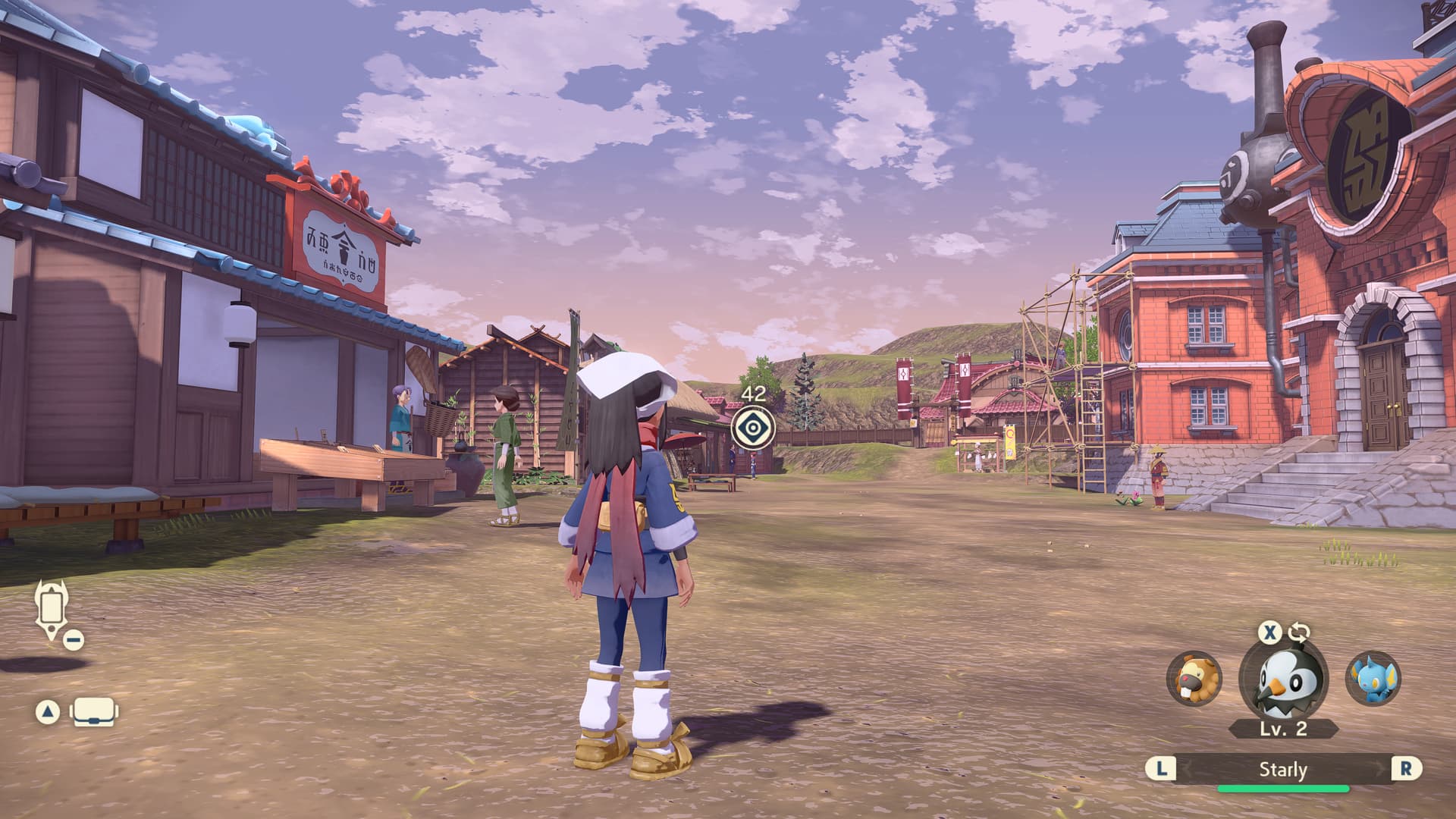
Pokemon Legends: Arceus (Citron) - wow! this game doesn’t seem to have nearly as many shaders to compile, so it’s been one of the most playable games even early on in Citron thus far. looks great + upscales easily, runs great (set to docked mode for best performance, handheld mode does some kind of auto-frameskip a lot)

Mario Kart 8 Deluxe (Citron) - wasn’t able to escape shader compilation after 15 minutes of testing. there are a lot of shaders so the game just keeps finding more to compile. they aren’t constant, but definitely enough to disrupt the otherwise smooth gameplay. runs great other than that from what i saw

The Legend of Zelda: Tears of the Kingdom (Citron) - same as above but worse. the game can hold 30 FPS on my system without noticeable struggle… but for the frequent shader compilation stutters. they aren’t gamebreaking, but they are constant and didn’t recede at all in my 20+ minutes with the game. the only visual issue i saw was some minor glitchy texture bits on certain bits of terrain, but otherwise the game looked and played well - shader compilation notwithstanding

The Legend of Zelda: Breath of the Wild (Cemu) - pretty much perfect? as far as i can tell this is basically the ideal way to play the game, what with all the mods, better performance, better image quality, etc.

Mario Kart 7 (Citra) - this game runs well, but shader compilation is a stumbling block at first. first race was very stutter-y, improving but not entirely resolving in my 15-20 minute test. i really like this game and i don’t have a 3DS so i’ll report more on this later
8 Likes

yeah I played BotW on Cemu within like a month of its release despite owning a Wii U and I thought that was great. though every time the emulator updated you had to toggle vsync in a different way or the framerate would go kooky over 30fps. they’ve probably fixed that by now

5 Likes

This, which also goes some way to explain how I abandoned the sequel 5 years later on an actual OLED model that did not require occasional futzing or the agony of manipulating poorly-tuned mouse controls in certain shrines

1 Like

yeah i booted up botw in cemu a couple of months back and between async shader comp and dualsense support for all the motion stuff i was really impressed