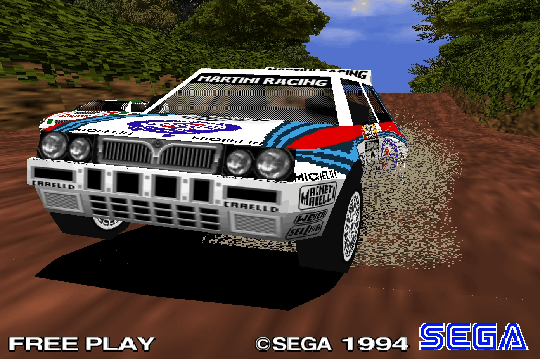
Sega Rally Championship (PS2 in PCSX2)
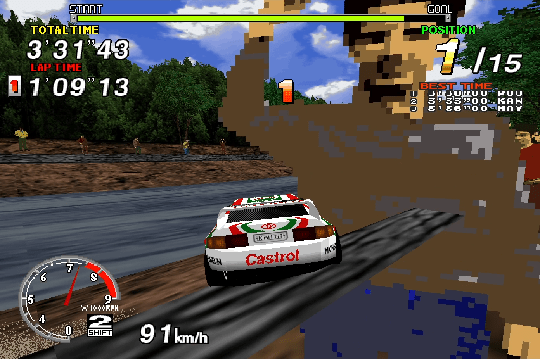
Port of the arcade original Sega Rally as a bonus game that came in a slip case with the “first shipment” of PS2 Sega Rally 2006 in Japan.
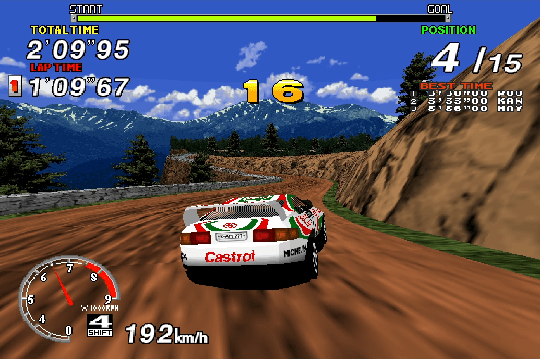
FAQs say the default Toyota Celica handles better, while the Lancia accelerates faster (same top speed though).
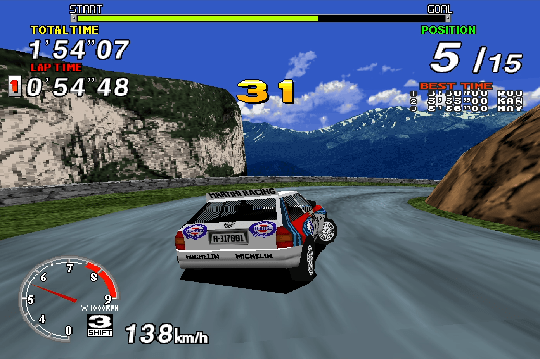
The camera can clip through walls a bit when using PCSX2’s 3D hardware rendering (not sure which one; I leave it set on “Default”); the clipping goes away when using the Software renderer, but it’s a lot chunkier.
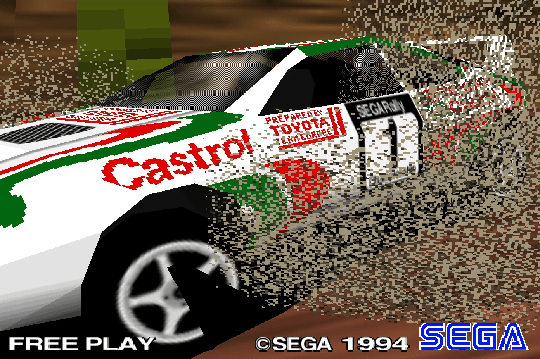
Being a bonus game, this is a bare-bones port. Nice texture work. I like the handling: precise yet forgiving. Ooh ooh, I didn’t notice the course progress bar at the top while I was playing, but looking back I got to like 93% of the way through the 3rd track, gosh.
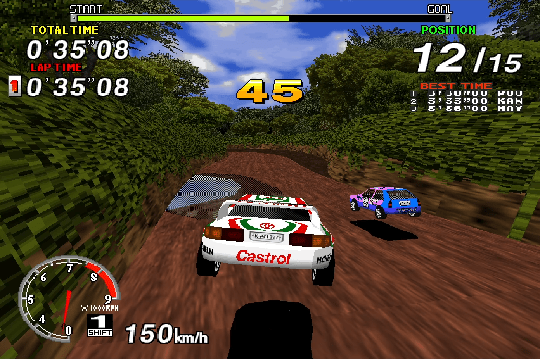
setting an auto-Accelerate button w/ Steam Input twiddling
The simple auto-Accelerate Toggle button I set up in Steam Input after adding PCSX2 to my Steam Library as a non-Steam game seemed to work pretty well here; this isn’t the IDEAL game for it–because this game’s Brake doesn’t cut Accelerate entirely while activated–but I couldn’t do better without it, and it saved me having to hold down Accelerate constantly.
Afterward I figured out a more complicated setup that’s a bit better:
In Steam input, set three “Commands” for the desired auto-Accelerate button:
- a “Start Press” activation set to the game’s Accelerate button
- a “Regular Press” activation set to the game’s Brake button (or to the Hand-brake button, if there is one; Sega Rally Championship has only Brake–but the series gets a Hand-brake button starting with Sega Rally 2)
- a “Release Press” activation also set to the game’s Accelerate button, with Toggle switched on in its Settings
This lets you operate Brake and auto-Accelerate on the same button: once auto-Accelerate is engaged, pressing the button a second time cuts auto-Accelerate and applies the brake–so you no longer have to cut auto-Accelerate manually before braking; if no more than a single brake press is needed, as in drift-heavy OutRun 2006, it allows you to handle all your braking and accelerating with a single button.
I THOUGHT it would also re-engage auto-Accelerate after braking, but it doesn’t; not sure why. Also, you may have to press it twice to get auto-Accelerate to start up the first time–not sure why there, either.
If the game’s Accelerate button also functions as the game’s menu selecting action AND its Brake button functions as menu cancel, a separate button with a clean Accelerate press for navigating the game’s menus will be needed; it can be handy anyway since it saves having to double-press the auto-Accelerate button in menus.
This setup makes sharp corners much easier in Sega Rally Championship; for mild corners, a separate, regular Brake button works fine while auto-Accelerate is left on.
On the other hand, the complicated setup doesn’t work well in Sega Racing Classic 2 (in Like a Dragon Gaiden), where the tap of the brake while cutting auto-Accelerate slows the car too much for mild turns, but not enough for hard turns; for that, a plain auto-Accelerate toggle and a completely separate Brake button work much better.