if people would still like me to, I probably have time and space to fix it some weekend this month. tbh there hasn’t been much time since we broke it that I’ve both a) had capacity and b) felt encouraged to do the work on it, but it should be pretty doable
6 Likes
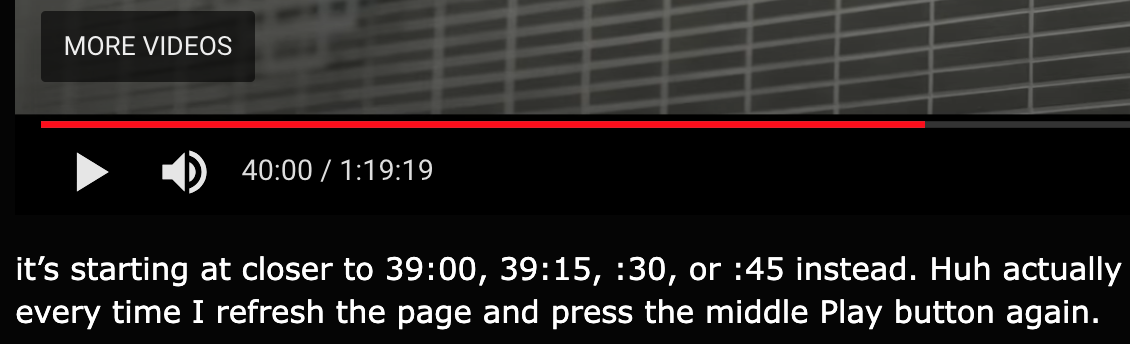
I’m timestamping this at 40:00
https://youtu.be/S-6dNPYltr0?t=2400but when embedded in the forum and played back

it’s starting at closer to 39:00, 39:15, :30, or :45 instead. Huh actually it keeps jumping back about 15 seconds every time I refresh the page and press the middle Play button again.
But this is not a problem with same timestamped URL I used for embedding it in my online notes, for instance: the_game_database - #1749: Sega Rally Championship - PS2 - Driving - J
Yeah, I guess it probably is. Well as long as the timestamp works right for everyone else that isn’t so bad. ^ _^
1 Like
the first time it plays back at the right time, then if you refresh it goes back in 20 second increments for me. so it should generally work as intended. whatever weirdness is at work doesn’t seem like something we could alter easily.
1 Like
i refreshed twice it was 40 all three times
1 Like
Ah! Yeah okay. = ) (Was coming back 'cause I remembered I’d checked it in a different browser and had got it there, too.)
should have this back up momentarily
EDIT: all set!
6 Likes
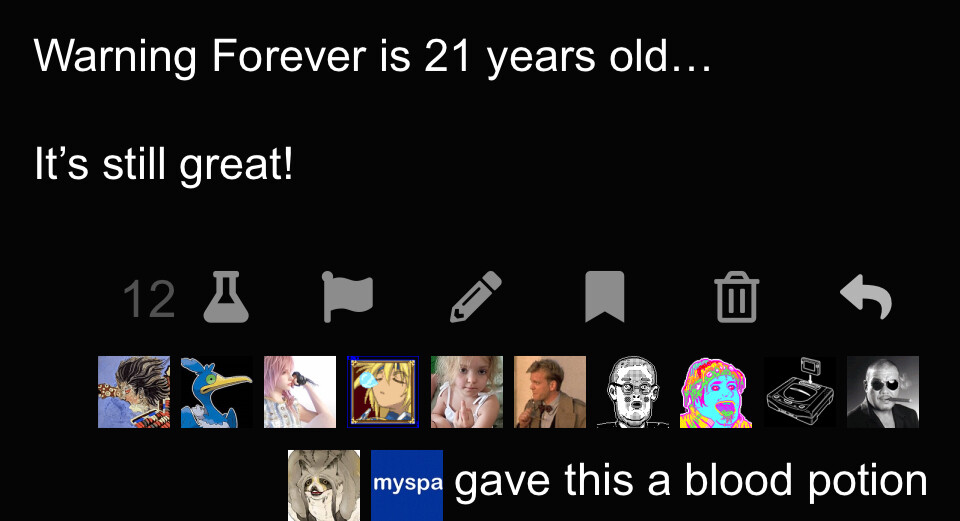
wouldn’t consider it broken, but yeah there are some small layout differences since the update this morning
Did the bookmark and blood potion buttons swap places? Somehow I keep clicking on the bookmark button when I mean to blood potion today. Feeling all goofed up! ; )
1 Like
yeah they swapped and i hate it
1 Like
Sheesh! Well, this prompted me to hide the Bookmark button with UBlock, and then the Report button while I was at it, since I never use 'em–so now it’s mostly just the Potion there, I’m liking this. ^ _^
oh my god this is horrible
1 Like
also the bookmark icon is like HIGHLIGHTED I hate this so much
1 Like

I’ll look into it. I’m not seeing any of this, though. Do you have a screenshot?

just then i accidentally tapped the flag button on someone’s post and i couldn’t close the dialog! also it might have been fixed with this update but sometimes when i would like, draft a post, close the tab, and later open the thread with the draft in it, hitting the trash button on it got me the usual “delete/save draft/keep editing” dialog except i couldn’t close that either, like the web app went totally unresponsive. just a data point i guess
the icons are the normal way round for me, i think because i’m on the default theme; i changed to mauve’s blue and then i had the icons moved
(sorry if this way obvious)
2 Likes