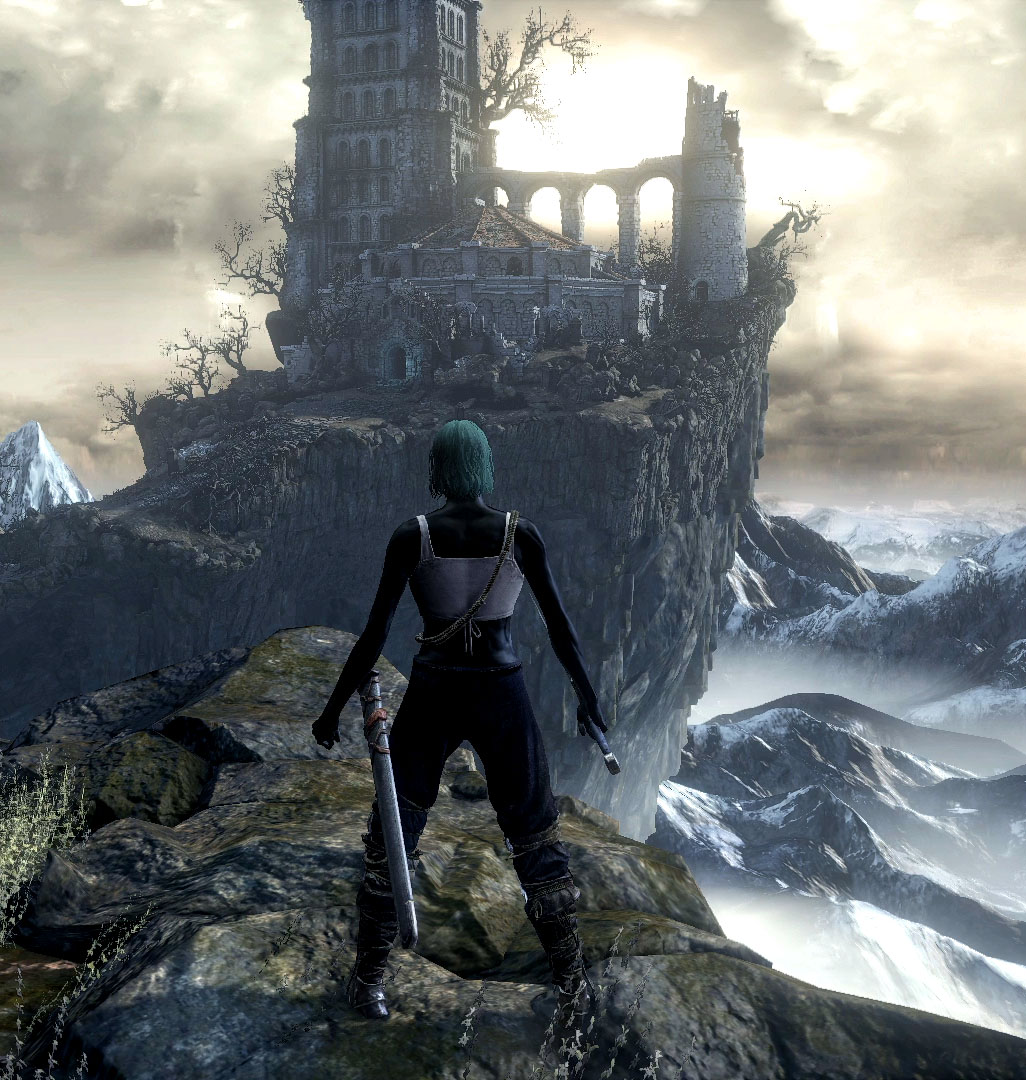
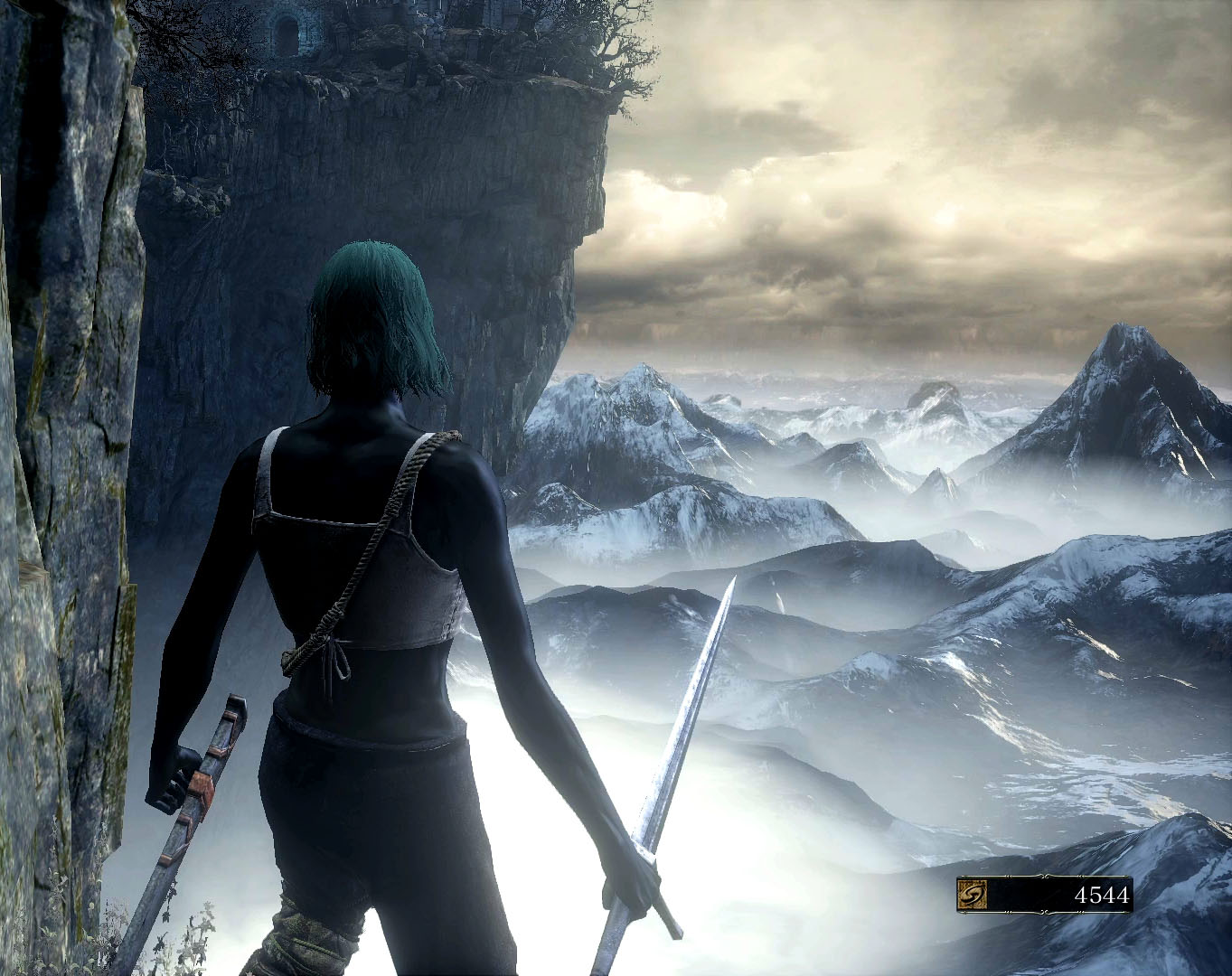
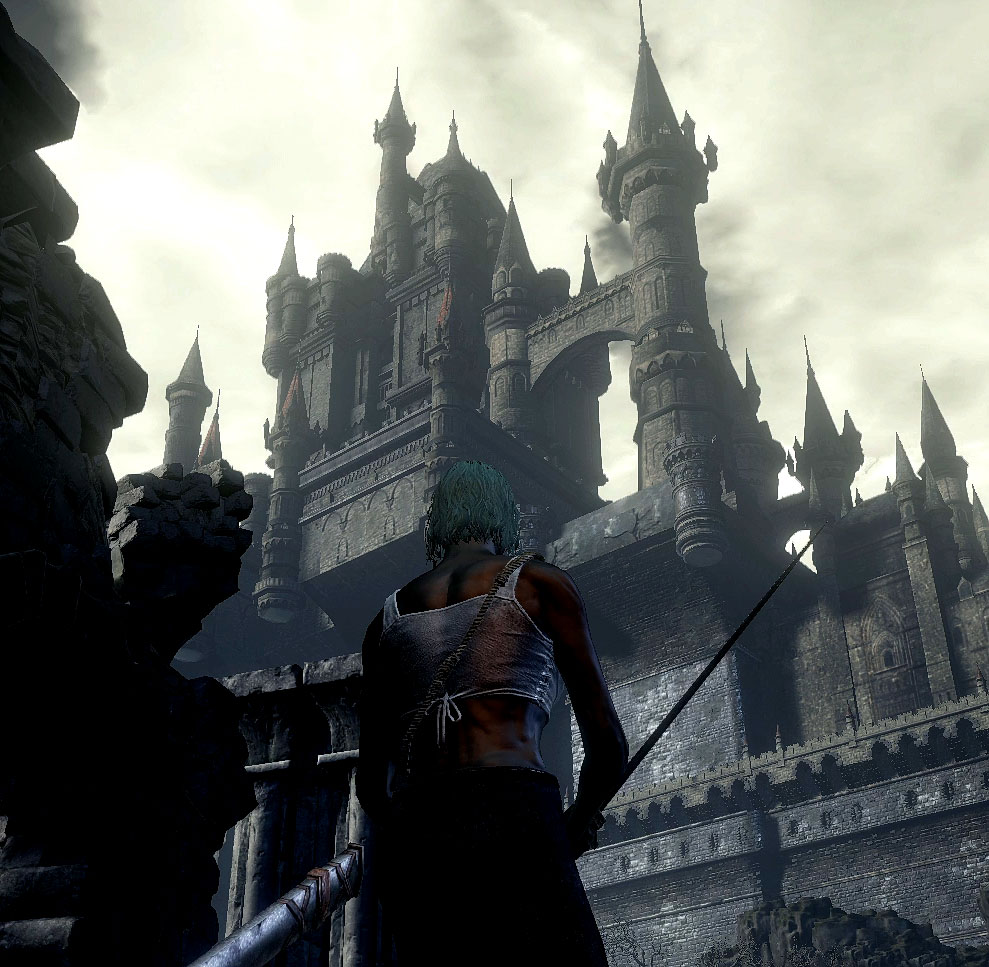
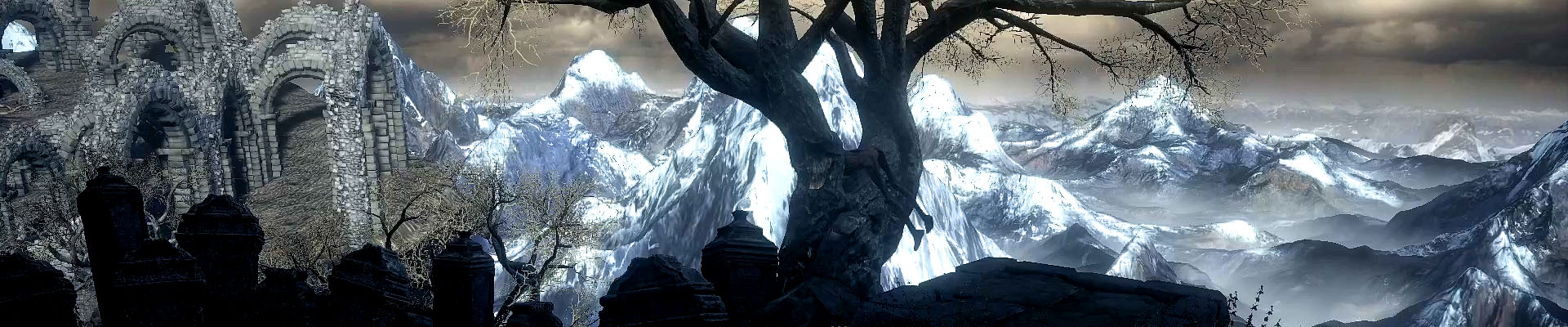
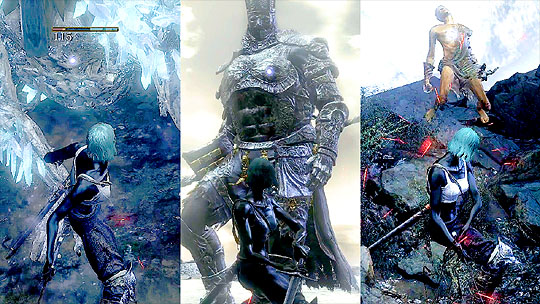
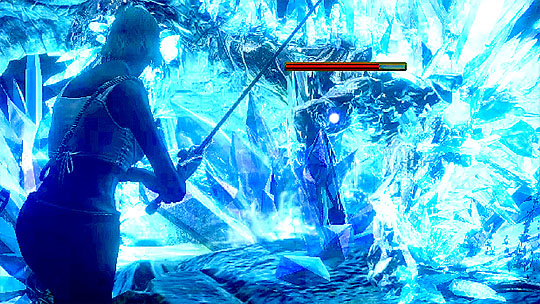
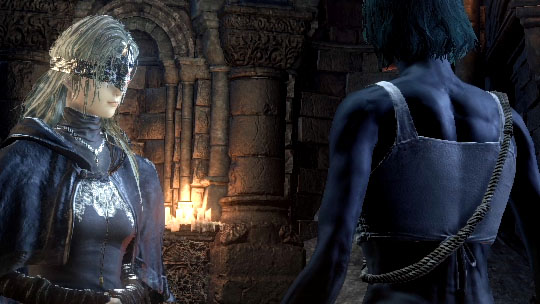
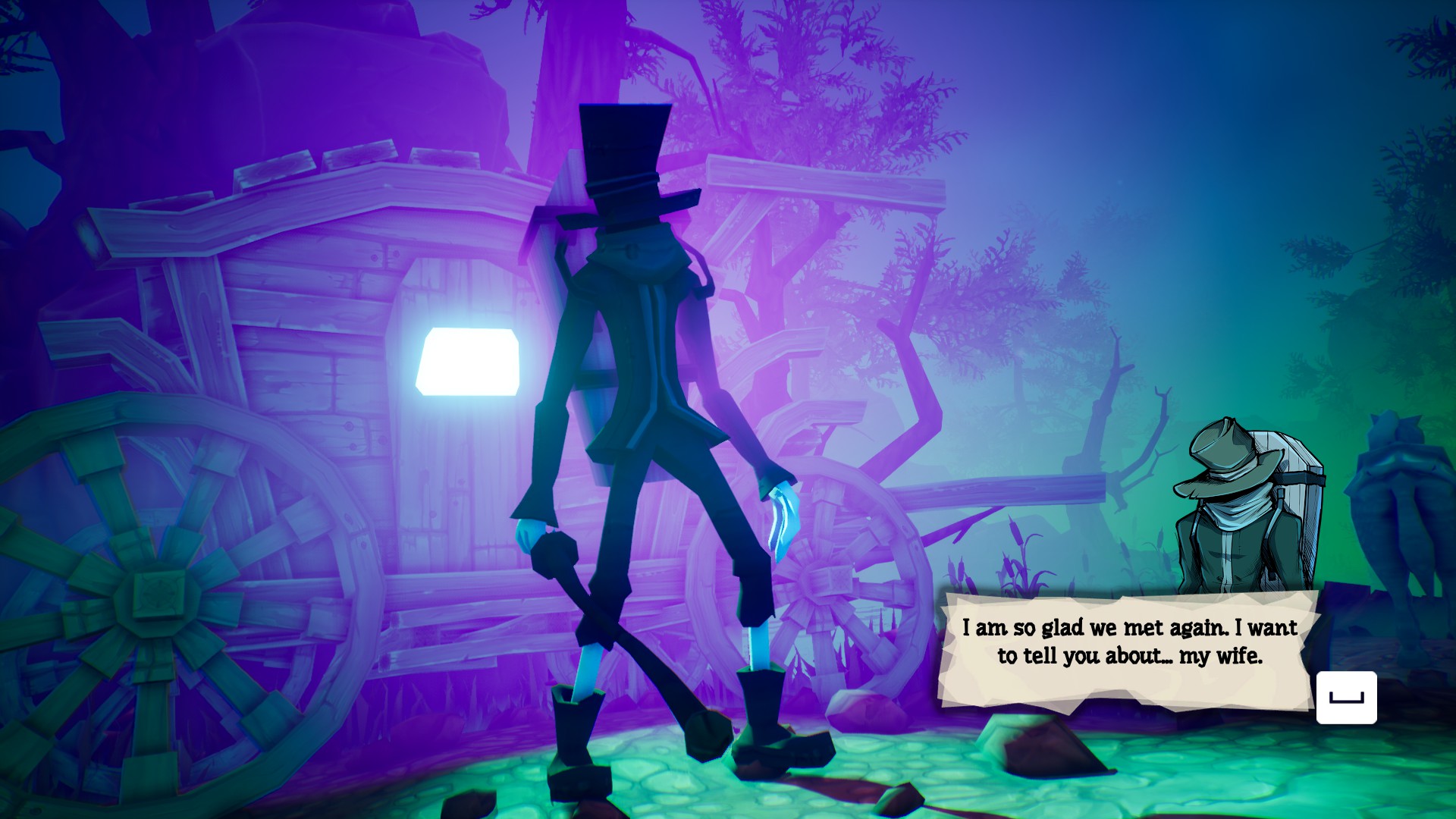
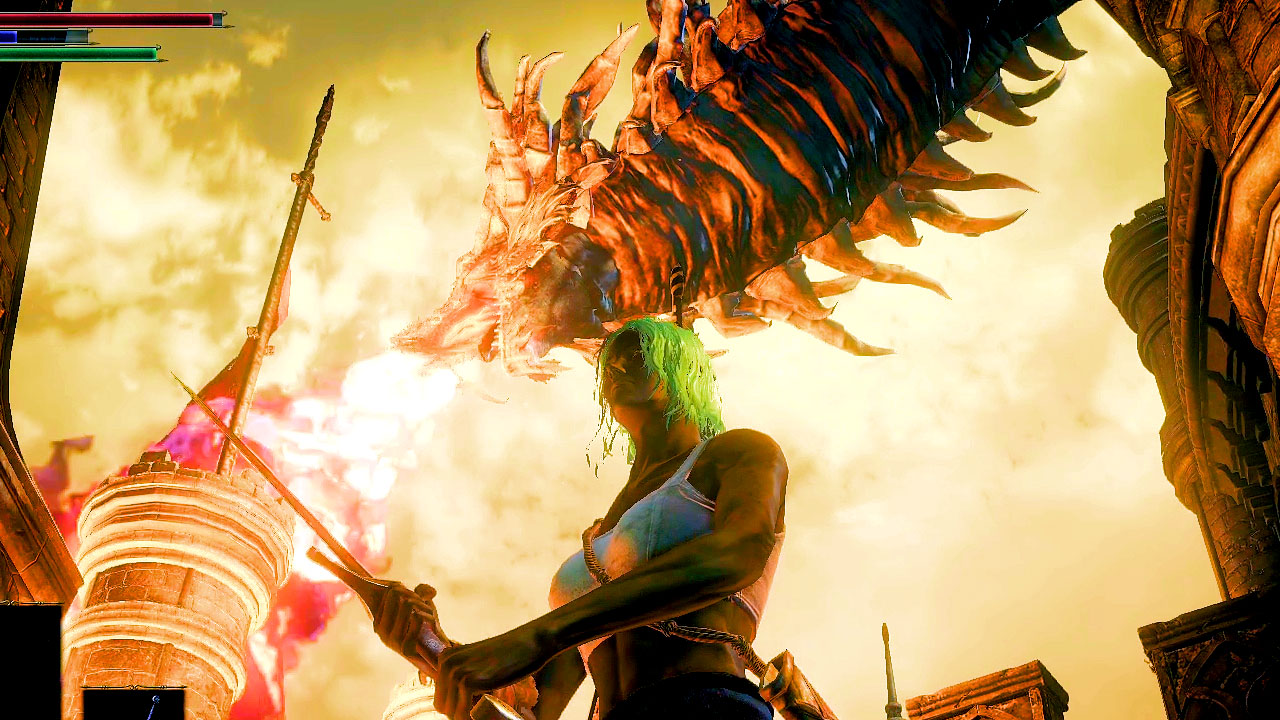
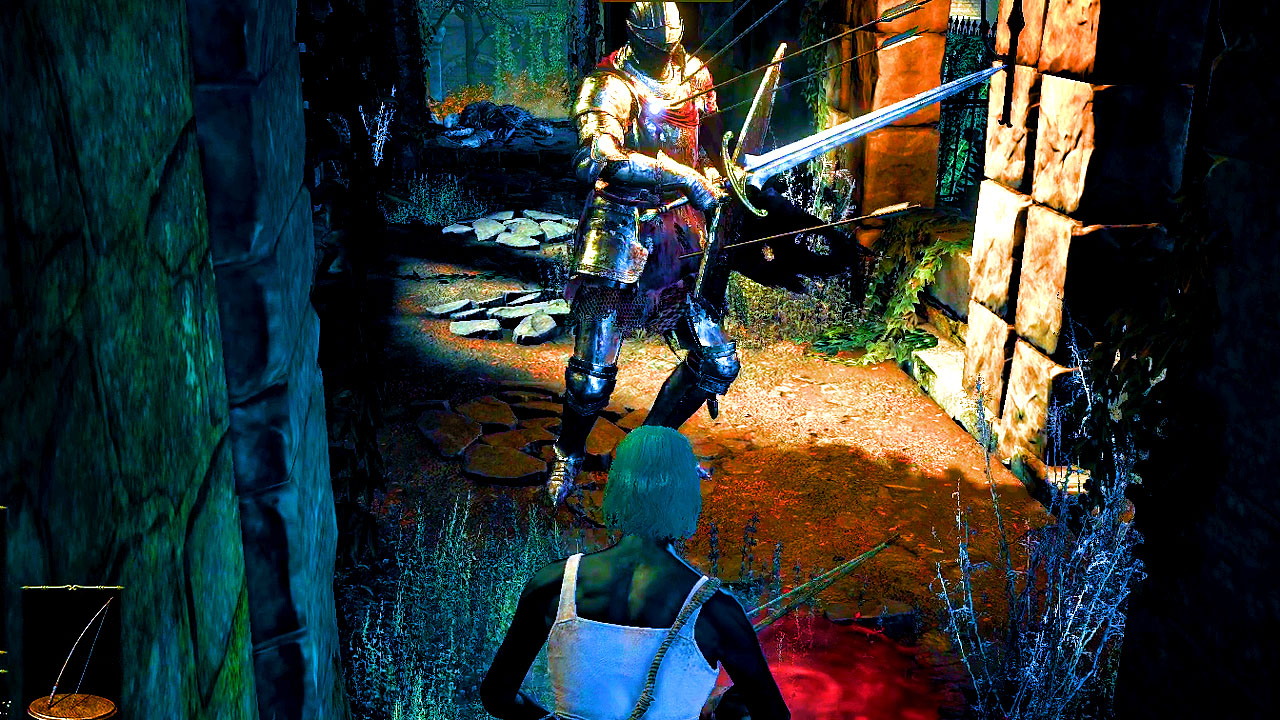
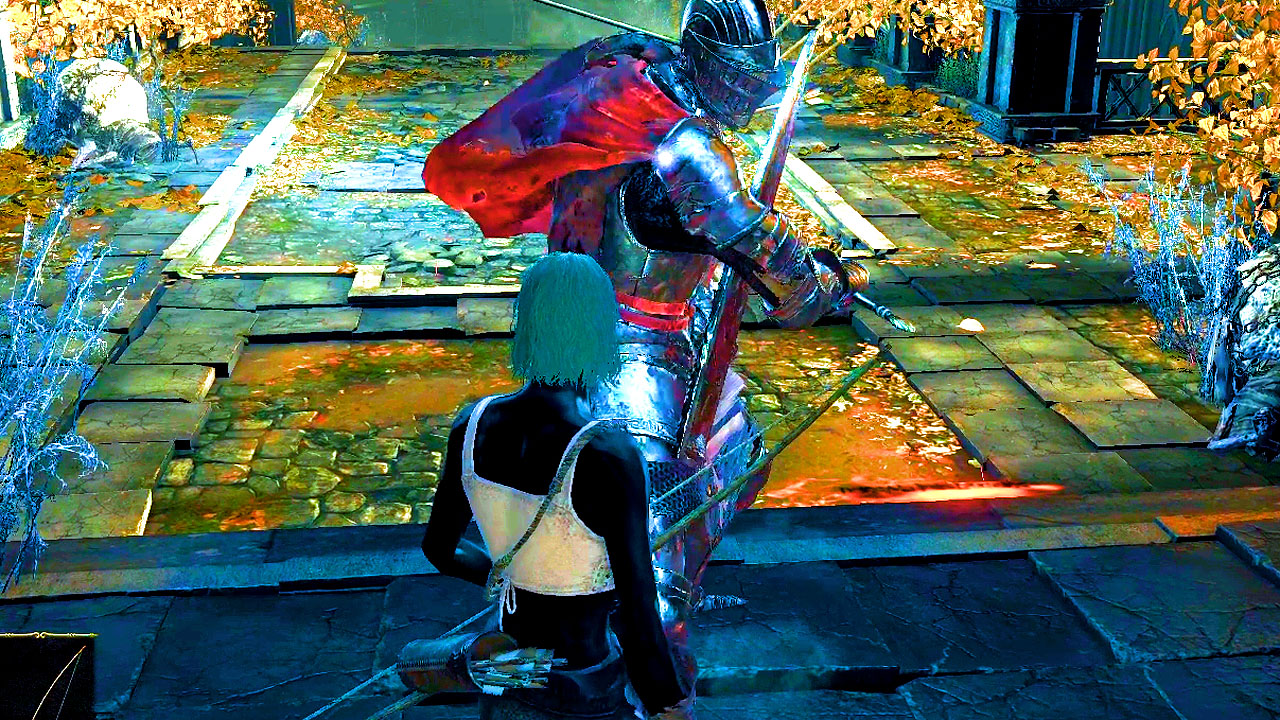
I’m using an ancient version of Photoshop. The goal is to come up with an eye-catching thumbnail for a YouTube “let’s play” video:
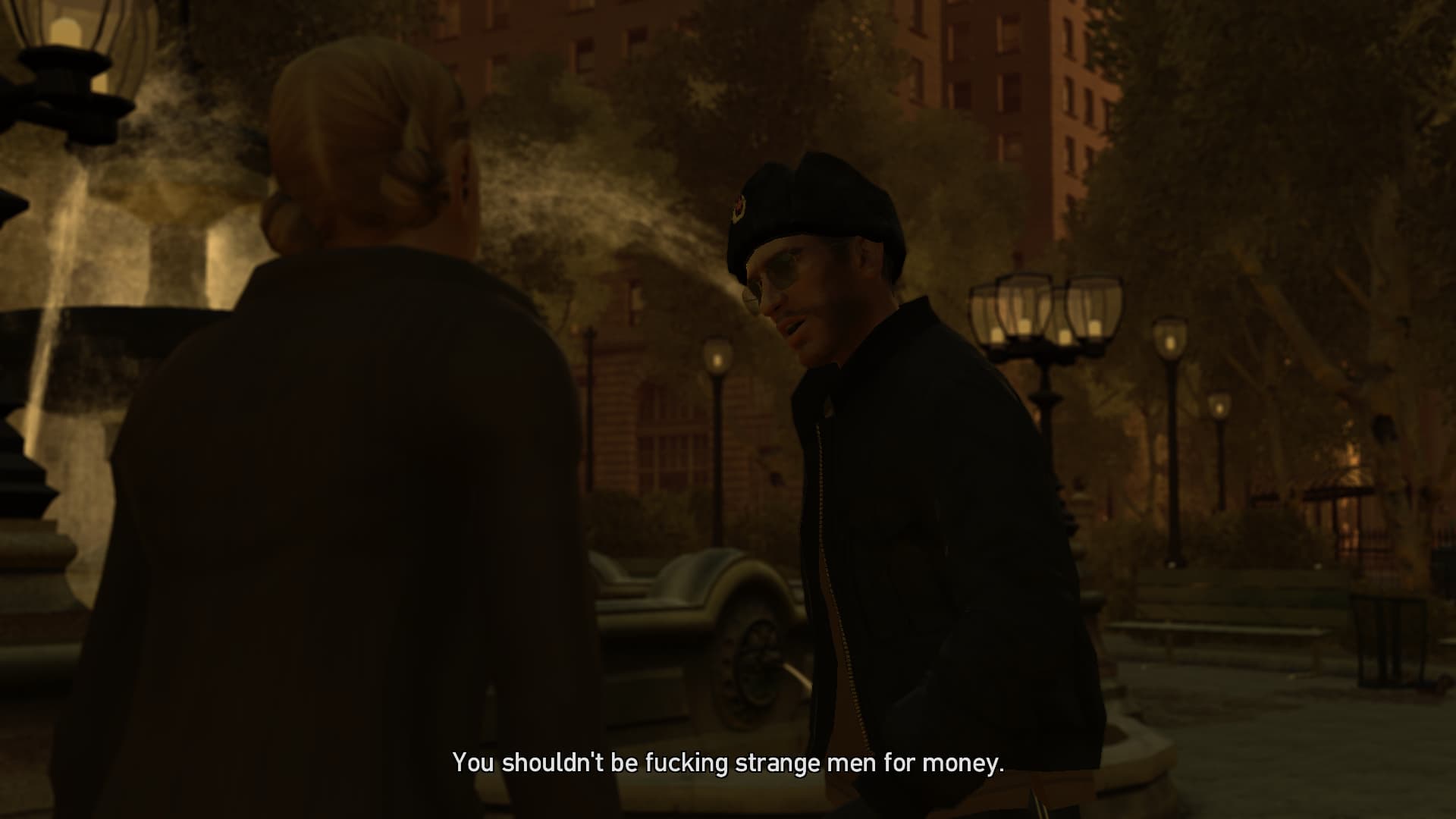
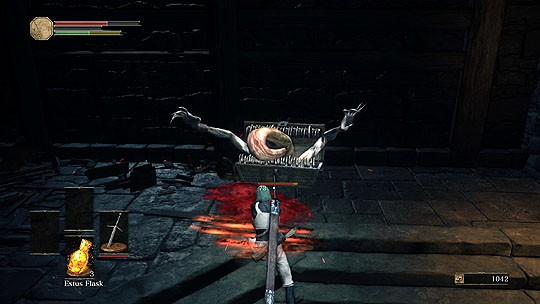
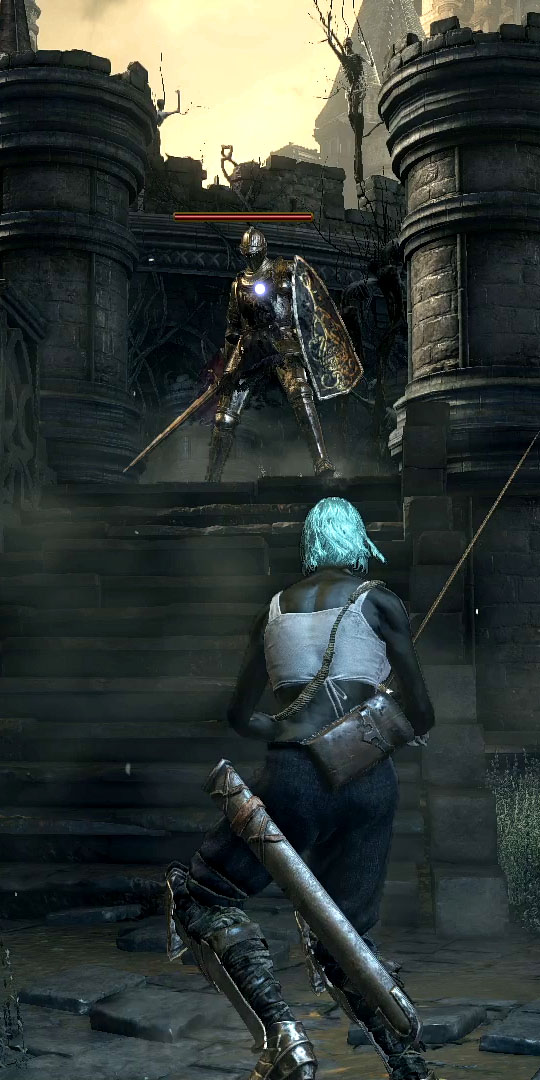
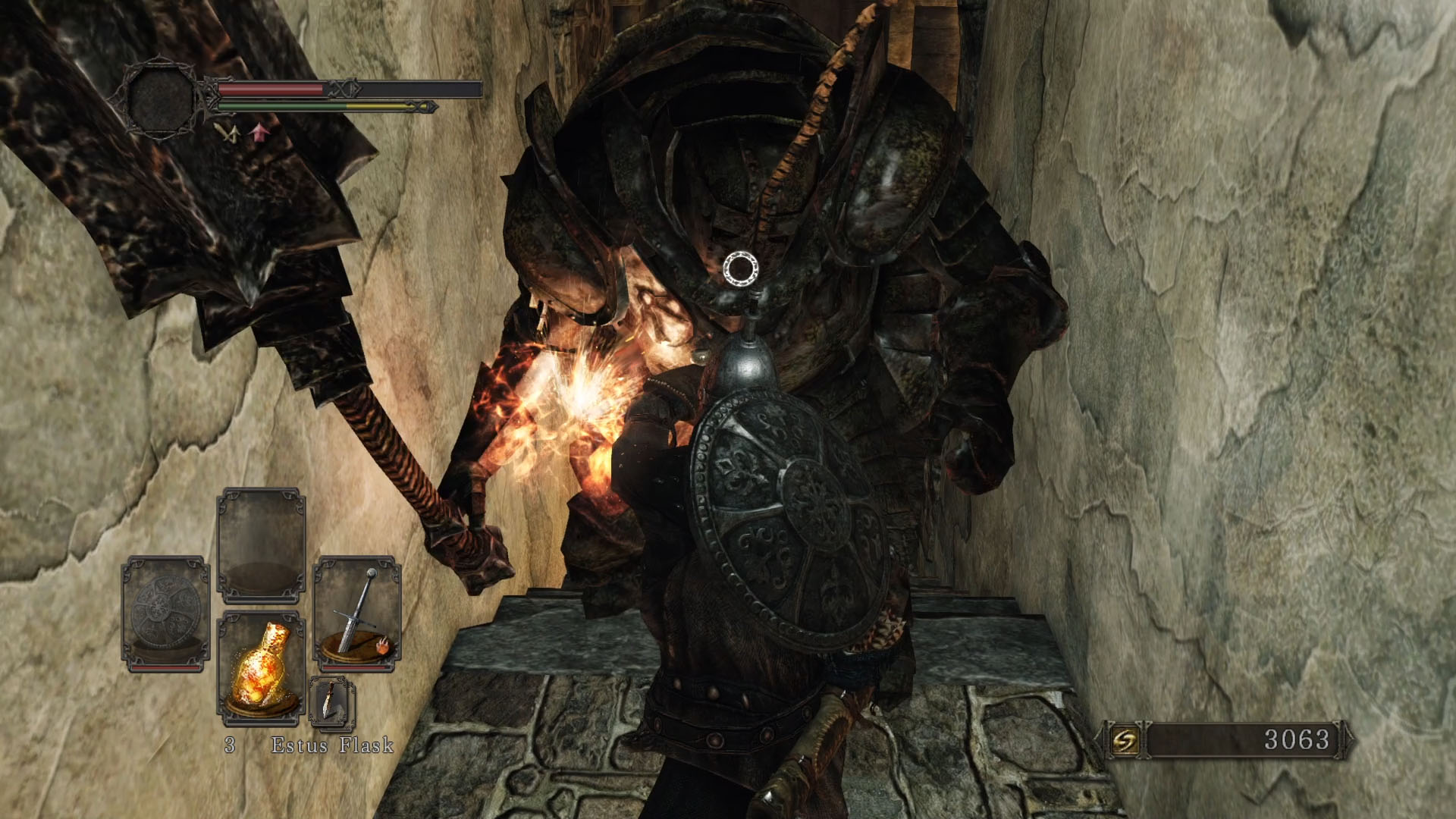
- Use “MPC-HC” free video player to scan through the 1080p gameplay video I captured and find an interesting-looking frame; Alt+I to save it as an image:
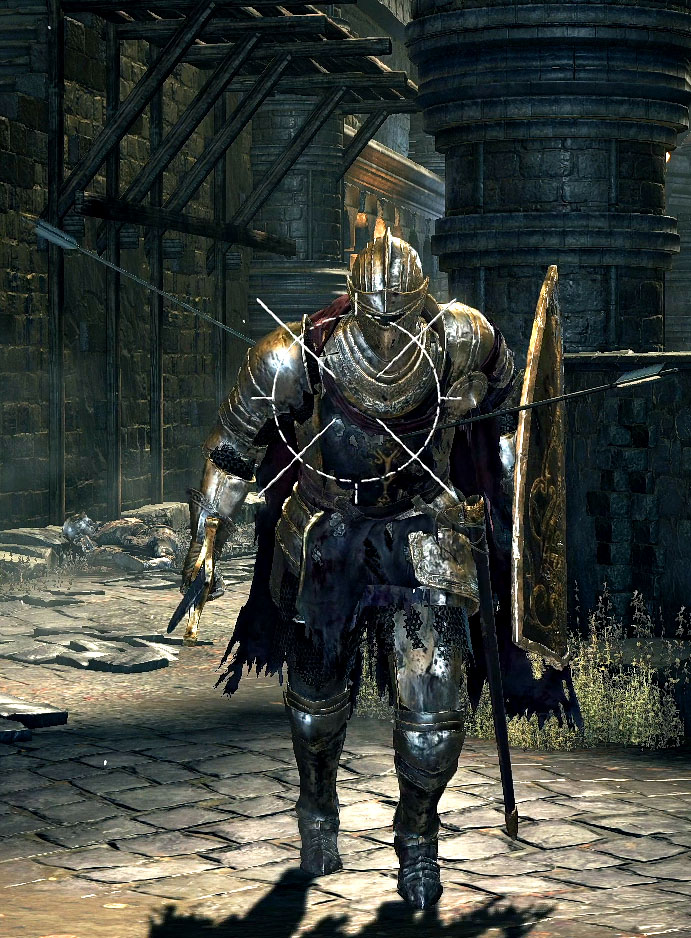
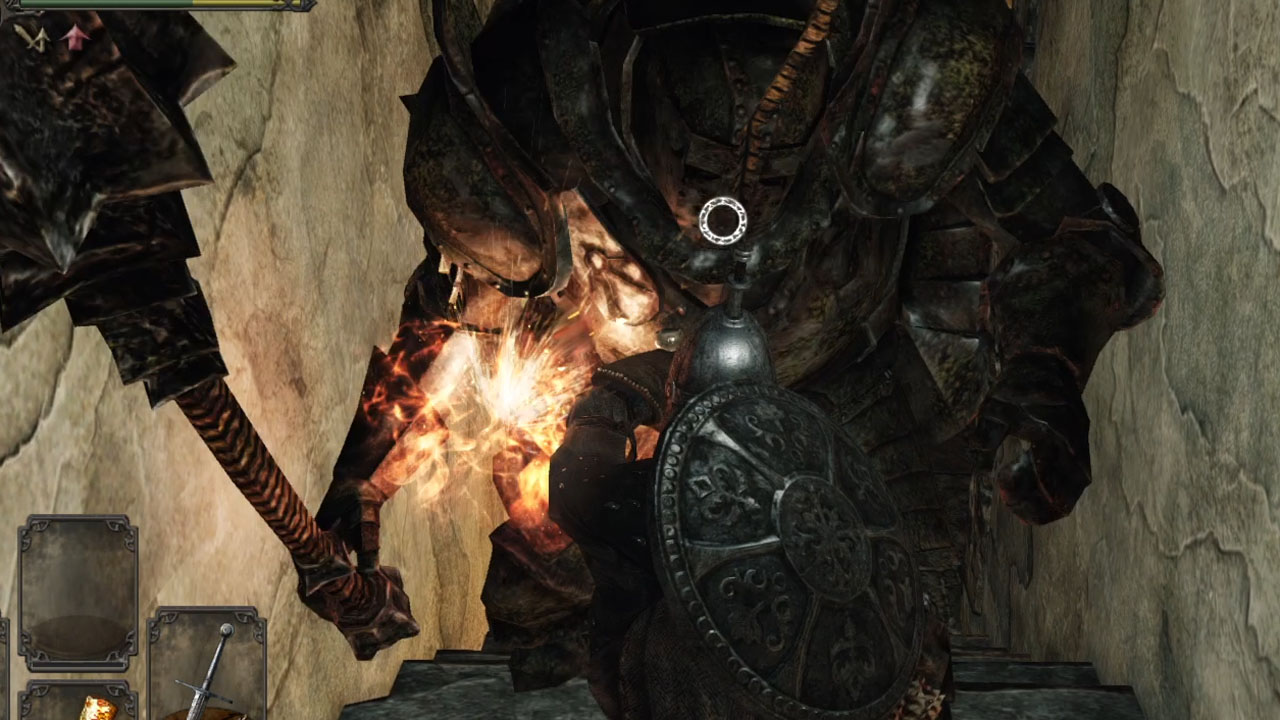
- Load the image into Photoshop, Crop Tool to crop down to the interesting part and “Image Size” to scale it to YouTube’s 720p thumbnail size:
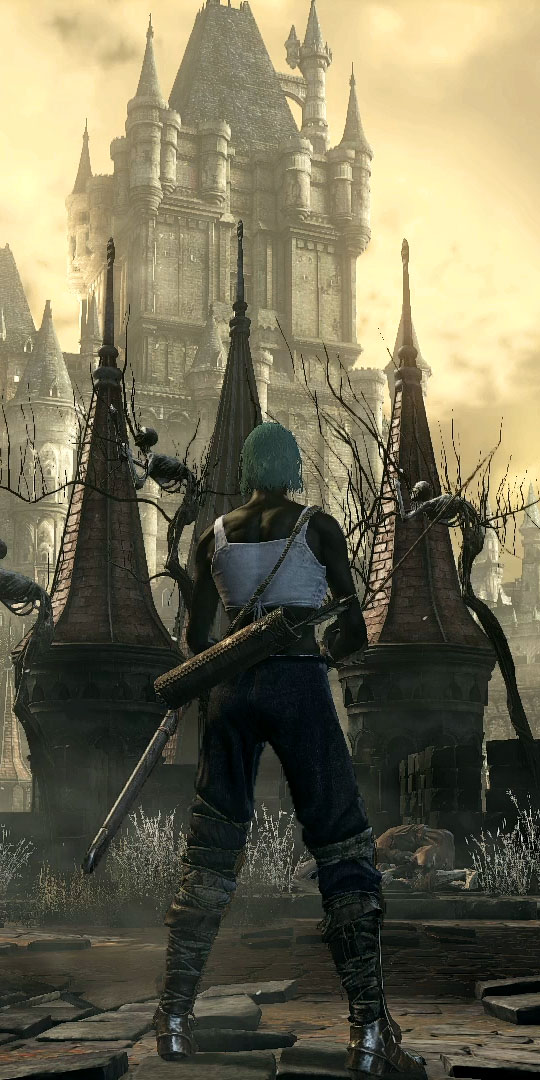
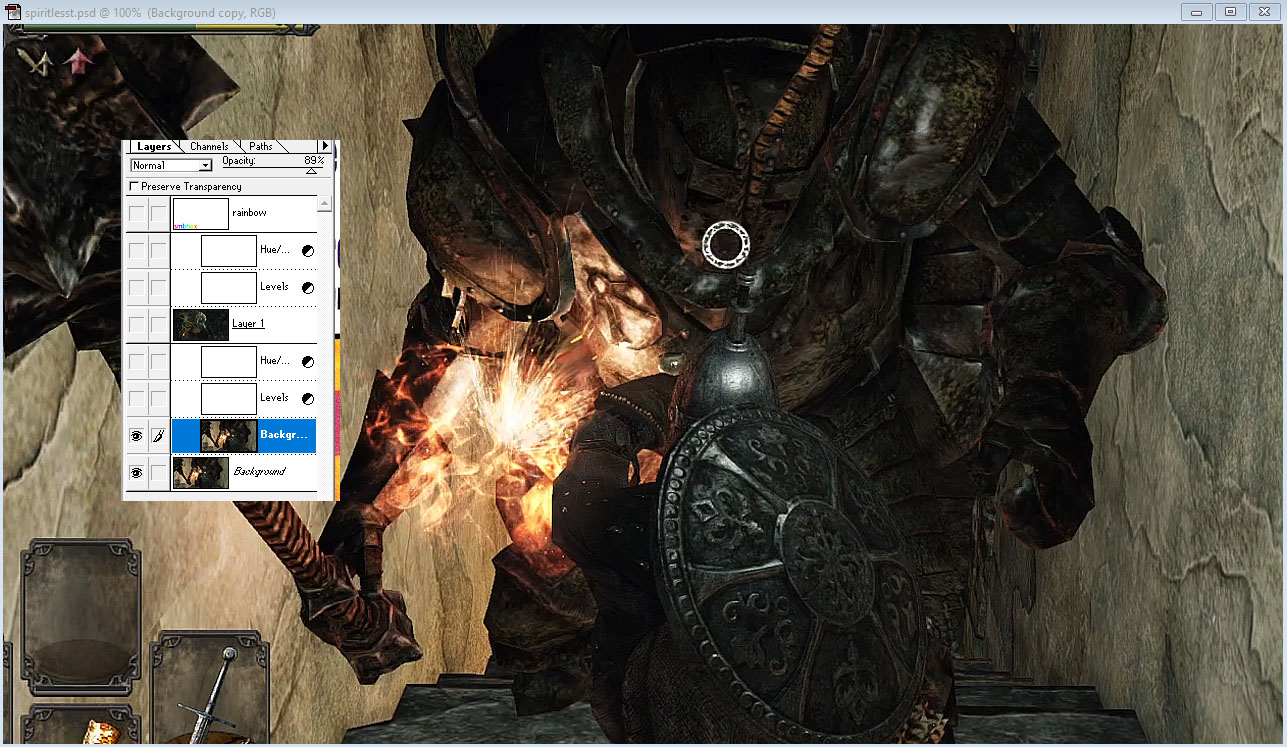
- Sharpen (I think I used the “Sharpen More” filter, then took the edge off slightly by layering it over the unsharpened original at 89% opacity):
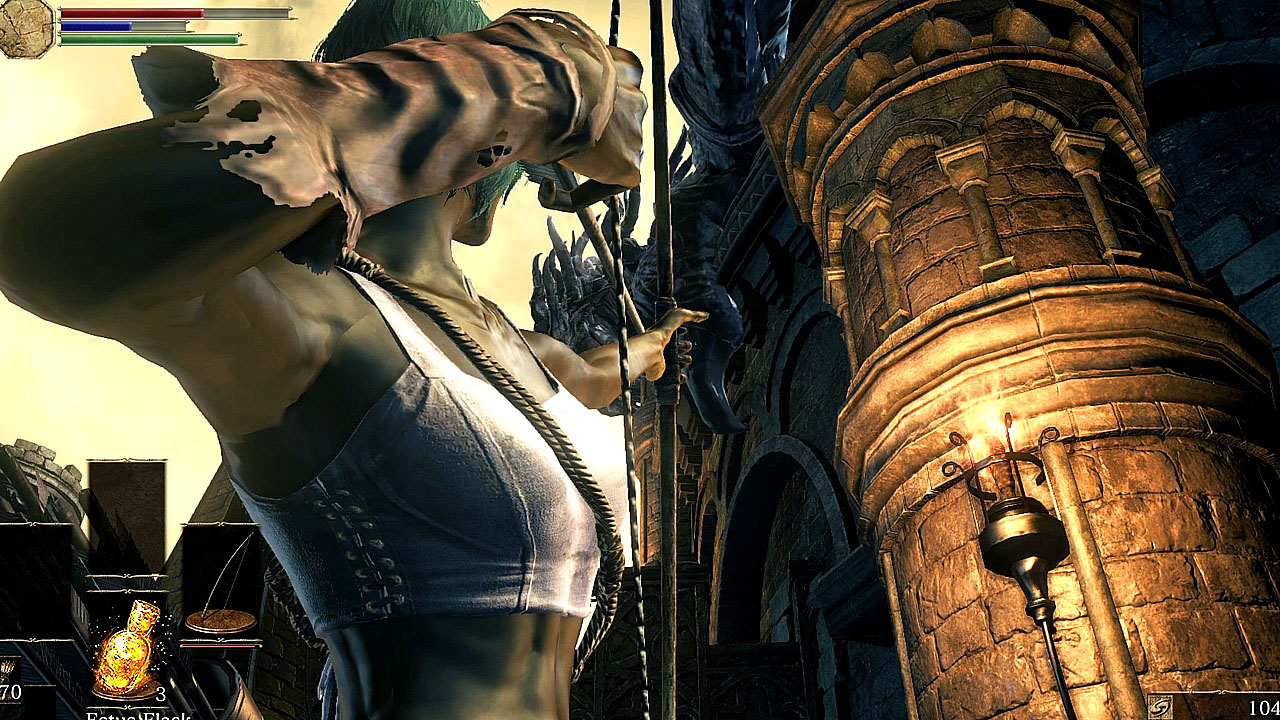
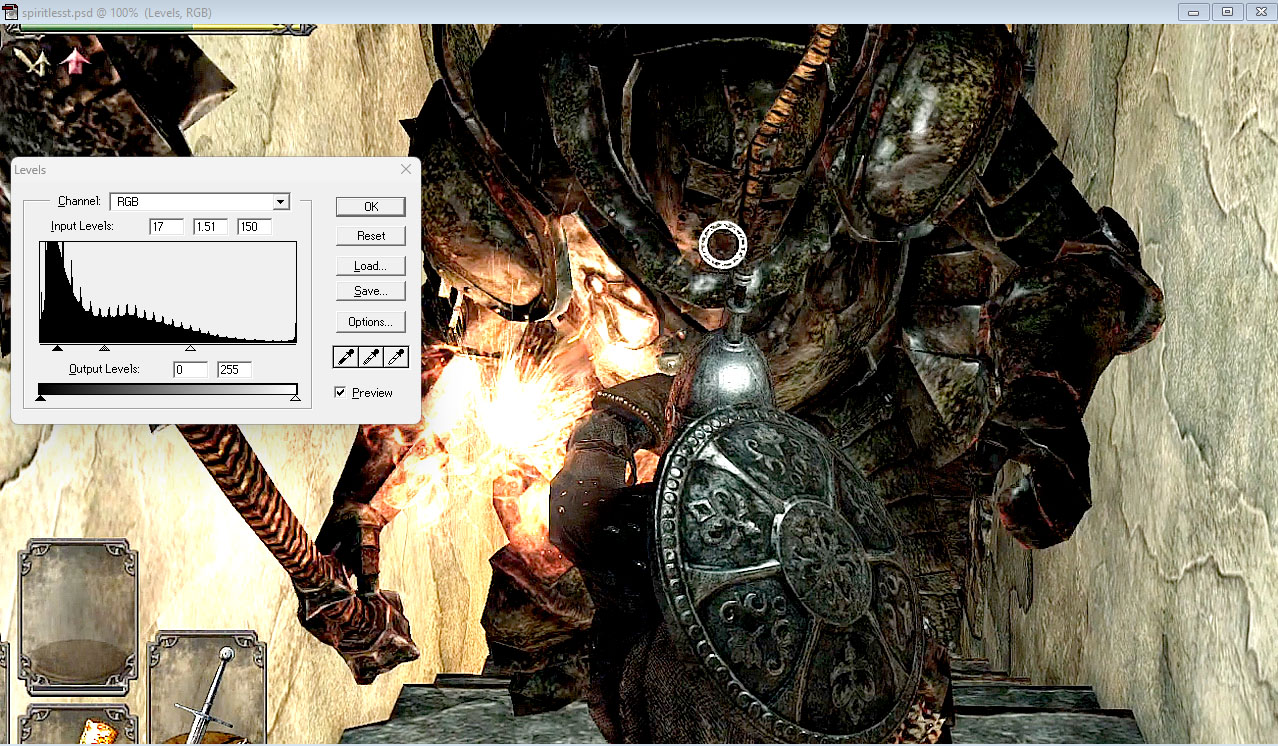
- “Levels” adjustment layer to boost contrast–normally I just adjust the two side Input sliders but the central figure here was so dark I also had to adjust the central Input slider (gamma) to keep their detail visible:
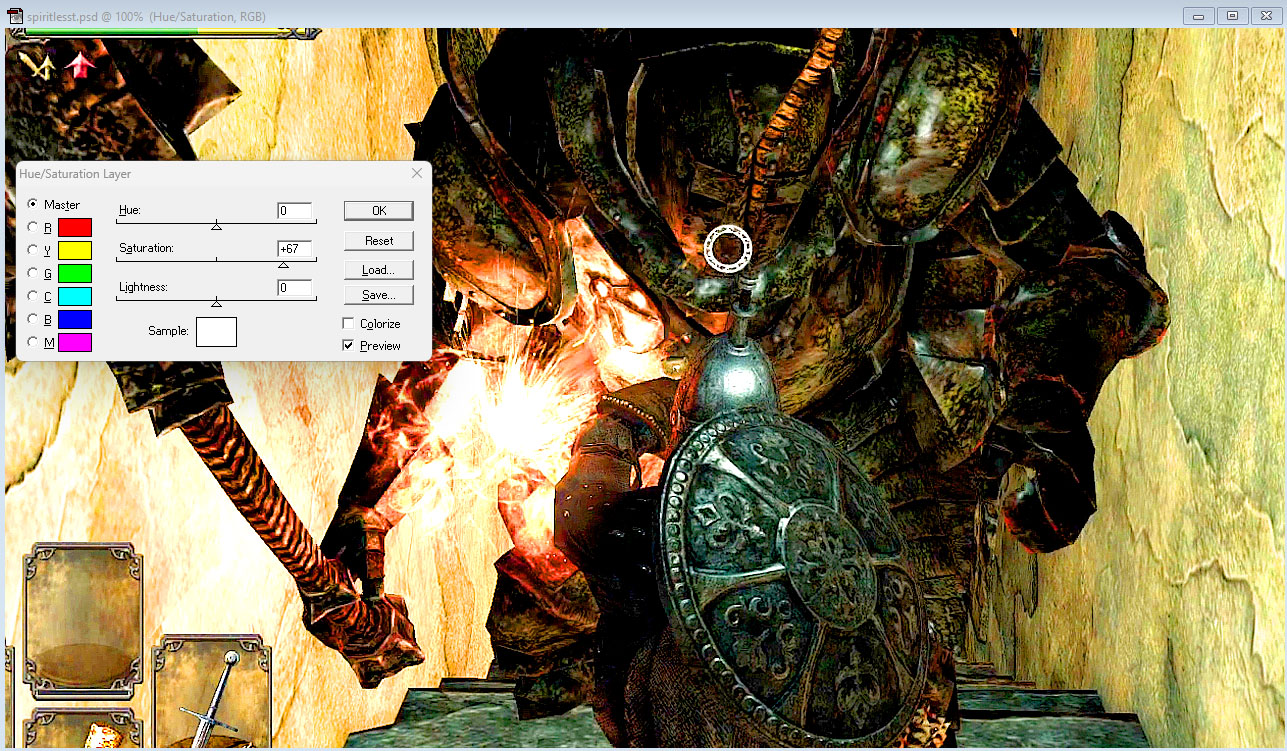
- Dragging in the two side Input sliders in Levels will boost color saturation on its own but if you want to punch the color up even more, a Saturation adjustment layer on top can do that (I usually set my Saturation layers to “Saturation” mode so they only affect Saturation rather than Saturation and Luminosity but in this case I forgot to set that ; D):