I don’t know how many of us may be able to dump games that haven’t been dumped yet for posterity.
On the other hand, if you have a scanner, and some old game media, there may be stuff you can scan that isn’t out there yet.
And heck there may be places out there still needing quality screenshots of obscure games.
There are various places building collections of game media scans and screenshots. The ones I’ve been submitting to are
GameFAQs - they take screenshots and (exterior only) box scans
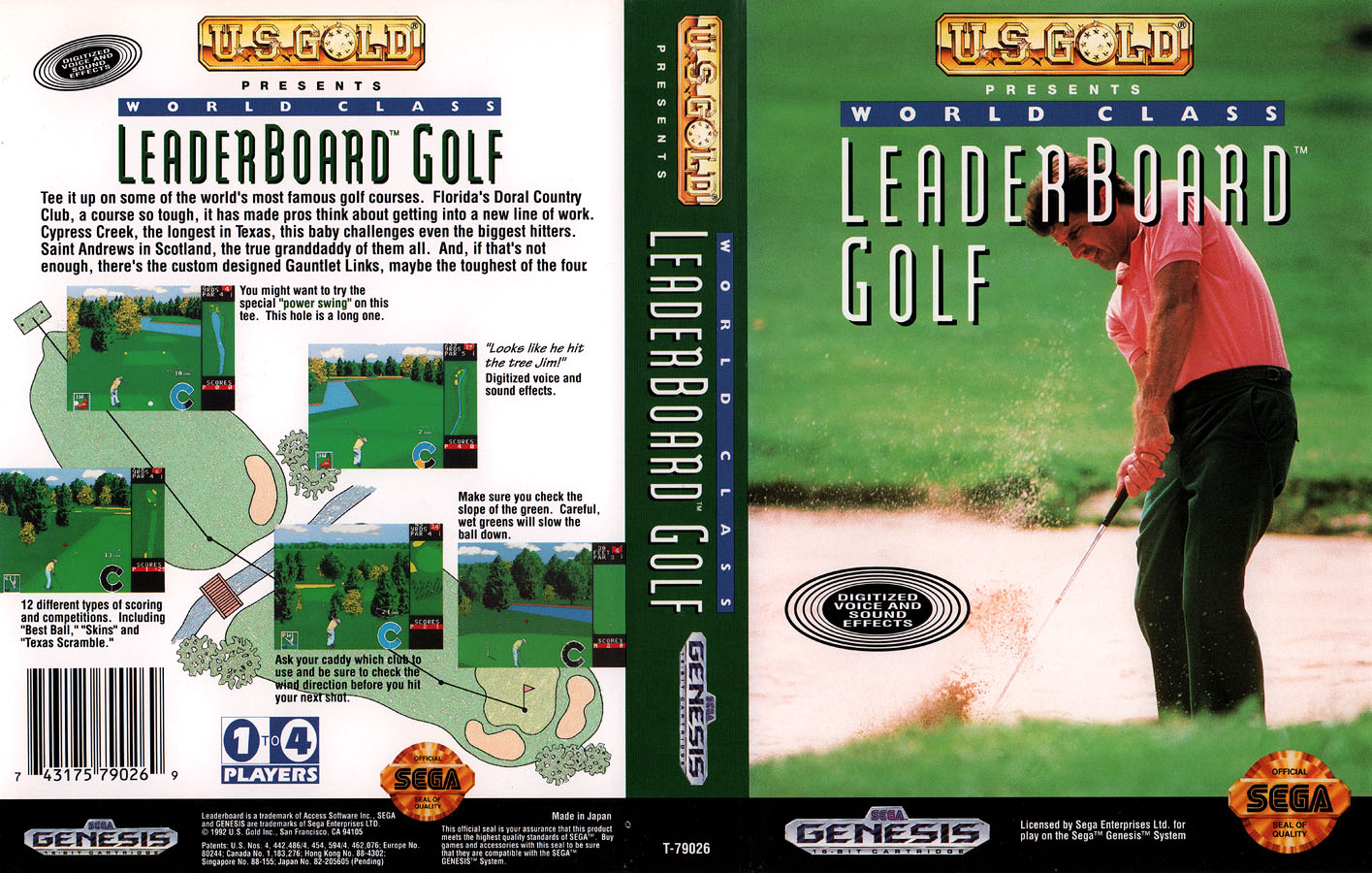
MobyGames - takes screenshots, box scans (including spine cards & manual covers), media (disc & cartridge) scans; submissions may take a while to appear as they have large backlogs
Sega Retro - takes screenshots, magazine article scans, box scans, and manual scans
github.com/xlenore/ - can always use higher quality PS1&2 covers for DuckStation & PCSX2 game thumbnails
archive.org - takes pretty much everything
GF and MB are now owned by corporations, which isn’t ideal. = p
To send github.com/xlenore/ a cover, you get the game ID (can get this from game properties in the emulator) and put that and the cover–or a link to it–in a new Issue in the repository.
And then there’s archive.org, where you can put just about anything. There are huge collections of game manual scans there, for instance–but only for the most popular consoles, and sometimes only for the English manuals. So, lots of holes to fill in there.
And that’s just the stuff I’ve been able to try contributing to. What else can we contribute?
Anyhow this is a thread where you can post links and/or (low-res preview) images to show what you’ve been preserving for the ages in terms of video games.
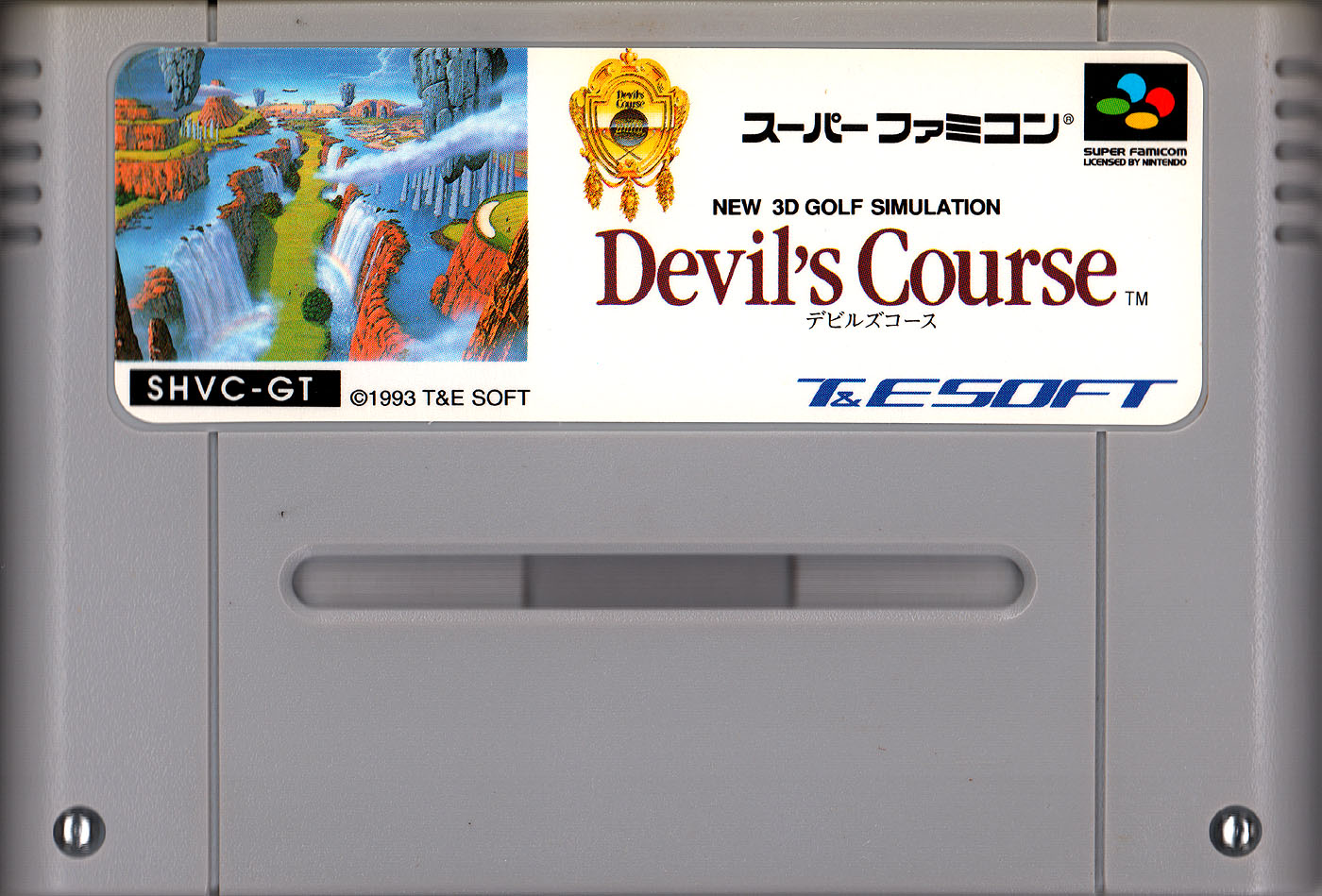
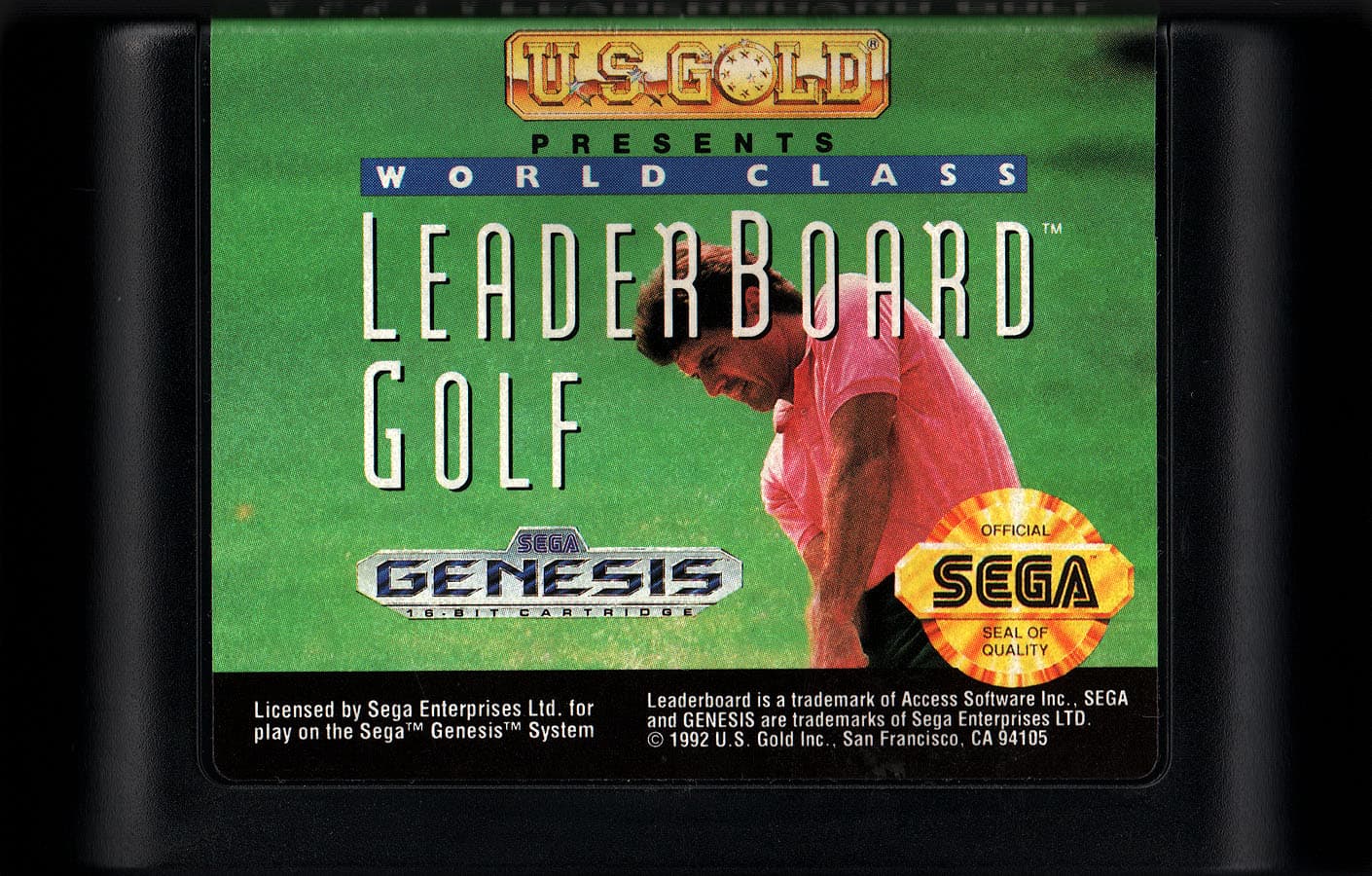
by carefully tipping the cart down on each side from above as the scanning uh wand passed below–but I had to take separate scans and then composite them in Photoshop. (This version is also punched up color and contrast, not the less processed version I sent to MobyGames.)
Is there a better way to do it? I see some REALLY sharp SFC cart scans on MobyGames and I wonder how they did it.
videogamegeek.com has a large collection of user-submitted high quality scans and screenshots as well (to which I have submitted a fair amount).
Here’s my page (I start at page 4 because the more recent stuff has been almost entirely screenshots but the stuff I started with was before digital games were the norm)
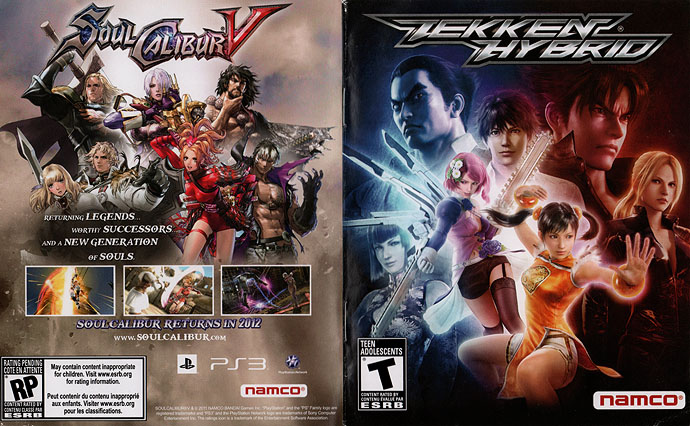
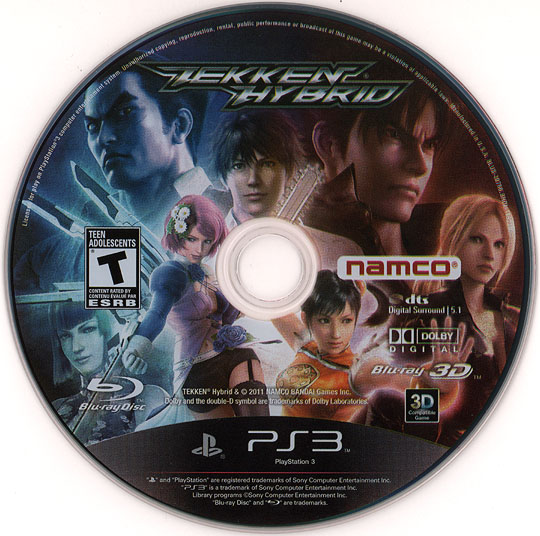
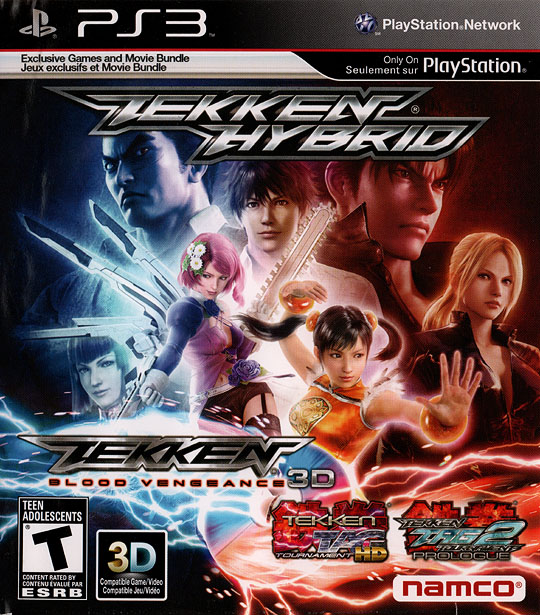
Tekken Hybrid for MobyGames. They didn’t have much of anything for this. I even sent them scans of the back cover and spine but mine is pretty water damaged (you can see a tiny amount crept into the top left of the cover here) so far from ideal–but we’ll see if they think it’s better than the nothing they had.
I hadn’t heard of that site so it’s nice to know. We definitely need to have multiple repositories of these things because any of them could go poof at any time. And also because different scans for instance can have different qualities, and may catch something not perceptible in another capture.
Oh and for instance GameFAQs is owned by GameSpot these days and MobyGames by Atari, and those commercial ventures could go like full evil at any point, so, that’s something I can be paranoid about.
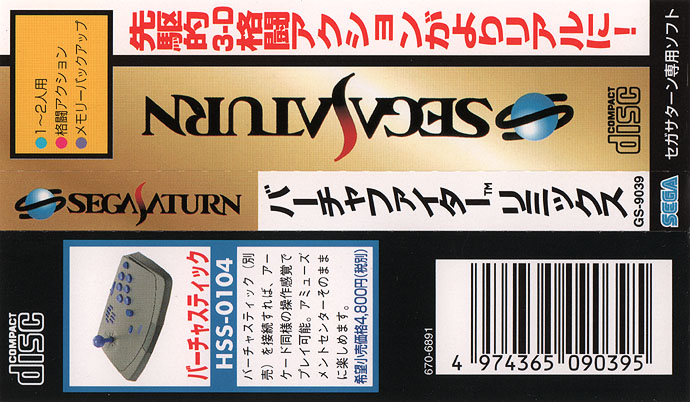
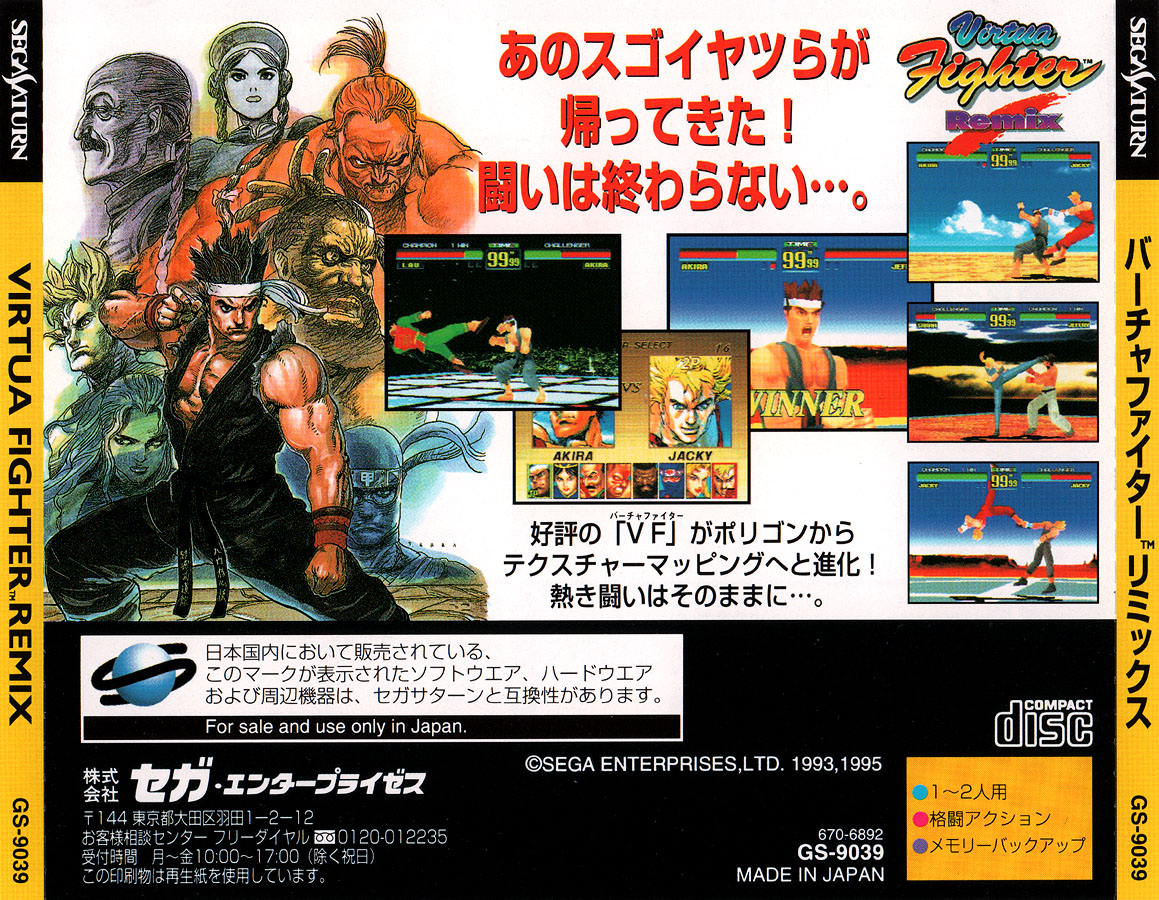
Virtua Fighter Remix (Saturn) spine card for GameFAQs. They want spine cards horizontal, whereas I sent it vertical to MobyGames, since that’s how THEY want them. = p GameFAQs has a spine card scan currently but it’s pretty washed out.
For something like this I think I would use a nice camera to take a photo against a neutral backdrop rather than use a scanner, but of course that’s much more expensive… I do think the label is much more important than the sides of the cartridge, so your scan seems totally serviceable to me.
Photographs of items not amenable to scanning, such as figurines, should be taken against a plain, white background, cropped to include only the item in question, and show details clearly
so maybe a case could be made for SFC carts if someone (not me ^ _^) does have a real pro camera set up…although I’m not sure I would count on it. The nice ones I saw did look like scans.
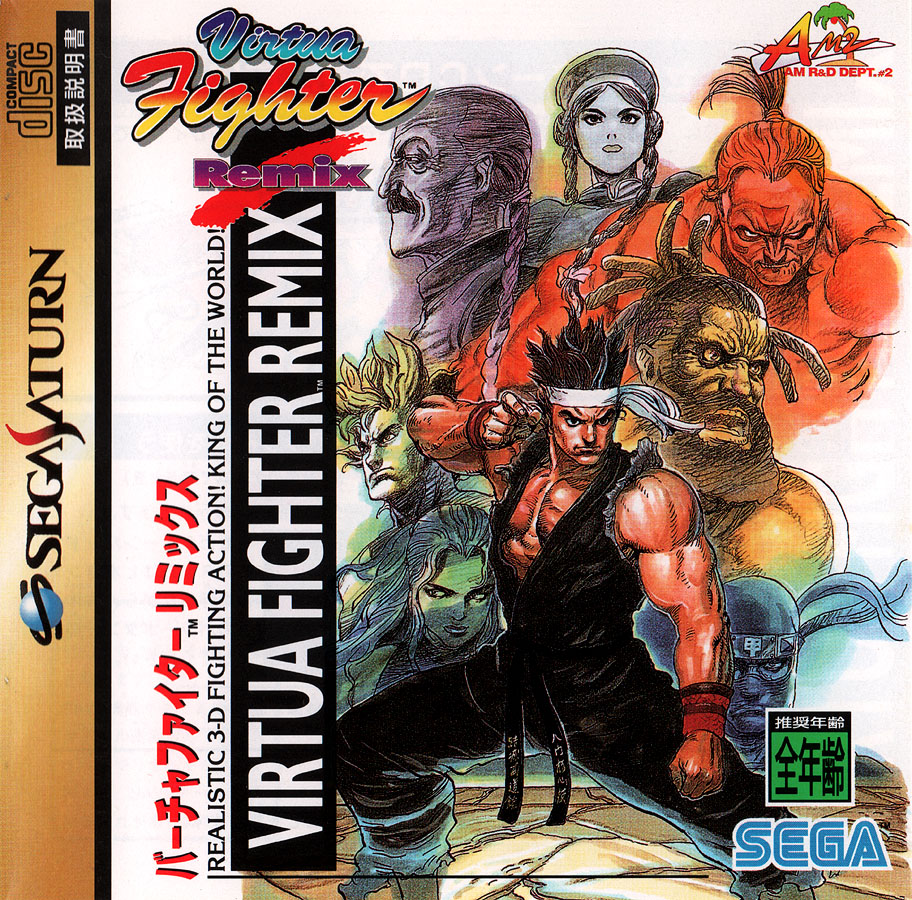
Cleaner Virtua Fighter Remix (Saturn) cover scans for MobyGames (didn’t send them the spines and these small versions have additional level/saturation processing).
Uploading to Sega Retro’s a bit funky because it gives a timeout error instead of confirming you’ve uploaded a file. ‘p’ So they probably got like five copies of it from me flailing around thinking it wasn’t getting through. Then I renamed the last upload–I’d recompiled the pdf in Photoshop CS2 (~23 MB) instead of using the derived one created by archive (~3.5 MB)–after seeing a note on the file update screen saying I should match the name of the file to be replaced, which I hadn’t been doing–and got to an actual site error page saying this is the exact same version as the last version, so it occured to me that oh well these are going through, what the heck. I asked about the timeout on the talk page, turns out it’s a bug and is seen as normal behavior there for now =p:
I get a Cloudflare 504 Gateway Timeout error page every time I try uploading a file–makes it hard to tell that the upload has succeeded, although apparently they are since the file is now accessible on the site. Is this normal?
Sadly sometimes it does that (it’s on the list of bugs to fix), but yes, file is uploaded and usable, and thanks -Black Squirrel (talk) 10:00, 4 May 2026 (EDT)
I suppose it’s an example of the general site problems they’ve been having lately, summarized in this status post from last year:
You may be seeing error codes like “502” or “504”, and we may have had to temporarily turn off image thumbnails to claw back some performance - these are common symptoms of a when a server that’s overloaded. Likewise there are also many long-standing bugs we’re also aware of, and yes, they’re on the to-do list as well. It’s a big list.
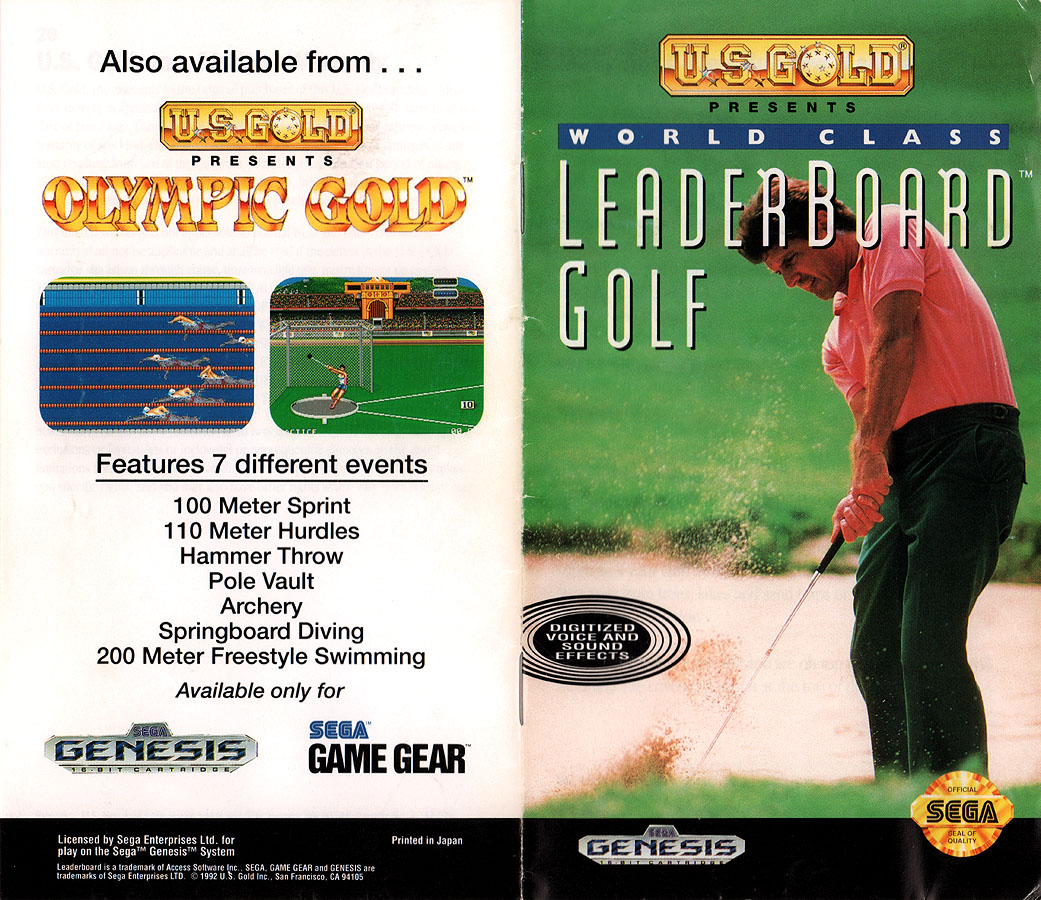
For manual scans sent to archive you don’t actually send them a pdf, you send a zip file containing sequentially numbered images of front cover, interior pages, back cover in order of appearance. The zip and the images in it should have the “identifier” ie page name of the archive entry as their base–ie my chosen URL for the one above was
so that last part, “world-class-leaderboard-golf-genesis-manual-us,” is the identifier, and for instance the first image in the zip is “World_Class_Leaderboard_Golf_Genesis_Manual_US_0000.png” and the zip itself is “World_Class_Leaderboard_Golf_Genesis_Manual_US_images.zip” ([identifier]_images.zip is the format to follow).
Archive’s automated process does everything from there, although the perfunctory .pdf version it puts in the file repository along with various other things isn’t the sharpest, so if you’re submitting to sites like Sega Retro that take pdf uploads, it’s better if you can submit a .pdf you’ve compiled yourself from your page scans.
Archive’s page detailing the “book” upload process:
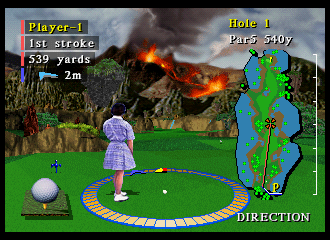
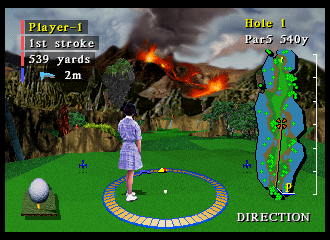
Ah, I thought maybe I shouldn’t mess with Mednafen’s output at all, but the “overscan” (black borders) it adds increase the image size from the base 320x224 Saturn screen size, and MobyGames asked me to crop them. So they should actually be like this:
They also wanted me to note for the anamorphic one (the lower one there) that the user would then set their display device to stretch it to widescreen (that’s gonna be one big caption on their screenshots page ; D).
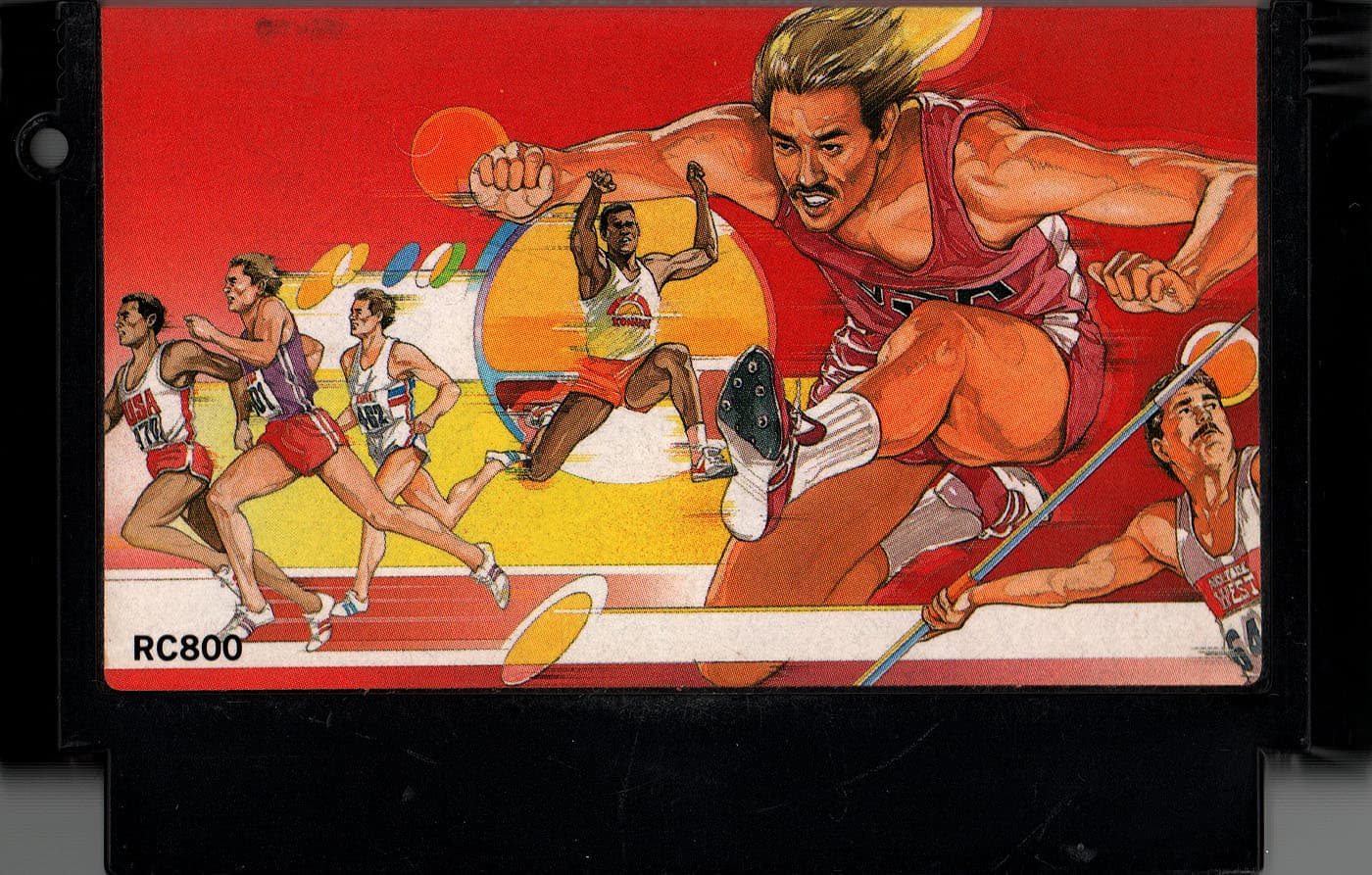
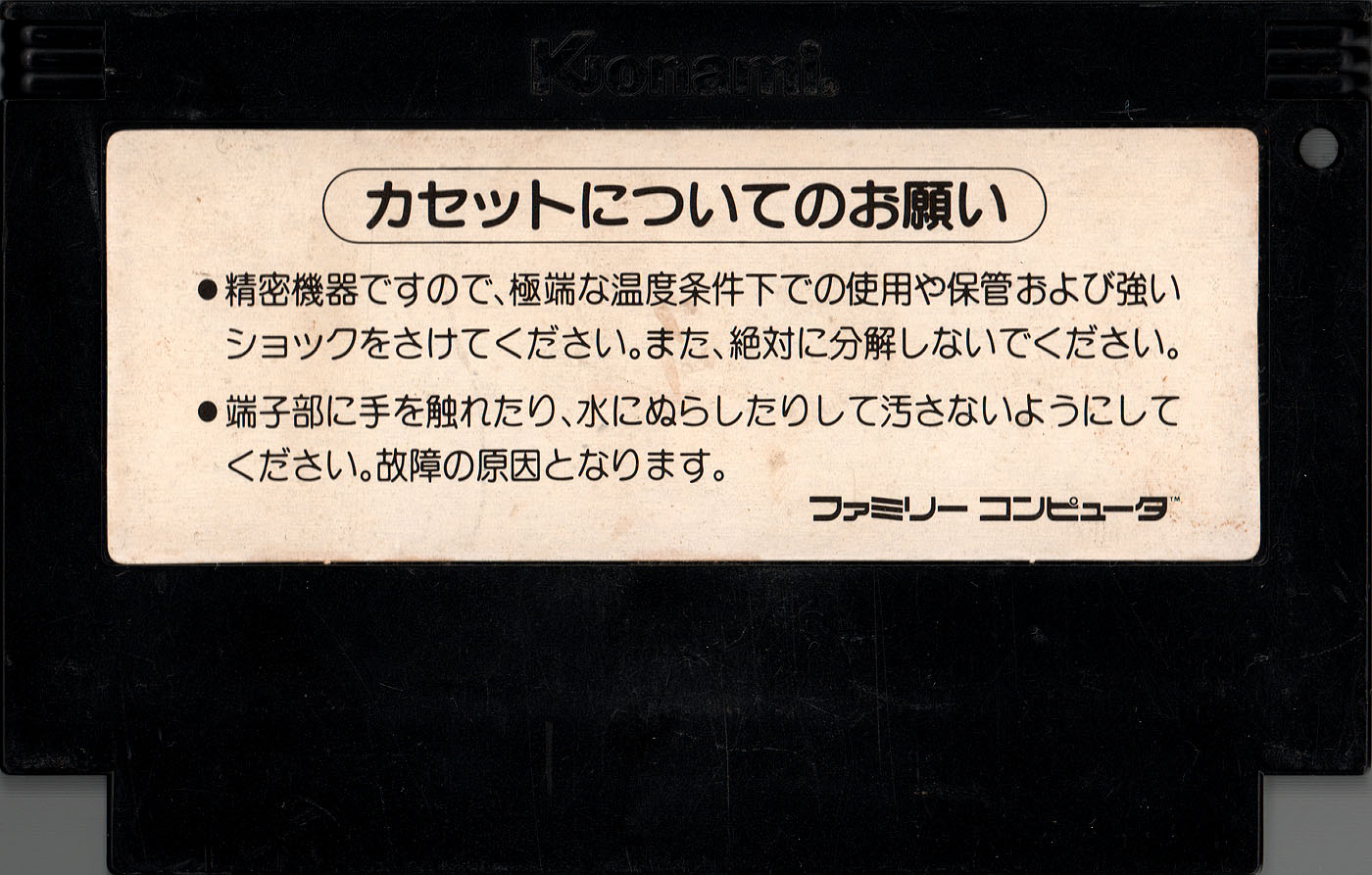
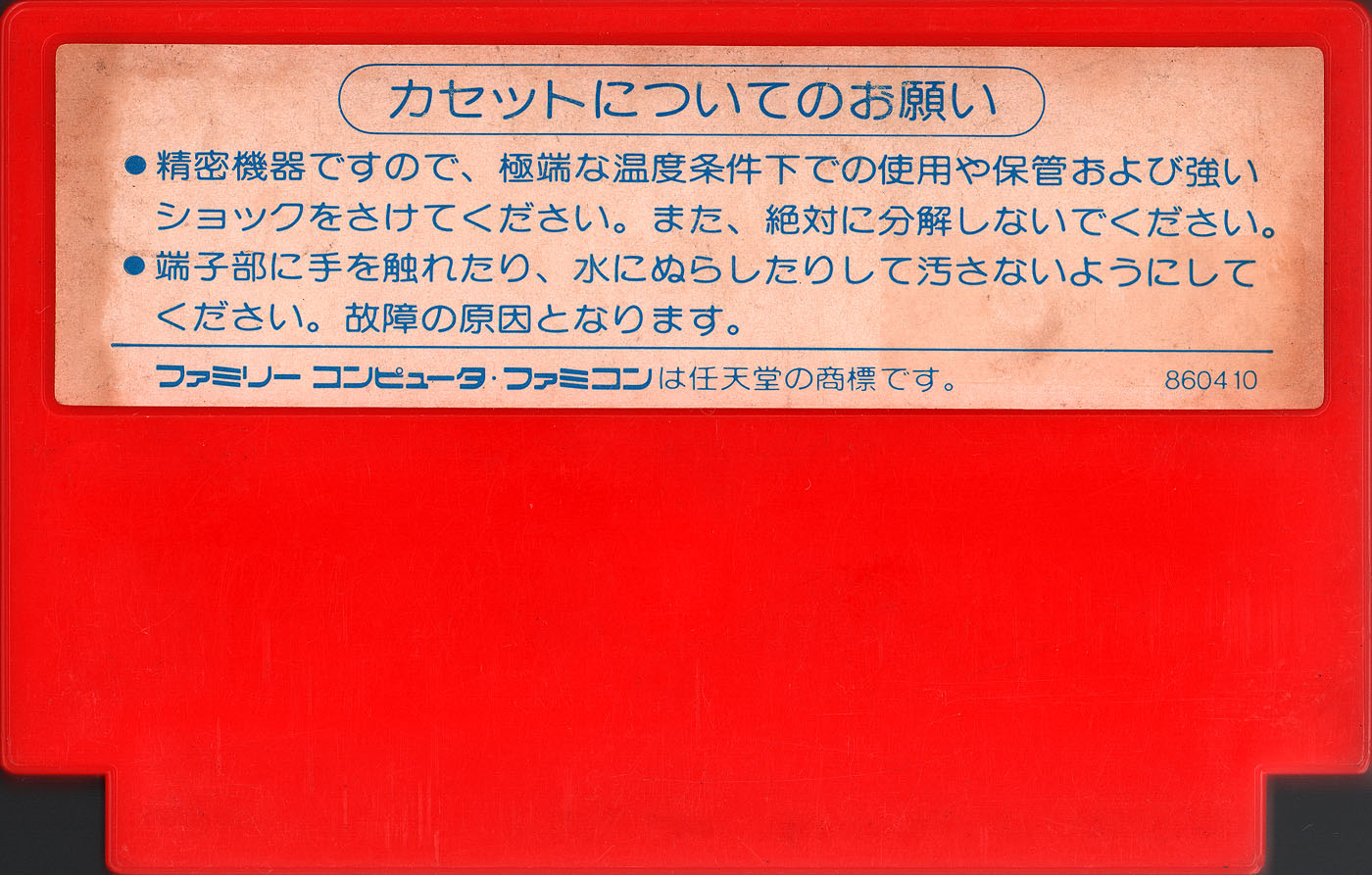
Hyper Olympic and Nekketsu Kouha Kunio Kun cartridge scans for MobyGames. For SFC carts I don’t bother with back scans since they’re pretty much all the same, but there’s a lot of variation for Famicom carts. Also note the Konami Famicom cart hole. ; )
Moby already has a scan of the front of Hyper Olympic but the color in it isn’t great so maybe they’ll take this one. I don’t know if they take cartridge top scans but they darn well should for ones that have a label up there–Nekketsu for instance does not–so we’ll see.
github.com/xlenore/ - can always use higher quality PS1&2 covers for DuckStation & PCSX2 game thumbnails
To send them a cover, you get the game ID (can get this from game properties in the emulator) and put that and the cover–or a link to it–in a new Issue in the repository.
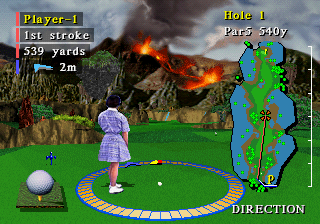
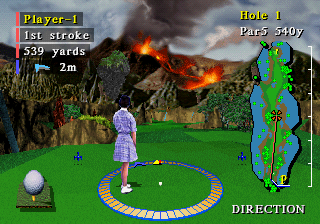
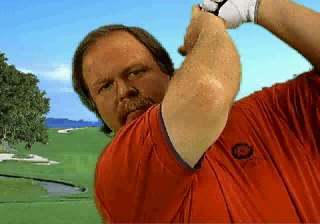
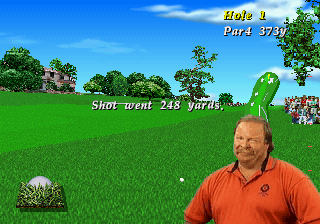
MobyGames doesn’t have any screenshots for the 1994 3DO/Saturn versions of Pebble Beach Golf Links so I sent them a few Craig Stadler shots I just happened to have taken for other purposes. ; ]
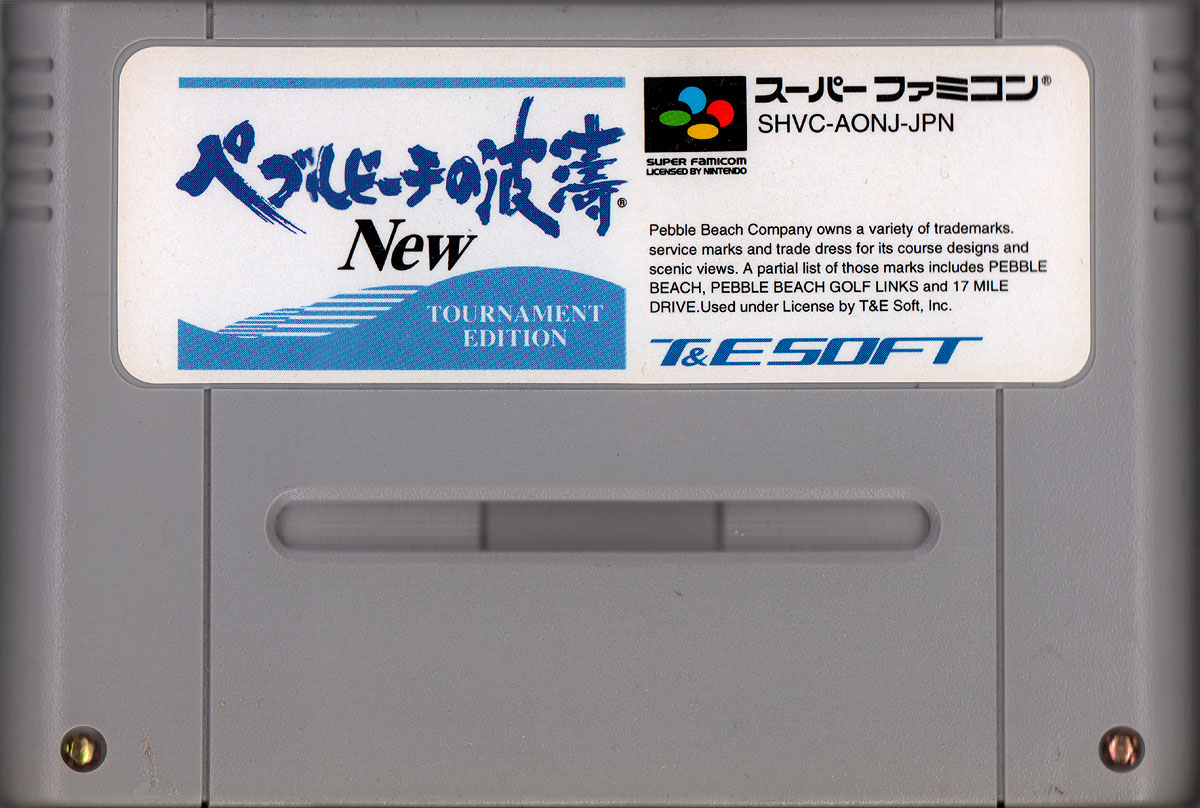
T&E Soft golf carts for MobyGames: Genesis tops (still dunno if they’ll take these ; )) and the SFC cart front (3-scan rocker method) for Pebble Beach no Hatou New: Tournament Edition with its Super Accelerator 1 chip lurking inside.
 -
-