plex/jellyfin innit
1 Like
That too!
I’ve been thinking about a NAS. I think the move is to make a really jank one for free and use that then cost out a custom NAS or upgrades for tangible upgrades. The biggest unknown is “does your home cloud server work as well as apple/google/etc”.
Or you can just say you don’t want the AI having your pictures. Then easy
1 Like
I would say regardless of your route, get something working first and then try to explain why someone else should use it
2 Likes
your local photo storage is so, so unlikely to be cost competitive with or more highly available than a cloud service. if you were doing video you would have a much stronger case. but honestly, this stuff is all quixotic, do it if it’s fun only
3 Likes
Ok, Network Attached Storage deployment/support job go:
Skills I need to develop:
ZFS config, auto pruning, zraid, company specific middleware scripts
LUNs
Kubernetes
Cloud storage (block, file, object, SMB, NFS, LDAP, functional networking)
Physical networking: fiber, connectors, link aggregation
Anything I’m missing? This job should be 25% typing text into fields on web portals, 15% communication, documentation, and reading, 8% middleware commands, and 2% debian commands, with the remaining 50% being some ambiguous assortment of hands on server room antics and on site customer interactions. Again, I crushed the informal interview. What is minmax here for crushing the round one technical interview and the final boss idiot test/vibe check against the guy who runs half the company (size ~= 220 persons)?
I really do not want to fumble the ball. This is genuinely the best fit I’ve ever been in the running for.
6 Likes
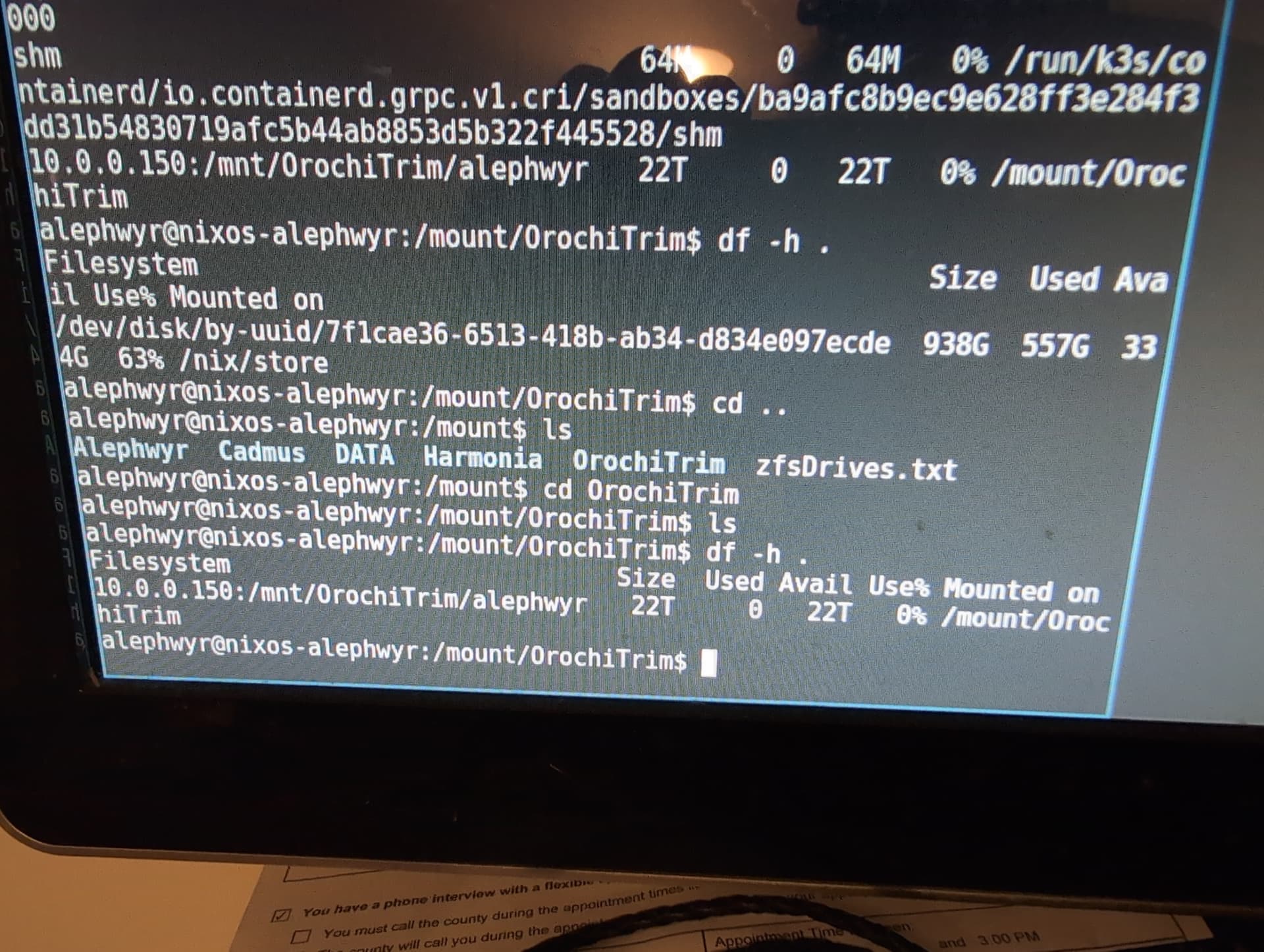
zfs rules
1 Like
1 Like
I wonder if I can ride on my current ram and gfx card setup for a while but upgrade the CPU. Are there any good motherboards that take a recent-ish cpu and DDR4 ram? what should I be aiming for there, roughly?
your only choices are going for a higher end AM4 CPU or getting a 12th-14th gen Intel part, which are competitive at the high end but are also miniature furnaces (a 13900k or 14900k will easily pull 250+W)
Yeah, AM4 is also what someone else recommended. I don’t know if I should even go for a stopgap upgrade
Well it turns out I have DDR3 ram and not DDR4.
1 Like
someone had kindly offered to sell me DDR5 ram at non insane prices, so I think I’ll build my computer around that early next year.
2 Likes
I love how every time Asus does something

MSI has to do it too, but… cheaper? Off-brand? At a Dutch angle?

8 Likes
I’m planning on setting up a four-bay NAS with 12TB drives soon. I was able to get a good deal on three drives, but want to wait until I can get a similar deal on a fourth. If I were to use RAID 5, would it be inadvisable to start using the NAS with three drives and expand it to four when I finally find a good deal on one? I’m sure expanding a NAS can get complicated or fragile even, though some RAID version it seems easier to do than others.
generally, this would be fine (to start with N drives and go to N+1), just be mindful that it will take a long time (up to a day) for your NAS to rearrange data when you add another drive to the array.
also, if you go Synology, they have their own RAID implementation that’s geared toward always handling the failure of any 1 drive in your array, so you don’t have to pick RAID 5 specifically, and they will handle expanding it for you automatically. this is another feature they do quite well.
1 Like
I went UGREEN per a recommendation up thread and cost. Not being a power user, after looking into comparisons it seemed like either were a good choice. But I made my choice in the wake of Synology backpedaling its decision to limit their NAS to proprietary drives, so avoiding that sort of thing in the future was definitely a factor. Though I wasn’t thrilled by UGREEN advertising some LLM photo cataloging features, either.
1 Like
honestly using a local LLM for that is a very not-bad use of an LLM (though I personally use my NAS exclusively as an SMB video server and don’t even bother with plex metadata so ymmv)
Yeah it could have a much more asinine implementation of LLM shit, and database tasks are like the least distasteful use of the tech I have seen so far.