It’s cool that panther lake is a drop-in for previous mediocre intel stuff. With linux compatibility in mind Qualcomm is a pretty terrible vendor. Nvidia should be good, because every other system they’ve ever built or integrated ran Ubuntu, but who the heck knows what they’ll do to their consumer ARM SoCs. If Intel just hangs out with AMD ~two years behind Apple/TSMC for the foreseeable future that would be fine. Personally i’m looking forward to a point where windows/linux + intel/amd notebooks have equal tradeoffs with macbooks again.
Still looking forward to nvidia’s arm SoC. It’s nice that every (non-terminally unmotivated) vendor has a ~25-60W part with a good GPU, strong competition in the “gaming a little bit on my normal computer” market.
I think I have mentally settled on getting an ipad and pencil pro as a drawing tablet replacement. Every other option is a second laptop, which I don’t need, and won’t be as good. Fucking…IOS
Would highly recommend the Wacom Movinkpad if you want a good, non-iPad drawing tablet.
I was never happy with the drawing feel of an iPad and its pen but the Wacom Movinkpad is just straight up a Wacom stylus, the same one I use on my desktop tablet. It also comes with a matte screen texture built in without having to pay ripoff Apple bucks for it and has a 90hz screen, so it’s way better than the equivalent 60 hz iPad price equivalent, plus it comes with the stylus already included.
I use Clip Studio Paint on it and it’s amazing, literally the same experience as on desktop and I can just transfer files over and work on it the exact same way with the same work layouts and everything. It’s an Android tablet and recently Tourbox updated to support Android so my drawing setup for home is exactly the same as my portable drawing setup now.
I’m not familiar enough with Android to say, but Clip has a 3 month trial and then it’s like $27 a year or half that if you get it on sale, which happens like 3x a year.
I used Photoshop, Affinity, and Procreate on the iPad but eventually switched to Clip on there prior to getting the Movinkpad, because Clip is so much more robust and literally the same drawing experience as on desktop, same menus and everything, which was really appealing to me. For example, I would look up things like “how do I do this slightly specific function” for procreate and Affinity and their help/forums would either give me no answers or tell me that it’s not available on the mobile version or that the specific function I need isn’t ever coming. Meanwhile Clip’s support has like decades of users asking every question ever so I’ve been able to do everything I ever needed. Even got rid of Photoshop on desktop and switched to Clip there too after finding out how much easier it is to do everything I need.
But this is all more for a professional use case. Looking it up, there looks likes there’s a lot of nice non-sub based options: 9 best drawing apps on Android
Also for the Movinkpad, it comes preinstalled with a nice Wacom branded sketchbook app that’s pretty nice for just doodling if you just want to jot ideas down.
Not having to charge the pen sounds incredibly appealing to me…
I was satisfied with Procreate on iPad but I realize lately my iPad is mainly a device for playing YouTubes while I do other stuff. Perhaps just getting a dedicated device is the answer.
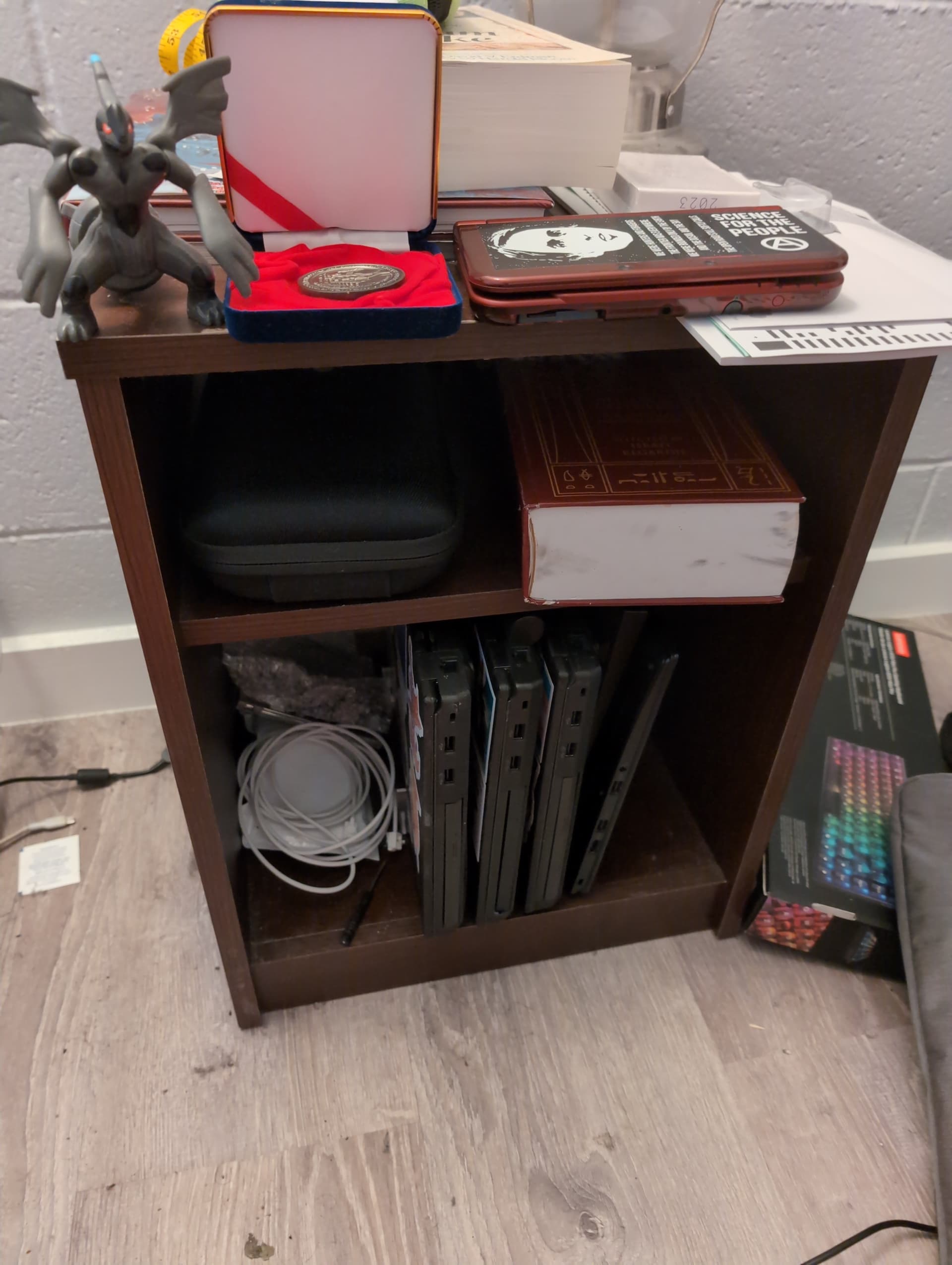
Quad thinkpad kubernetes cluster is now inevitable. Will need to get some sort of cooling situation set up. Networking will also require set up, but I think a simple five port unmanaged switch should work, plus WiFi to the head node. This would burn too much power to justify right now, but eventually will probably host a mastadon server.
Recently my partner and I learned about Meshtastic LoRa networks. We both think it sounds fascinating and want to start building nodes but have no clue how to start. We both are pretty novice at uh… building computers and stuff.
Which brings me to my next point. I have an idea for what I assume could be called a computer, but have no idea how to even go about such a project. I assume it can be built as it’s actually a piece of very old tech but like aside from raw components needed am clueless.
The machine I dream of is essentially a modern telex machine. I want to create a machine that is a keyboard and a printer that can be used to send and receive messages, and maybe also word process, but not much else.
My computer knowledge is (currently) very limited. I know what a CPU is and what RAM is, but not anything beyond that.
I am less asking How to build these wild machines and more… where do I even begining learning about this stuff to see if its even possible?
a teleprinter? those aren’t really computers, just input/output devices
for word processing, you would need to connect it to a computer so it could show different lines in the file. the old teletypes used in early Unix did this, and used ed as a line-based editor
I’m thinking “how did I learn about computer hardware that was mostly obsolete before I was born” and not coming up with anything. read a lot of man pages?
oo thank you thats exactly what i wanted to tinker with. I have 3 large daisywheel typewriters and love em dearly and wanna learn how to uh… improve them hehe.
I guess to be more exact, I want to learn how to tinker with obsolete technology like this, I just don’t even know where to start. I will look for the bare basics of computer engineering going forward.
how did I learn about computer hardware that was mostly obsolete before I was born?
Yeah you got me haha. I never learned much about the mechanics of them but have been fascinated by Commodore 64’s and daisywheel typewriters since I was a teenager in the 2000’s.
It’s in storage rn cause of some construction happening at my apartment but i will share some of my old typewriters soon-ish
ah, it was a question for myself, thinking about the different types of DEC terminals and why the VT100 was the best, “why is this a thing I know or care about, I’ve never even seen or used one”
Well, there are a million ways to achieve some version of that. To narrow things down a bit, I’d suggest first picking a platform, and then research how to achieve aspects of your project on the technology that’s typically used with that platform.
The most popular platform for hobbyists making cool little boxes of all sorts is Raspberry Pi. It’s a full-featured Linux computer that’s cheap and small, and you can make one boot up into a piece of software you wrote. I see Meshstatic has documented support for it, and you can plug in a keyboard and printer to it via USB. If you build it this way, you’ll learn about Linux, modern hardware and a modern programming language like Python, and you stand a decent chance of completing the project in a reasonable timeframe.
Alternatively, if you mainly want to dive into early 80s-style retrocomputing, a cool platform for that is RC2014. You build one yourself by soldering various little boards and program it in assembly or BASIC. It looks like you might be able to communicate with Meshstatic using the serial module. Many aspects of this would be extra-challenging and arcane, but that might be exactly what you’re looking for. For example, I see there’s a printer module for the RC2014 but the driver currently only supports drawing straight lines not letters, so you’d need to write a letter-drawing algorithm in assembly language.
There are also many other potential platforms like Arduino and of course it’s theoretically possible for an expert hardware engineer to achieve this without using a CPU at all, but given your stated background and interests, I’d suggest looking into those two possibilities first.