2 Likes
The motherfuckers, they almost got me
4 Likes
I thought that I’d like the SF pocket operator more but it sounds like it’s using some kind of FM synthesis for the tracks which is…weird? kinda cool? but ultimately the thing I’m most interested in these POs for is dissecting how the tracks were made and how muting different parts sounds and stuff like that, and it sounds like the megaman PO is better suited for that just because the architecture is the same as the native hardware
that said i’ve never had a pocket operator I’ve used for more than like, 2 hours total
2 Likes
oh hey it’s the music gear thread
here’s my lil baby, mpc 500 i got off a friend for $100, and added aftermarket pads. i cant upgrade the ram for some reason but it’s aight. workflow is a bit of a bear on the small screen and idk, i do sometimes miss the creative potential of DAWs, but maybe i just need to get used to hardware approach

this pic contains basically all of the gear i use rn: mpc, headphones, cable, just needs the Minimoog Model D iOS app and audacity for chopping samples
i feel like… if i just was better at finding and chopping samples… or maybe if i had a little standalone synth… idk, what’s the best value small synth these days? i was half toying with getting an iPad so the Model D app would have more screen space, it’s super hard to use on my phone.
2 Likes
idk how much an ipad is, but there’s the behringer model d clone.
probably isn’t the best value, even if the price is good, but if that’s the specific thing you’re looking for, my friend seems really happy with his.
1 Like
i guess i’d have to get a midi keyboard along with that huh
can the mpc not send midi?
i feel like i’ve seen people sequence from them, but i’ve never really got the mpc workflow outside of chopping/playing samples.
oh i see, yeah duh i guess i could do that. MPC 500 does do midi out i’m sure, it has the output jack, i’ve just never messed with MIDI in general and I don’t know my way around the machine
a nice midi keyboard is maybe worth thinking about if you’re planning to get some more gear. i’m really happy with the keystep for a sub-£100 option.
roland boutiques are worth a look if you want a small synth, they’re a little pricier but they sound great and the form factor is really nice
if you’re looking for something cheaper i’d take a look at the arturia microfreak if the size doesn’t matter as much, it sounds fantastic and is polyphonic and just recently got a vocoder feature via an update and arturia just not telling anyone that there was a hidden input on the device
if the size does matter then volcas are probably your next best bet - usually $200-300 or cheaper if you find them used, volca keys is nice and volca FM is cool if you can stomach FM
2 Likes
A lot of gear is CV centric these days, and with my SQ-1 running the show, that’s ok, but if you’re using an MPC it’d pay to double check what all can take more than just notes over MIDI.
that MPC should be able to sequence an external synth (though i dunno how fun editing step sequences on that little screen is.) if you’re more interested in working with loops than with playing it live this might be more useful to you? ime most affordable midi keyboards are just controllers and don’t offer sequencing functionality because they assume you’re using a DAW for that
there’s also the option of getting a synth with a built in sequencer and syncing it with the mpc over midi. this is mostly how i work – one box syncs everything but i program each individually because i like to work out tracks through live jamming & i’m allergic to menus
thinking outside the box - i wonder if i could use a computer keyboard with bluetooth to control the model D app?? 
regarding sequencing, I really just need to practice the workflow on the MPC I think. I do think the small screen will be a pain in the ass, but shrug. reason to upgrade to an MPC One someday.
it occurs to me that with something like a keystep i can just get a quick loop down and then record it into the MPC, do the same with each subsequent track, then just duplicate a bunch of sequences with differing track mutes to bring each track in/out. listening to this strum function and thinking about laying down some quick backing melodies for tracks. p appealing
will suggest, re-doing a take with an mpc is so easy i’ll sooner wipe and re-record my inputs than edit the event data that’s there
to some extent, if i can’t play it in live in the first place i don’t really want to cloak my lack of virtuosity with overdubs
1 Like
yeah that’s kind of how i go about things now
just faster in a lot of ways, i just have stupid fingers and stupid brain when it comes to something simple like a basic jersey club kick drum beat
I love the color scheme on those pads.
1 Like
OK, I learned how to resample the output of the mpc, and it is a gamechanger for chopping samples, doubling fx, and generally just mucking about. especially if I’m micro chopping vocal samples, it’s so much easier to resample the chop I’m trying to get, rather than extracting it using the trim screen.
*(Record -> “Main” instead of Rec In) – example
lots of goofy little tricks on these machines, i’m enjoying learning how to make my workflow faster.
anyway here’s a monument to my failed attempts at upgrading the mpc RAM - spent a total $110 on all these different varieties and none of them will pass the SODIMM test. I assume the mpc ram connector is busted somehow. oh well 16 MB is enough for anybody right? worked for DJ Shadow…

3 Likes
1 Like
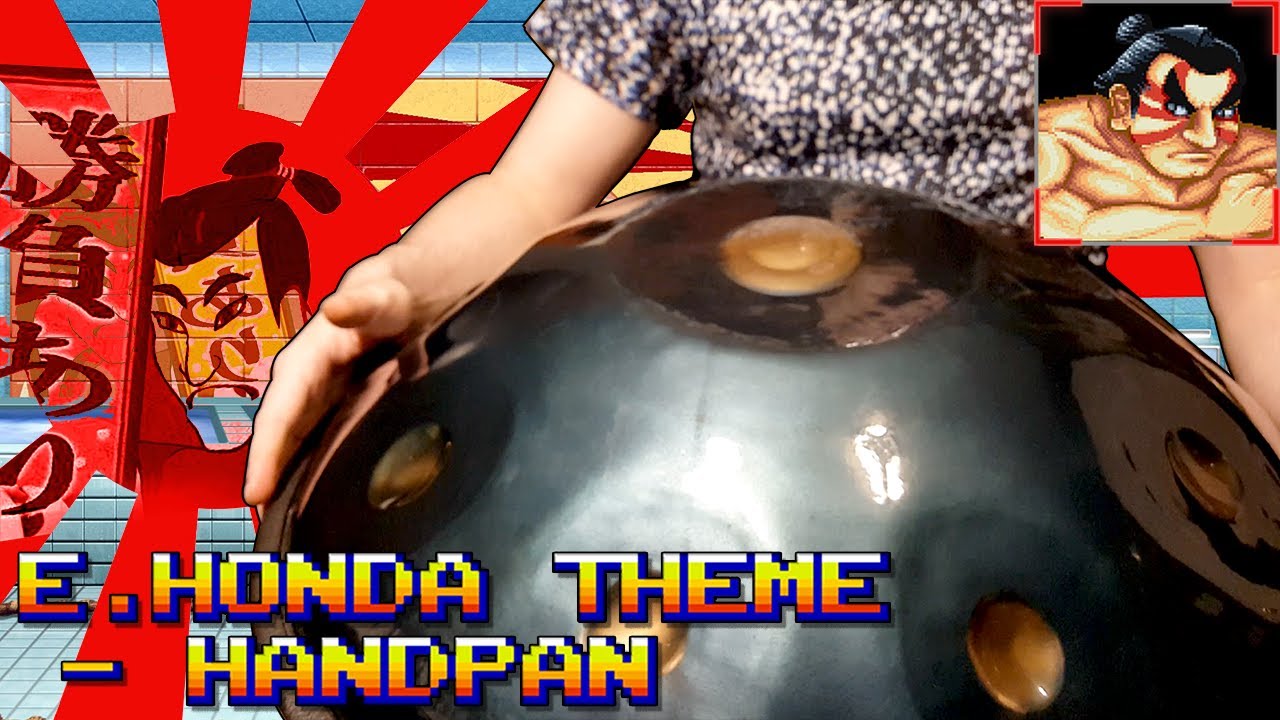
I thought this was called a hang drum
oh yes